Uploaded image is not displayed | Community
Skip to main content
itsme
Level 3
August 7, 2018
Solved

Uploaded image is not displayed

  • August 7, 2018
  • 2 replies
  • 4979 views

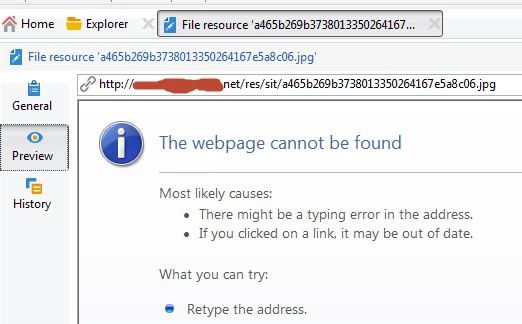
I am trying to use some images in the email. So I uploaded the image from local machine and when trying to use it it is not working. So I checked in the "Administration\Resources\Online\Public resources" folder and when I try to preview the image it is giving webpage cannot be found error. Same if I open it using Browser.

It is a on-prem installation and I went to the server and found that the file was uploaded properly inside the var\sit\upload share path. But when trying to use it, it is not working. Any help is appreciated.

I had run the web module with verbose loggin option, but no log as such.

If someone can share what logging could be enabled for javascript error alerts and other issues, it will be helpful.
This post is no longer active and is closed to new replies. Need help? Start a new post to ask your question.
Best answer by itsme

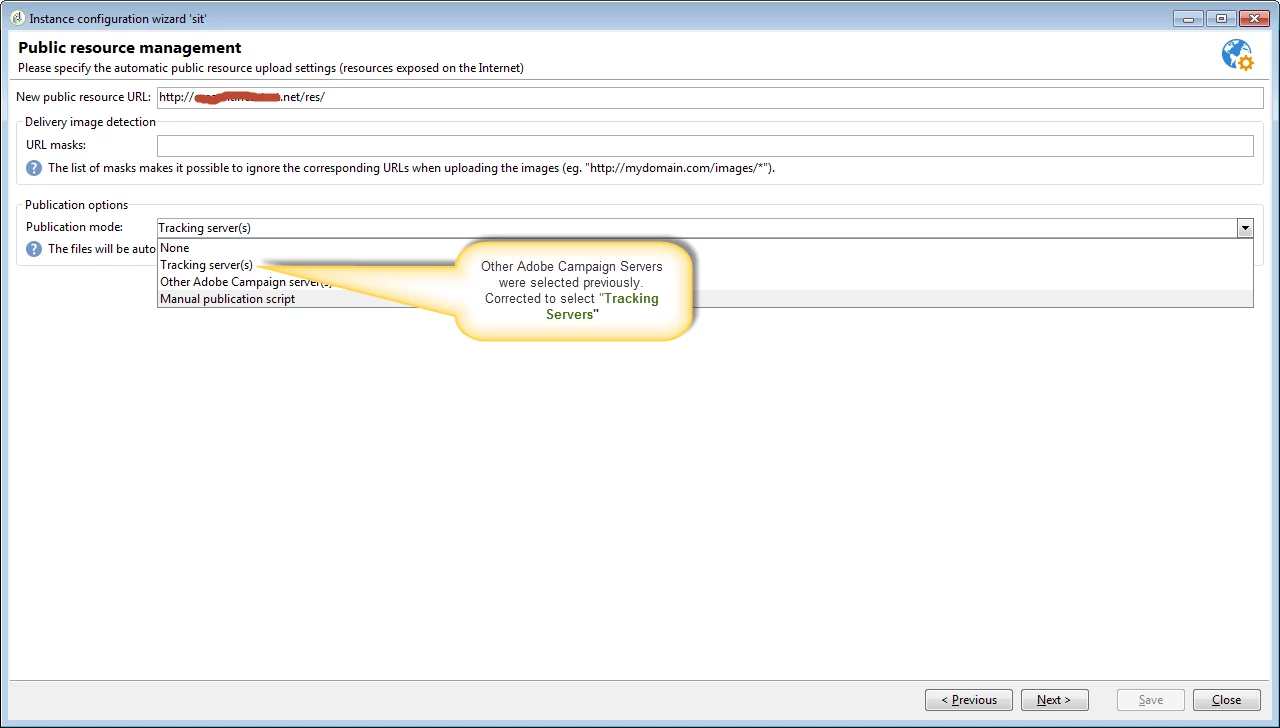
I think I got the reason. In the deployment wizard, for public resource management, I had other adobe servers selected. I changed it to tracking servers and it started working. If someone can provide more details why this change resolved it, will help a lot to understand it better.

2 replies

itsme
itsmeAuthor
Level 3
August 7, 2018

I was checking the IIS setting and found that there is one virtual directory "res". So I believe that is used for the displaying image. But when I opened the virtual directory physical folder at "C:\Program Files (x86)\Adobe\Adobe Campaign v7\var\res", I don't see any file and content. Not sure if that is expected or not. I could be that the URL pattern is mapped to a servlet which takes care of the part of showing the image. But still wanted to add if that is not what expected.

itsme
itsmeAuthorAccepted solution
Level 3
August 7, 2018

I think I got the reason. In the deployment wizard, for public resource management, I had other adobe servers selected. I changed it to tracking servers and it started working. If someone can provide more details why this change resolved it, will help a lot to understand it better.