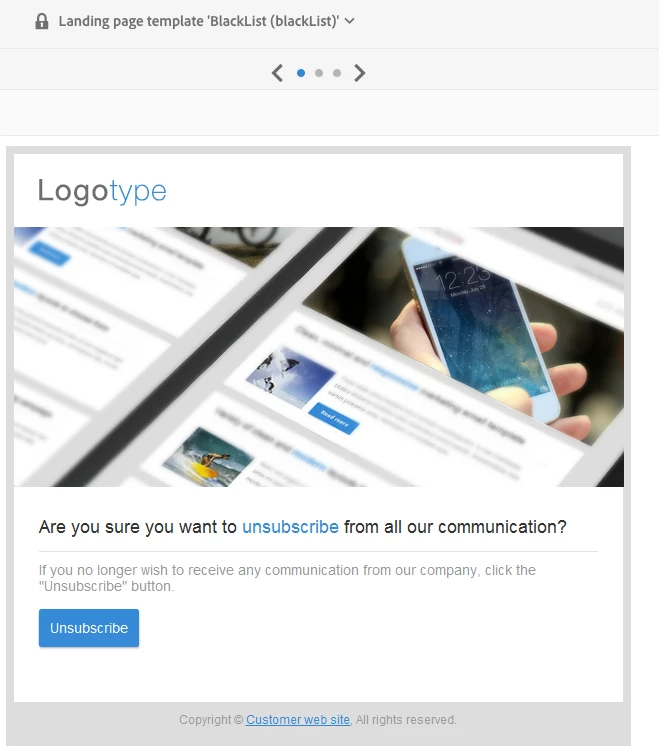
Only blacklist e-mail channel when using landing page template blacklist
Hello!
I am using Adobe Campaign Standard and I wonder how to handle blacklist on a landing page just for e-mail channel. I know that there is an out of the box landing page template that handles blacklist for and when the customers pushes the button on that landing page the profile is updated to be no longer contact (by any channel). That is good if you want the customer to have a global opt out but I would like it to just update the field No longer contact by email to true.
Could this be achieved in a smooth way by working with the BlackList landing page template or should I use something else? Please don't refer to subscription services or that I should use a check box that could mark if the customer could be contacted by e-mail or not. I would like to handle it by just clicking the unsubscribe button on the landing page.