How to rename file which is in vendor sftp by using any Adobe campaign activity? | Community
Skip to main content
naveens49375819
Level 3
February 5, 2018
Solved

How to rename file which is in vendor sftp by using any Adobe campaign activity?

  • February 5, 2018
  • 5 replies
  • 4811 views

Hi,

I am trying rename the file which has been placed in to vendor SFTP using file transfer activity. Could anyone help on this?

!

This post is no longer active and is closed to new replies. Need help? Start a new post to ask your question.
Best answer by Amit_Kumar

Hi Naveen,

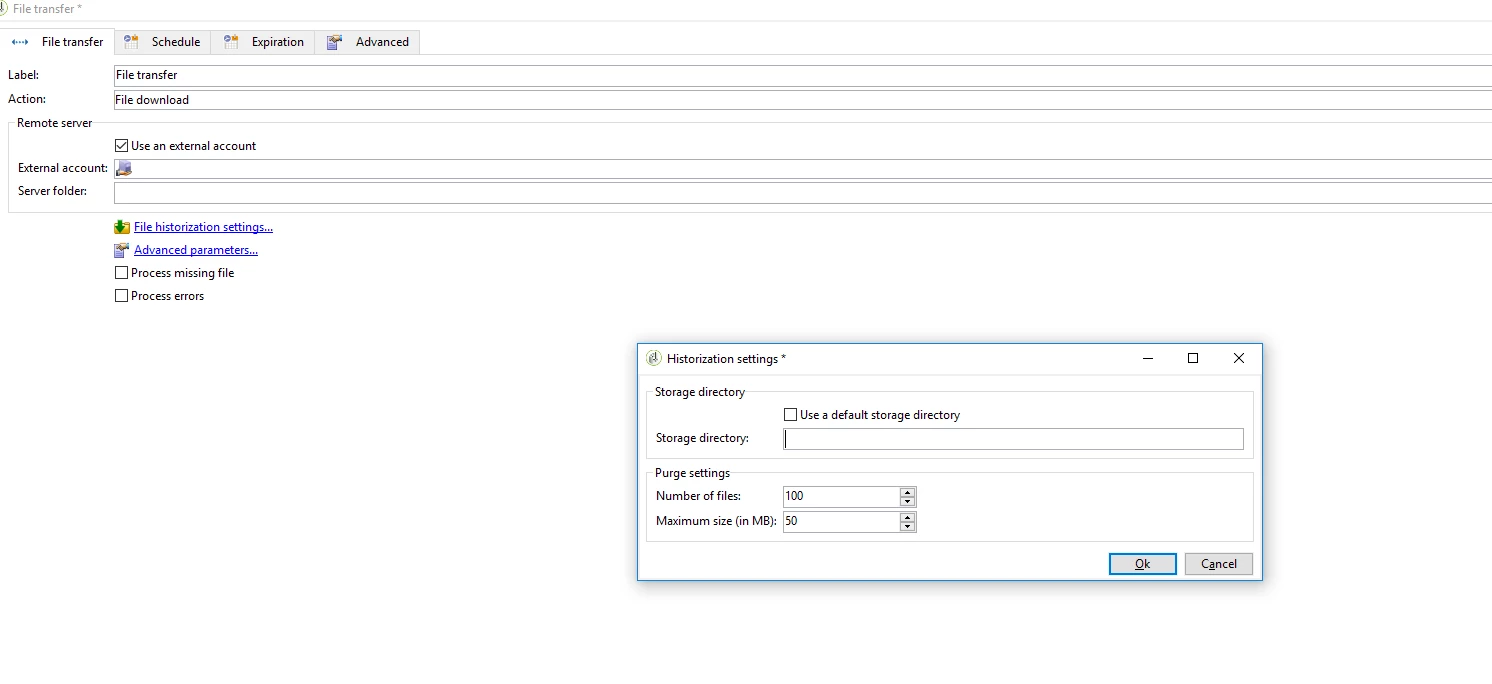
it doesn't matter, you can still use the same process with FTP activity. specify the current directory as storage directory.

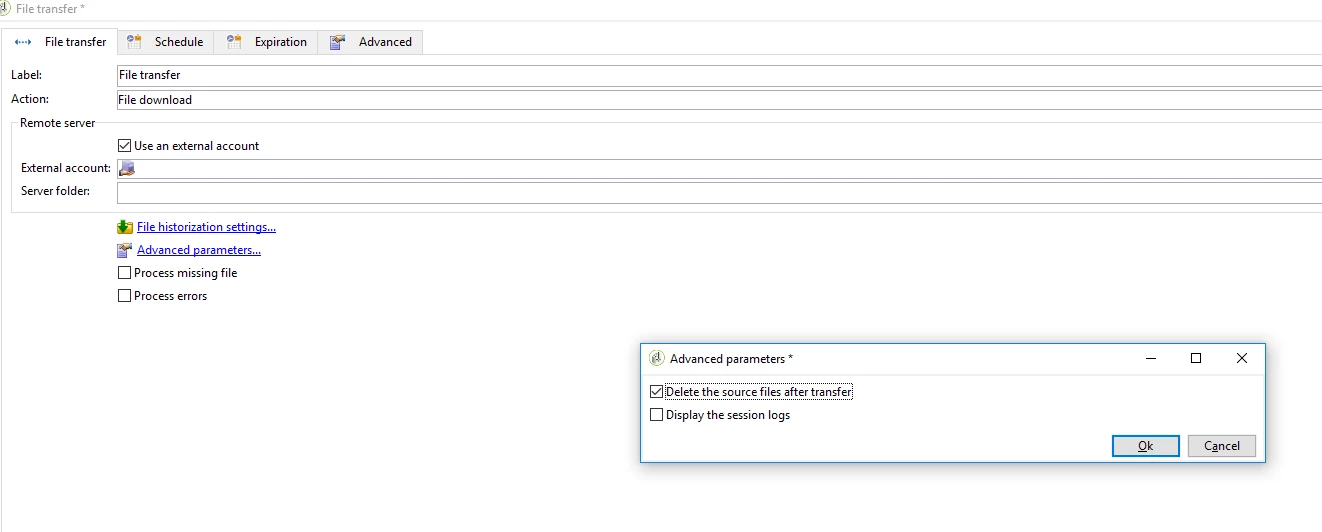
Now delete the source files after processing.

Regards,

Amit

5 replies

Amit_Kumar
Level 10
February 5, 2018

Hi,

You can load the file using the file collector or use FTP file download and export the file to the same location with the new name.

If you are using file collector:

file collector basically moves your file from current directory to storage directory.

if you are happy with this renaming you are all good or you have to use export file of ftp activity to load it back in the current directory.

the second option would be mount this FTP location as a network drive and use js to rewrite the file with new names.

Regards,

Amit

naveens49375819
Level 3
February 6, 2018

Hi Amit,

Thanks for information.

While picking file from adobe sftp I wont be knowing file name since its generated every weekly by some vendor and post processing the picked file I will placing in snaplogic SFTP so for this I am using FTP activty.

This is my process so can you suggest for this scenario?

Thanks

Naveen S

Amit_Kumar
Amit_KumarAccepted solution
Level 10
February 6, 2018

Hi Naveen,

it doesn't matter, you can still use the same process with FTP activity. specify the current directory as storage directory.

Now delete the source files after processing.

Regards,

Amit

naveens49375819
Level 3
February 7, 2018

Hi Amit,

I can change the file name now.

I picked file from one SFTP(file collector) , processed the file  and extracted(data extraction) into local SFTP by changing file name and later I dropped into vendor SFTP(FTP activity). This is working now.

I can use storage directory but do you know how to give user name, password and url in order to store into vendor SFTP which as authentication.

Thanks

Naveen

naveens49375819
Level 3
February 9, 2018

Hi Amit,

I am able to succesfully changing file names and can place vendor SFTP which has authentication.

Picking file from adobe SFTP through file collector next processing+changing file name(using script) next placing file again adobe SFTP(data extraction) post extraction I will be moving to vendor SFTP using FTP.

It works for me. Please let me know if we can do better in any ways.

Thanks

Naveen S