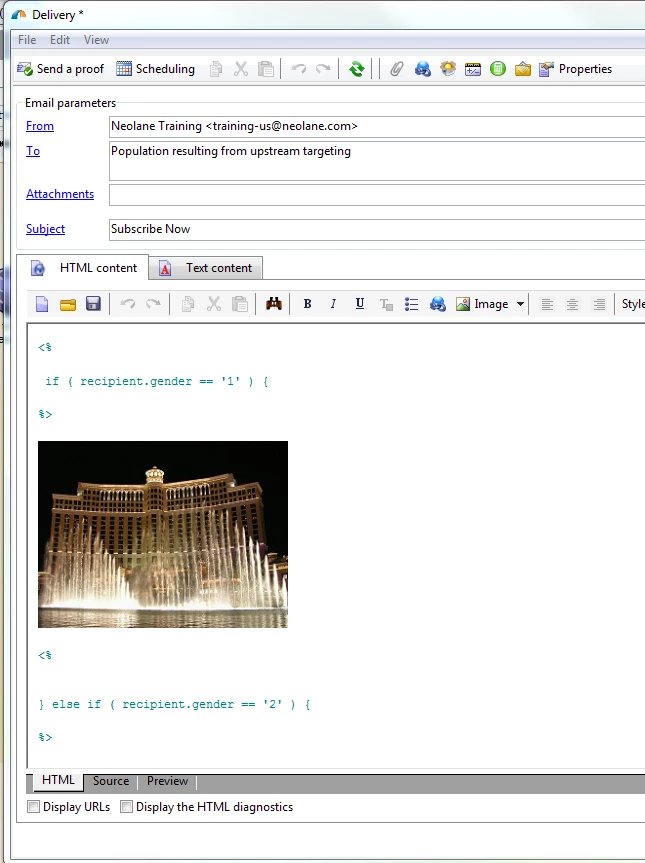
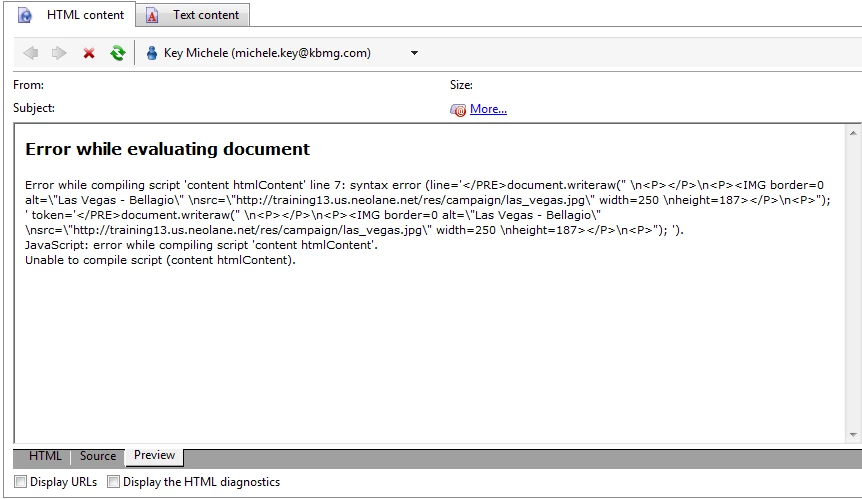
In fact, this is a known bug SD7451 that was fixed in build 8104.
The bug is that editing the HTML content introduces erroneous/extraneous <PRE></PRE> tags into the content. You can go to the Source tab (at the bottom of the delivery editor) and remove them, however if you have already confirmed the delivery, you cannot change its content. At that point the delivery will fail each retry until it reaches the end of the validity period. So don't confirm if your preview is failing, unless the tags got inserted after you previewed the content? At the office hours, I can show you how to view/correct the sources, as well as an alternate way of creating dynamic content with the digital content editor or DCE available in 6.1.
Two bonus questions:
Who can tell me the Build number of our training environment? (Both the server and the client.)
Where is the validity period configured on the delivery?