Solved
Email testing: How to add targeted profiles from an existing workflow using profile substitutions (ACS 20.2)
Hi,
Since the release of Adobe Campaign Standard version 20.2, it is possible to do e-mail testing using targeted profiles. I need help to select the profile to use for testing.
I've followed the steps in the tutorial:
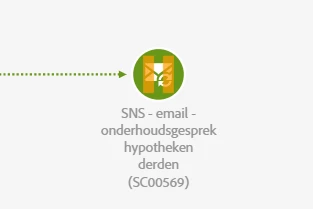
The profiles are targeted in a workflow:
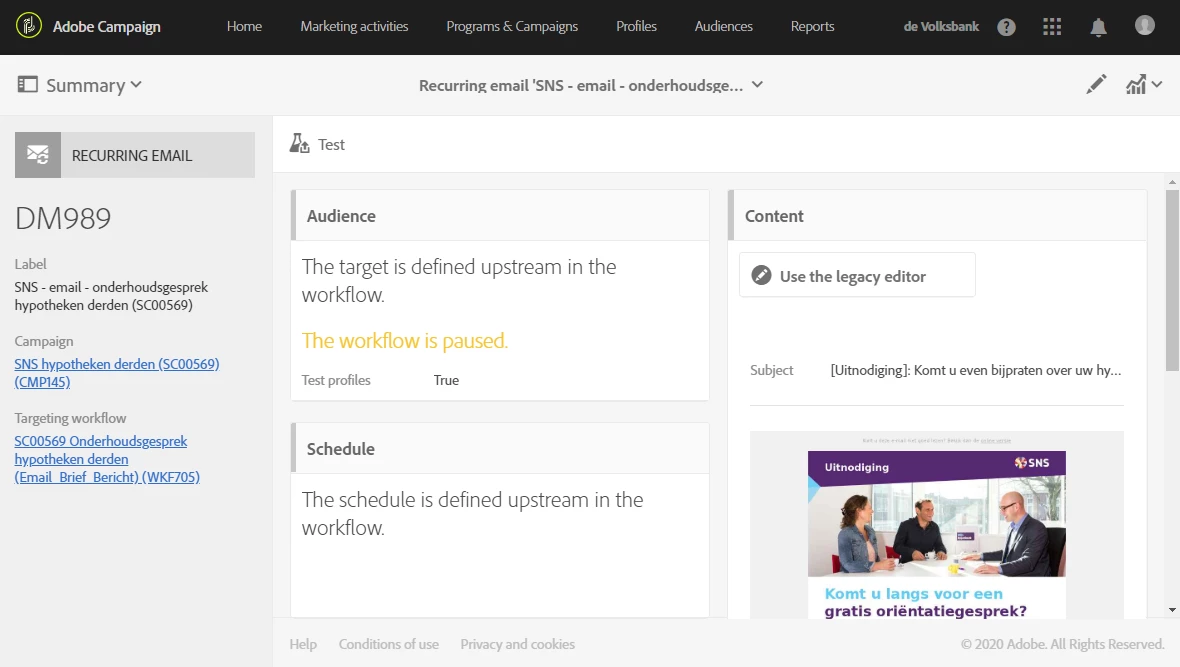
The email delivery in the workflow is 'paused', to prevent it from sending e-mails without testing.
But I don't see the option to create a substition.
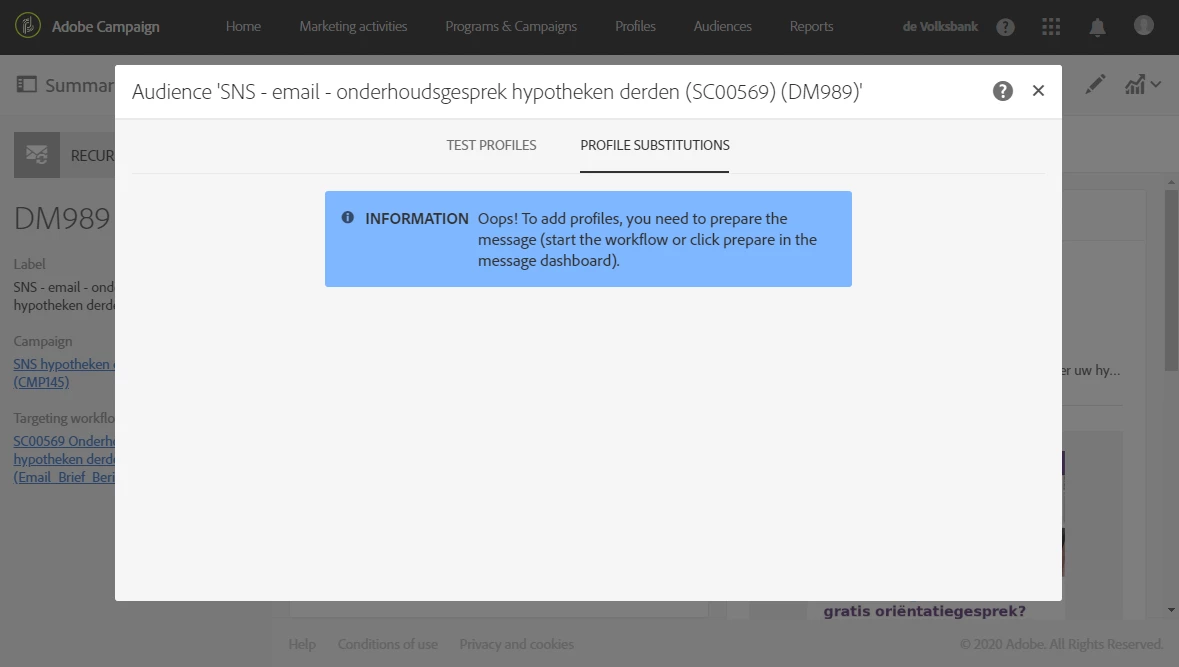
What do I've to do to solve this problem and test my e-mails properly, using additional data added in the workflow?
Kind regards,
Björn