Hi Pavlina,
There are two ways to accomplish this.
On the campaign dashboard there is a section on Reports which will help you get a polished view of all sends under this campaign.
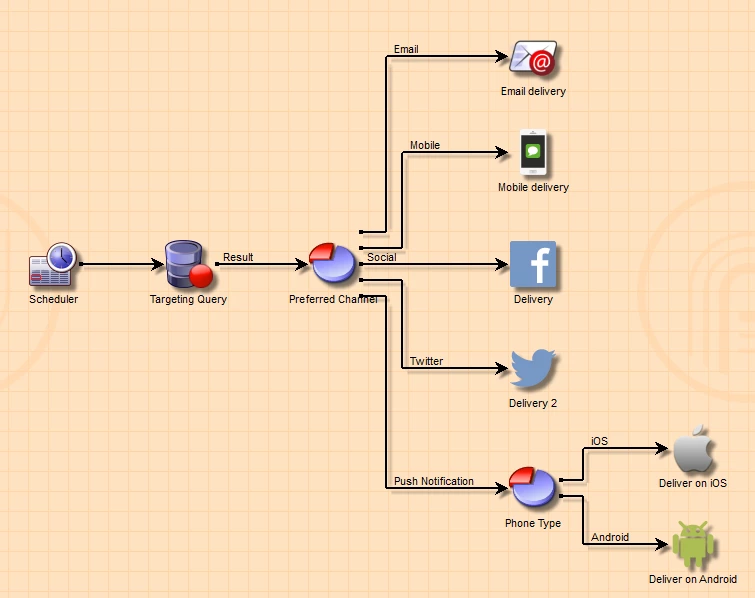
However, a campaign can have multiple workflows with a set of deliveries of its own.
This approach will show you the cumulative stats for entire campaign. In case you campaign is composed of just the workflow shown in picture you can very well make use of the factory reports shown.
A more technical approach will be to
- Go to Administration > Configuration > Data schemas.
- Search for schema broadLogRcp or trackingLogRcp as per your choice.
- Switch to data tab of schema.
- It will allow you to apply a filter.
- Apply a filter by filtering all logs associated with a campaign.
This way you can get all logs in one place.
Another approach here can be if you create a workflow of your own and use query activity with targeting and filtering dimension as delivery logs or tracking logs.
Hope this helps.
Regards,
Vipul Raghav