Adobe Marketing Cloud login in Adobe Campaign | Community
Skip to main content
smba101
Level 2
February 18, 2018
Solved

Adobe Marketing Cloud login in Adobe Campaign

  • February 18, 2018
  • 1 reply
  • 2051 views

My understanding is that our Campaign v7 instance has been provisioned for IMS ID as I had raised a client care ticket for the same. But when I am trying to login using my Marketing Cloud ID it says that I am not authorized in the Campaign logs. The exact error is:

XSV-350039 'smriti.b@xxx.com' operator has no rights. Unable to connect. (iRc=-69)

Can some one suggest what could be missing here? Thanks.

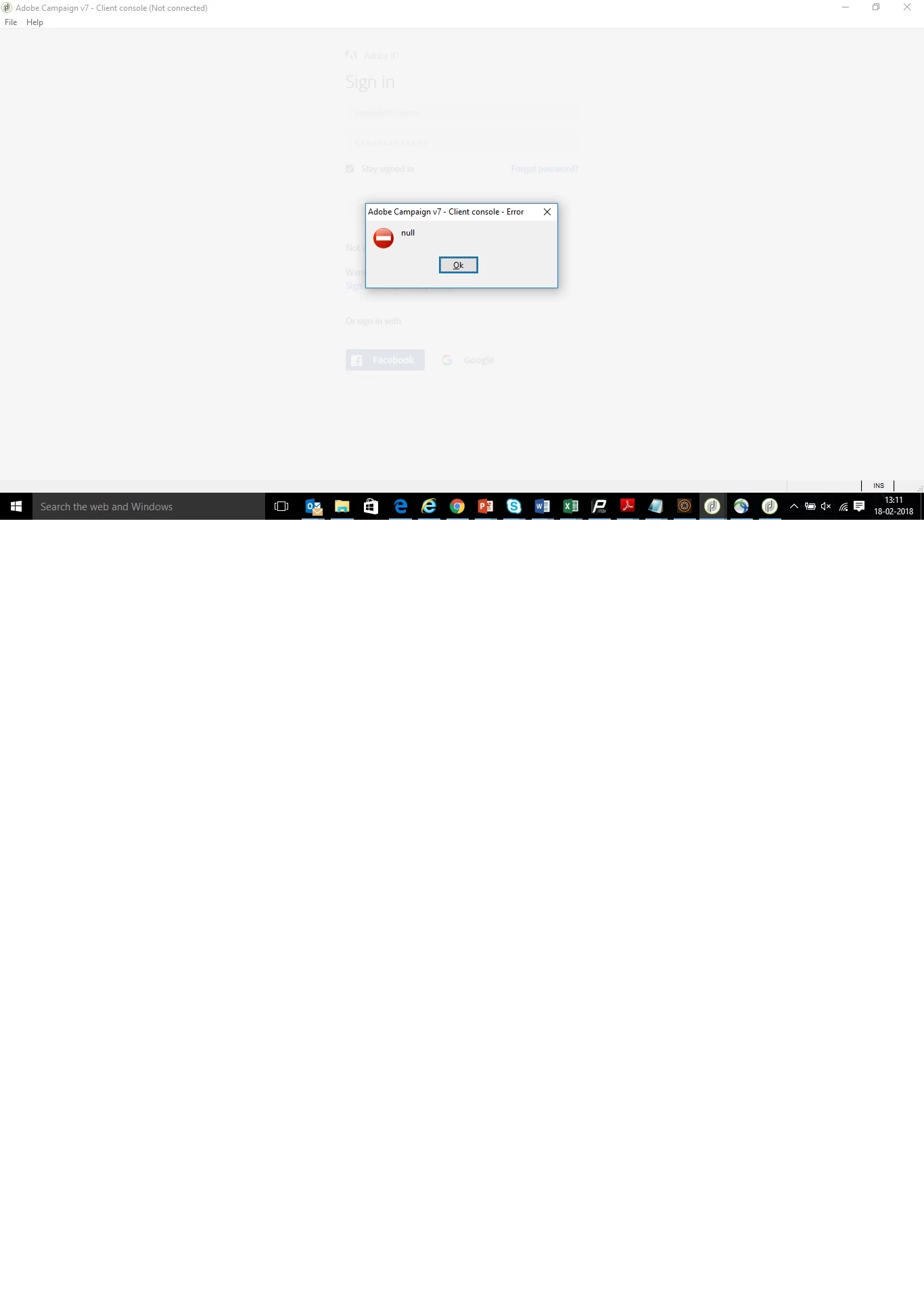
Additionally, when I log in using my Marketing Cloud ID, I get a dialog with null string. Screenshot below:
This post is no longer active and is closed to new replies. Need help? Start a new post to ask your question.
Best answer by Filip_TechMarke

Hi smba101,

You may have seen this documentation before, but in case you haven't, this describes the process of configuring IMS.

Maybe there is something there which could be the missing link.

Configuration IMS

Thanks,

Filip_TechMarketer

1 reply

Filip_TechMarke
Filip_TechMarkeAccepted solution
Level 2
February 23, 2018

Hi smba101,

You may have seen this documentation before, but in case you haven't, this describes the process of configuring IMS.

Maybe there is something there which could be the missing link.

Configuration IMS

Thanks,

Filip_TechMarketer