ACS - Export Mirror Page URL | Community
Skip to main content
Level 2
December 11, 2020
Solved

ACS - Export Mirror Page URL

  • December 11, 2020
  • 1 reply
  • 3050 views

Hi Experts,


One of my clients wants to export the delivery logs data along with the mirror page link to see what was sent to each profile.

Is there any way we can export the mirror page URL from the adobe campaign standard?


I see in content block, mirror page URL is created by appending context.Pkey, what exactly it is and how can I form it to create dynamic links in the workflow.


Thanks in advance!

Regards,

Sumit C
This post is no longer active and is closed to new replies. Need help? Start a new post to ask your question.
Best answer by shelly-goel

Hi@sumitc44955168 

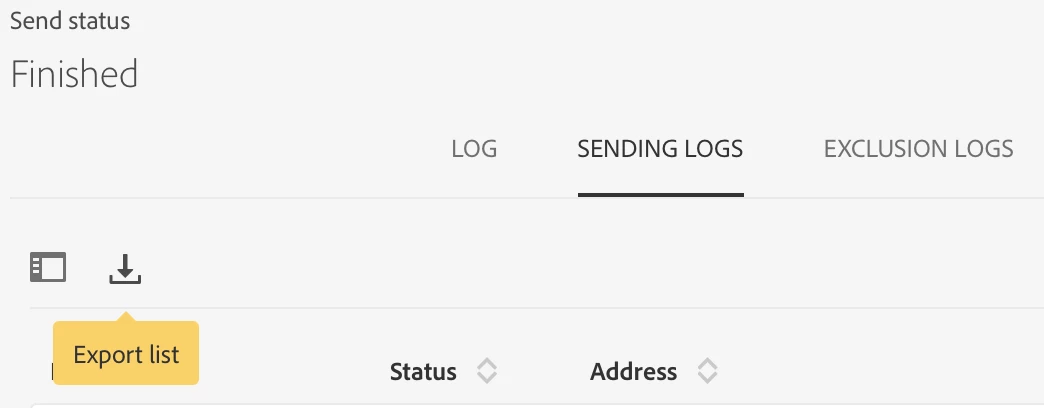
To export the delivery logs, you can go to the specific delivery dashboard and then delivery logs (3 dots on bottom right corner). Under the Sending Logs, click on the download icon to export these logs into a comma separated txt file

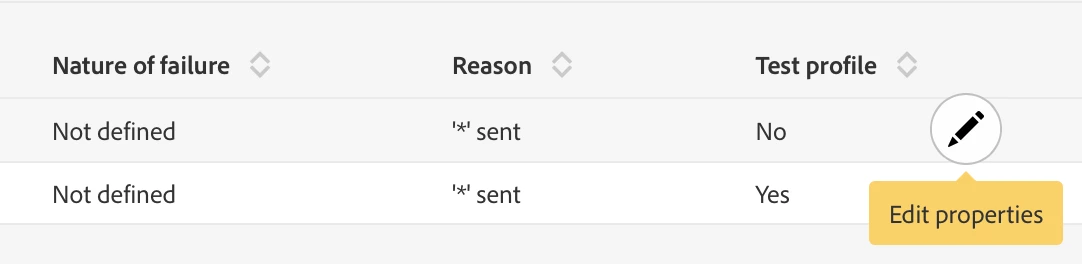
This will not have the content message content/ mirror page url in it which you can get by clicking on the "Edit Properties" of the specific message in the Sending Logs.

Mirror page URL is generated for each email sent out. It cannot be retrieved before it is sent out and cannot be accessed in a workflow.

Refer this for more details: https://experienceleaguecommunities.adobe.com/t5/adobe-campaign-standard/mirror-page-url-of-another-delivery/qaq-p/366578


And there's no API yet to retrieve mirror page url of all the sent emails.

https://experienceleaguecommunities.adobe.com/t5/adobe-campaign-standard/mirror-page-url-adobe-campaign-standard/qaq-p/294120

Hope this helps.

1 reply

shelly-goel
Adobe Employee
shelly-goelAdobe EmployeeAccepted solution
Adobe Employee
December 11, 2020

Hi@sumitc44955168 

To export the delivery logs, you can go to the specific delivery dashboard and then delivery logs (3 dots on bottom right corner). Under the Sending Logs, click on the download icon to export these logs into a comma separated txt file

This will not have the content message content/ mirror page url in it which you can get by clicking on the "Edit Properties" of the specific message in the Sending Logs.

Mirror page URL is generated for each email sent out. It cannot be retrieved before it is sent out and cannot be accessed in a workflow.

Refer this for more details: https://experienceleaguecommunities.adobe.com/t5/adobe-campaign-standard/mirror-page-url-of-another-delivery/qaq-p/366578


And there's no API yet to retrieve mirror page url of all the sent emails.

https://experienceleaguecommunities.adobe.com/t5/adobe-campaign-standard/mirror-page-url-adobe-campaign-standard/qaq-p/294120

Hope this helps.

Level 2
December 14, 2020

Thanks, @716105 for your response!!

I obviously do not want to export the mirror page URL before the delivery being sent.


The requirement is - We are exporting the delivery logs and the client wants to see what was sent to each customer along with the send status.


Regards,

Sumit Chatley