Hi @shrutii ,
By default, when you assign a supervisor in WKF Property, if the workflow gets failed, Notification will be sent to the assigned operator group using 'notifySupervisor' delivery template. And its delivery will be created under /Administration/Production/Objects created automatically/Technical deliveries/Workflow notifications/ . Navigate to this folder and search for 'Notification of the workflow supervisor' delivery and open it.
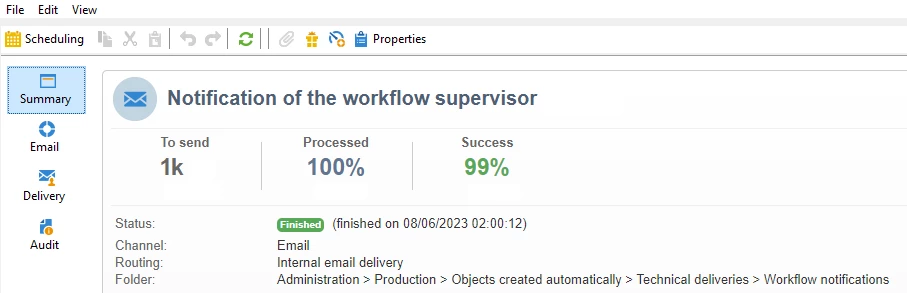
Go to 'Audit' tab > here you can able to see the reason for delivery failure.
Or in 'Delivery' tab, you can find the reason why a particular operator haven't received the alert email.