Level 6
Jan 28, 2025 7:53 PM UTC
Solved

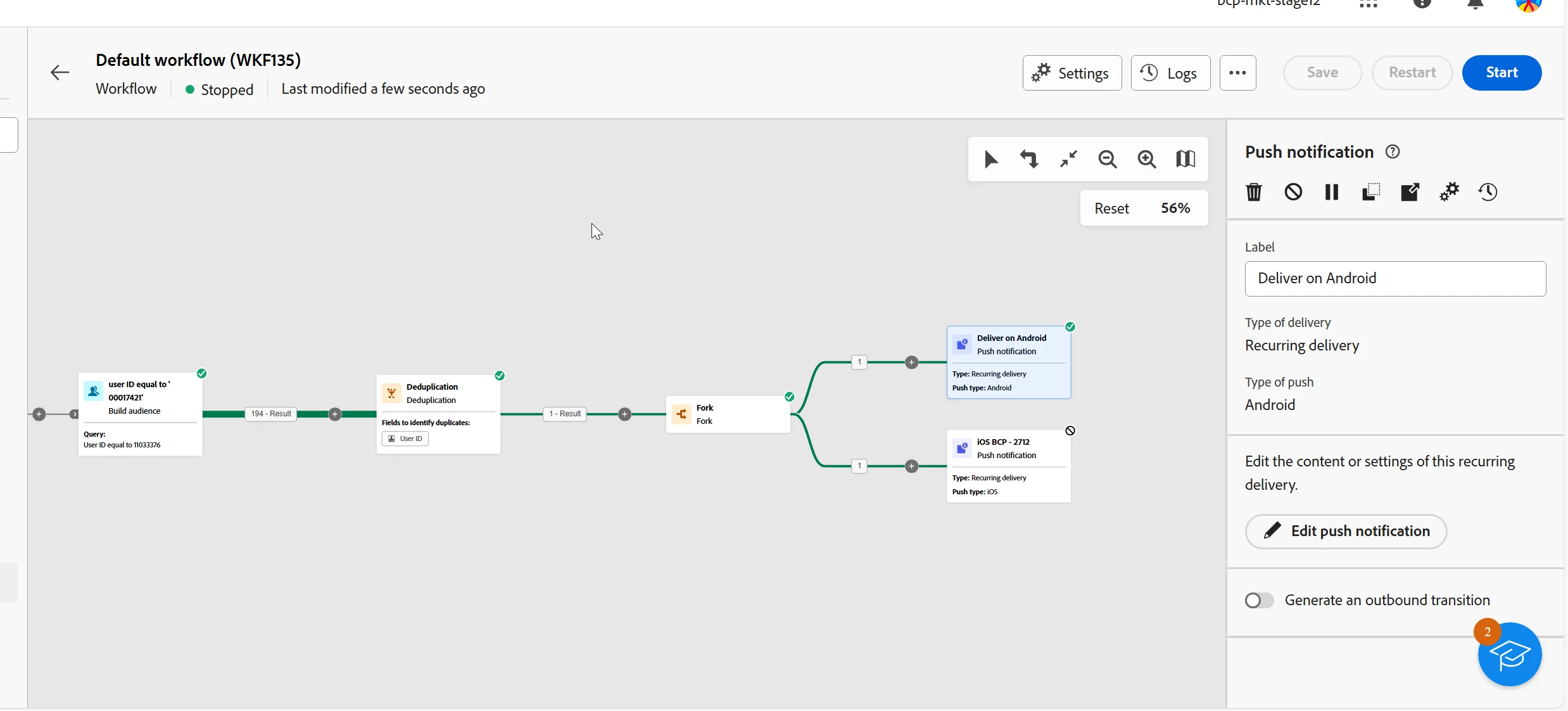
Where do you see the deliveries generated by a recurring delivery activity in v8?

I've run my workflow. It looks like it has finished, but I don't see the delivery it generated.

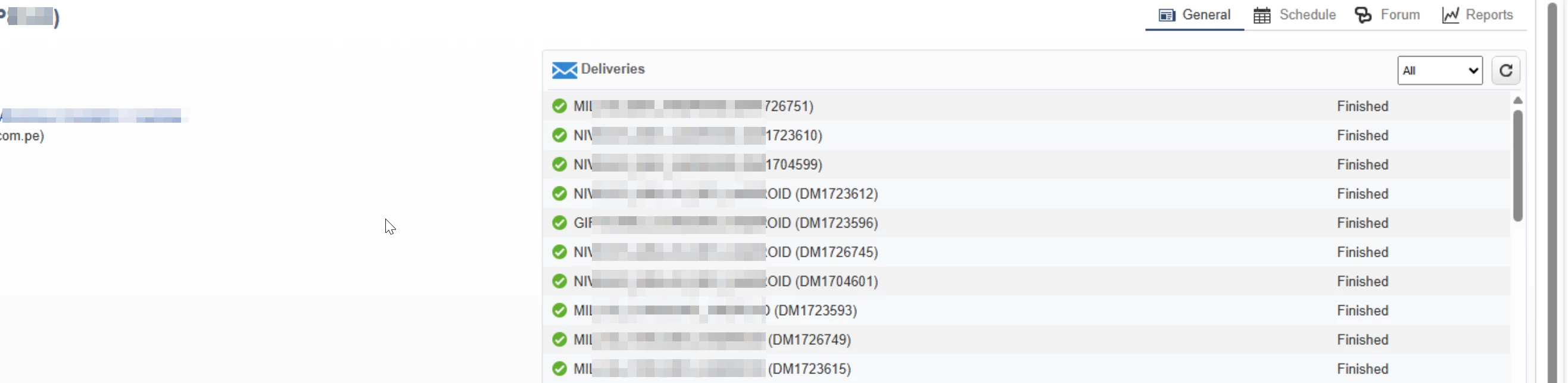
In v7 there you could see those in the deliveries section , on the right in the campaign general info.
 

In v7, you could see that here:


ParthaSarathy
ParthaSarathyAccepted solution
Community Advisor
Jan 29, 2025 4:50 AM UTC

Hi @god_prophet ,

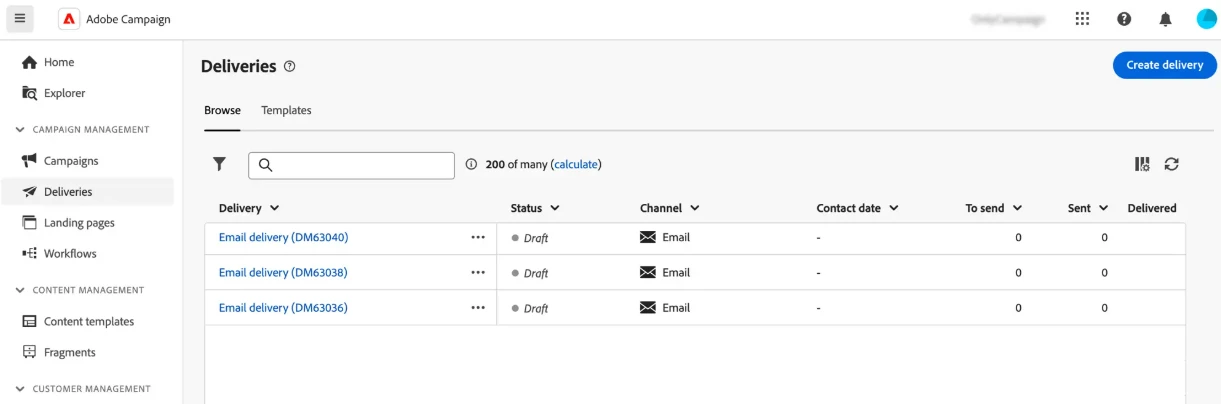
Deliveries are accessible from the Deliveries menu on the left navigation. All deliveries created either from the client console or the Web User Interface display in this list. From this screen, you can monitor all existing deliveries, duplicate or delete them, or create new ones.


Reference document

(Only in Client console application, you can able to view the deliveries in campaign dashboard)

~  ParthaSarathy S

3 replies

ParthaSarathy
Community Advisor
ParthaSarathyCommunity AdvisorAccepted solution
Community Advisor
Jan 29, 2025 4:50 AM UTC

Hi @god_prophet ,

Deliveries are accessible from the Deliveries menu on the left navigation. All deliveries created either from the client console or the Web User Interface display in this list. From this screen, you can monitor all existing deliveries, duplicate or delete them, or create new ones.


Reference document

(Only in Client console application, you can able to view the deliveries in campaign dashboard)

Translate
~  ParthaSarathy S
Level 6
Jan 29, 2025 2:01 PM UTC

Hi @parthasarathy ,

So you cannot see which exact Workflow generated the delivery, but only the Campaign?


Translate
ParthaSarathy
Community Advisor
Community Advisor
Jan 29, 2025 2:29 PM UTC

@god_prophet , in top right you can find configure column and here you can search for workflow name and campaign.

Translate
~  ParthaSarathy S