Hi @hariharanb ,
In the import workflow example provided by @aggabhi , ( https://experienceleague.adobe.com/docs/campaign-classic/using/automating-with-workflows/use-cases/data-management/recurring-import-workflow.html?lang=en )
Lets consider in data loading activity, you import a CSV file with 10 recipient data, where 7 records already exist in database and 3 are new records.
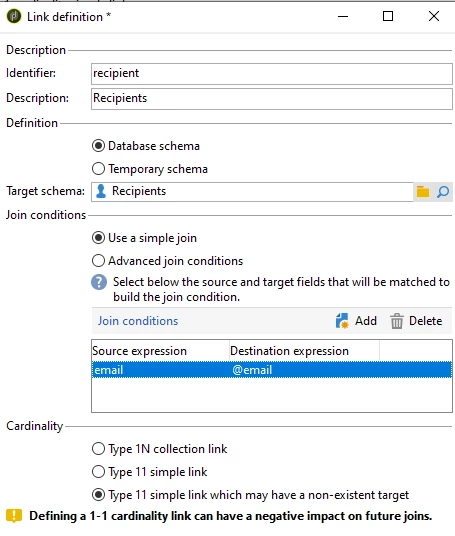
And in enrichment, linking the input data with recipient schema using a simple join and selecting 'Type 11 simple link which may have a non-existent target' and run the workflow.
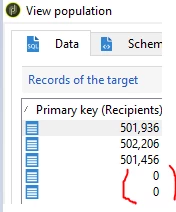
You can see in the output transition, Primary key for those 7 recipients who already exists in database will have primary key value, whereas for other 3 new records primary key of recipients will be 0. These records are called 0 ID records as per the above documentation.
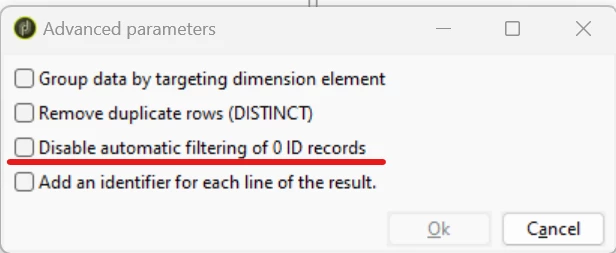
In few cases these records might automatically filtered. If you notice such scenario, to avoid that you can enable the checkbox 'disable automatic filtering of 0 ID records'
~ ParthaSarathy S~ Click here to join ADOBE CAMPAIGN USER GROUP for Quarterly In-person | Hybrid | Virtual Meetups