Understanding split activity | Community
Skip to main content
Level 3
December 28, 2024
Solved

Understanding split activity
  • December 28, 2024
  • 1 reply
  • 1266 views

Hi @parthasarathy 

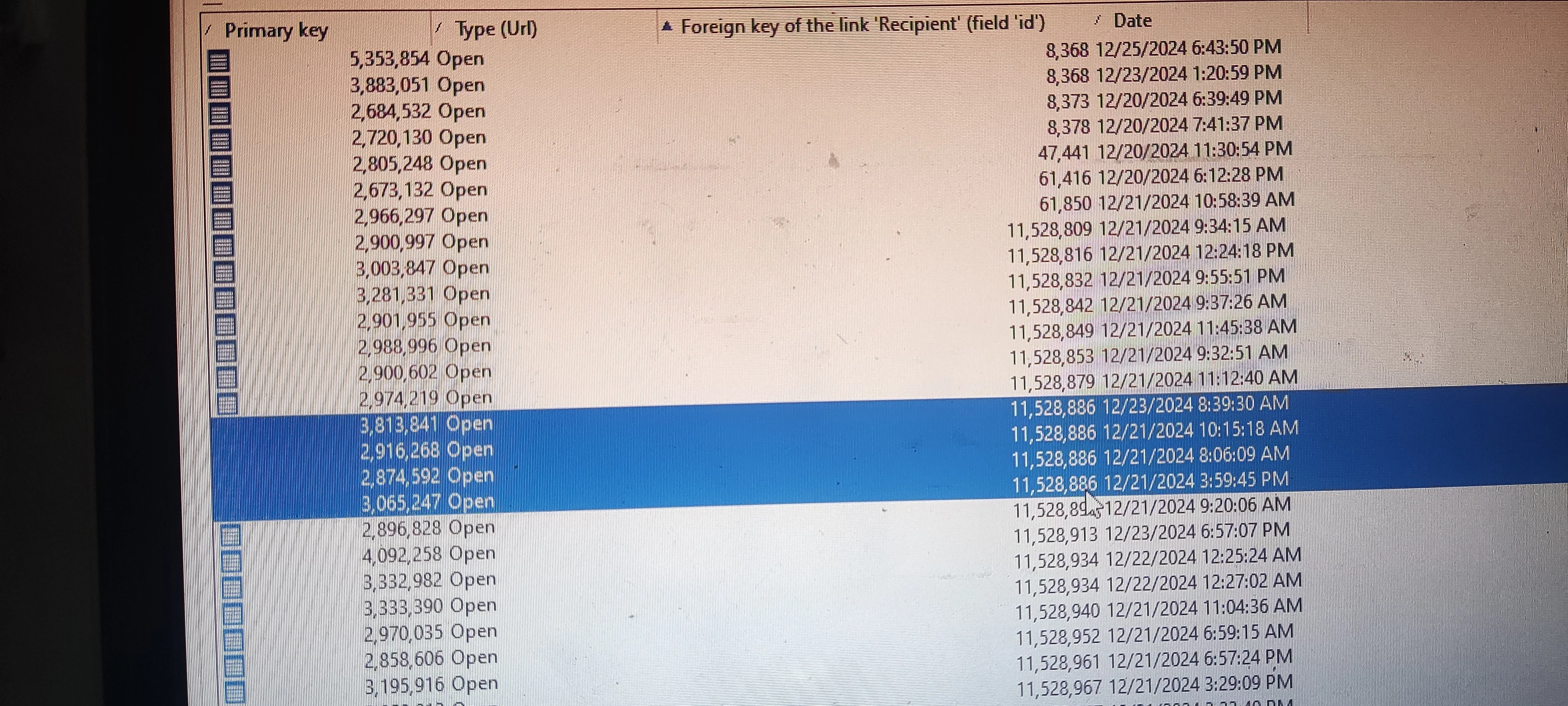
I have a scenario where a recipient has opened a single delivery multiple times, and I need to fetch only the top records for each recipient. For example:

Recipient | Date

1 | 12/28

2 | 12/27

3 | 12/26

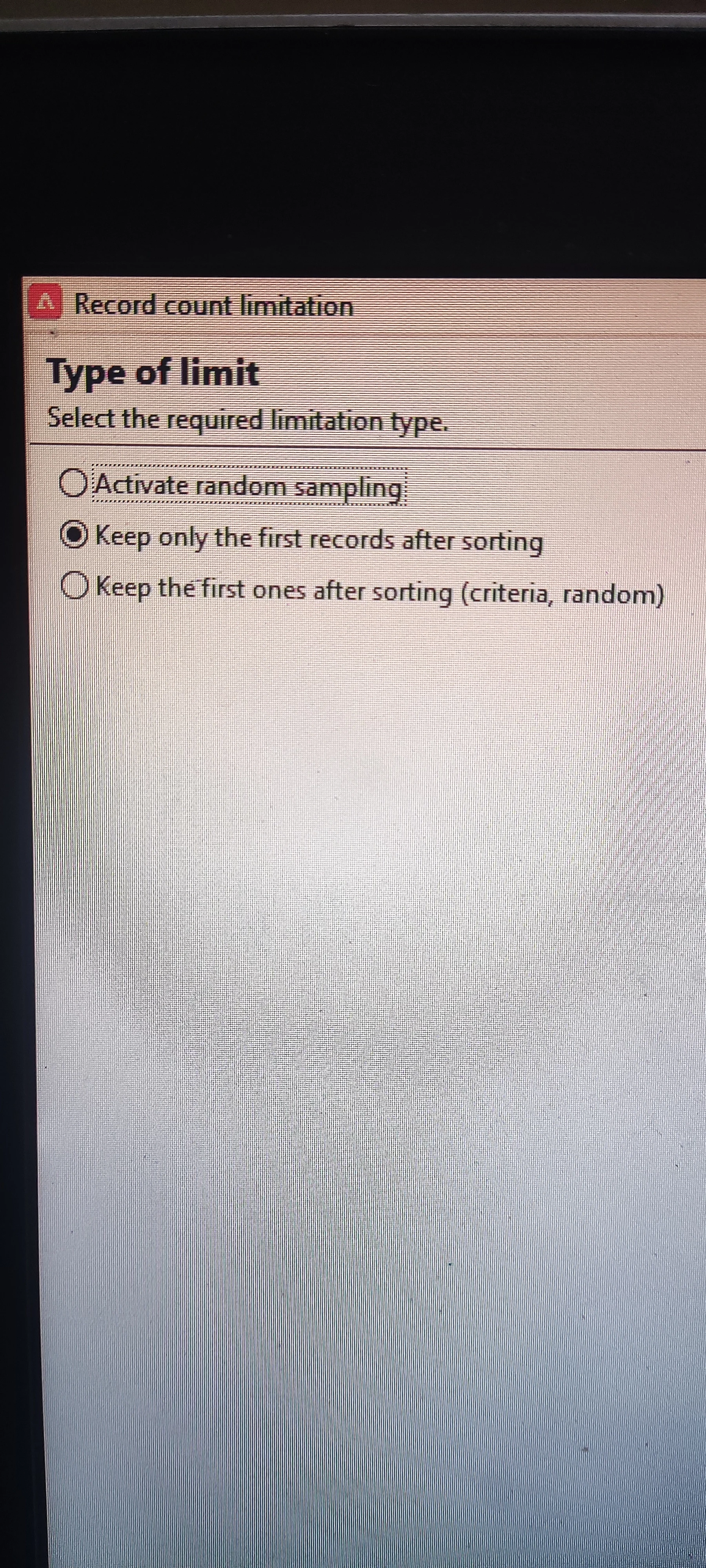
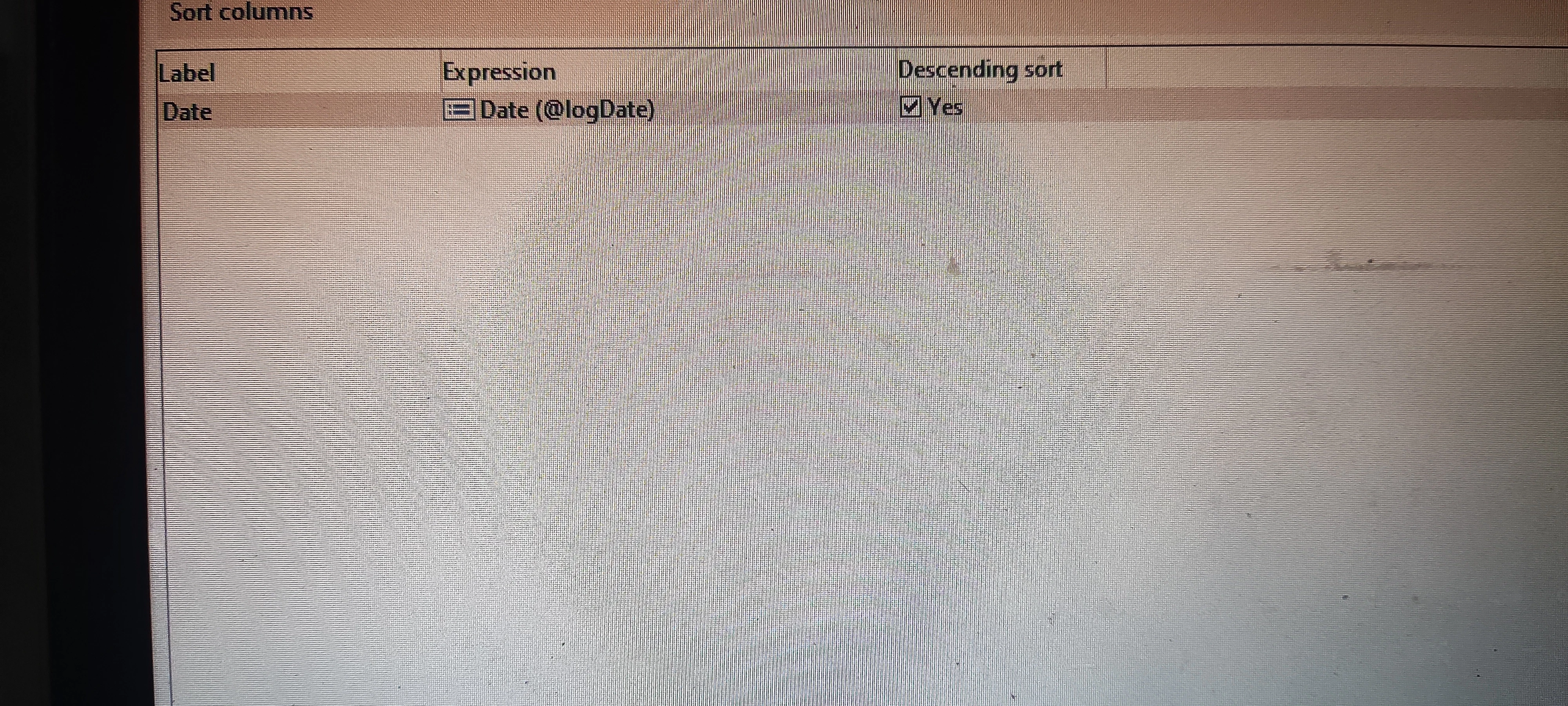
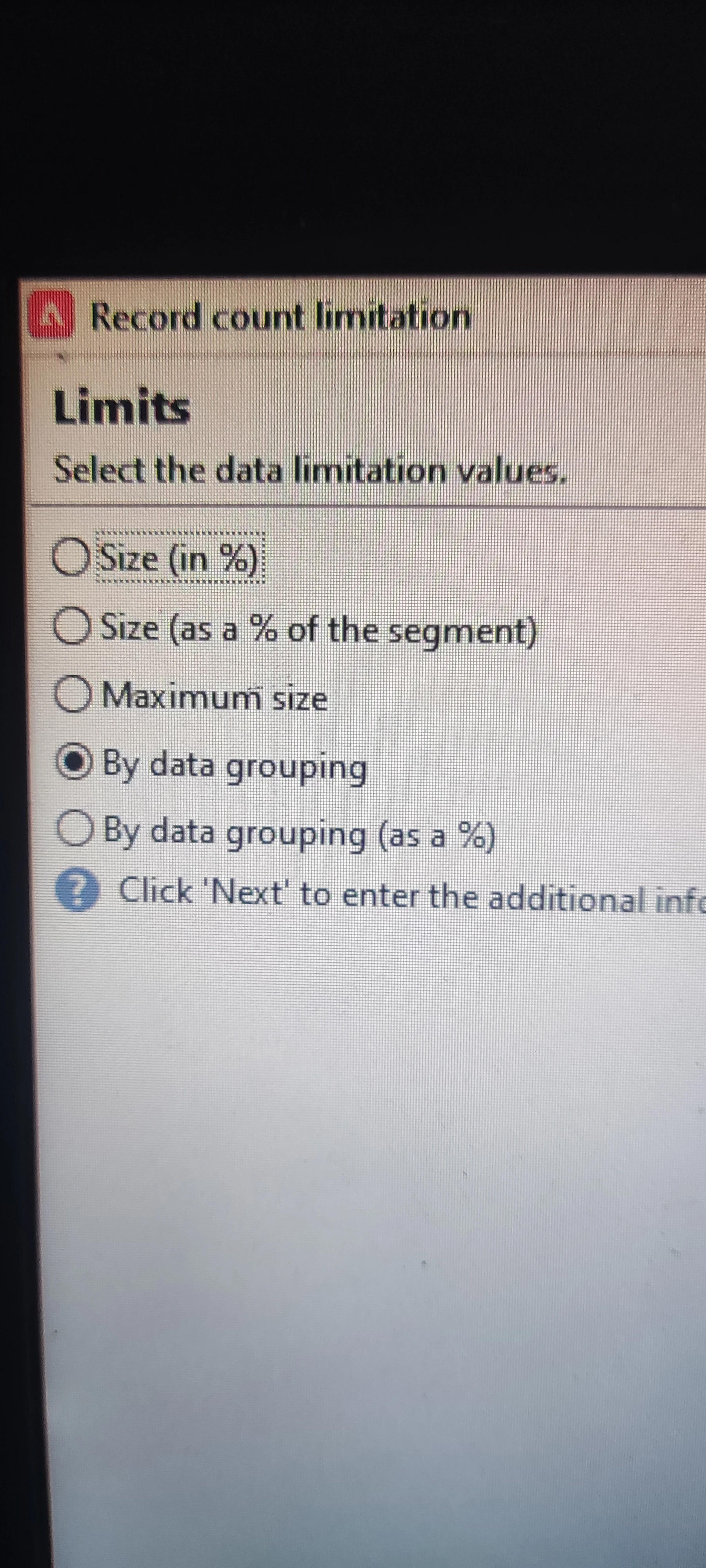
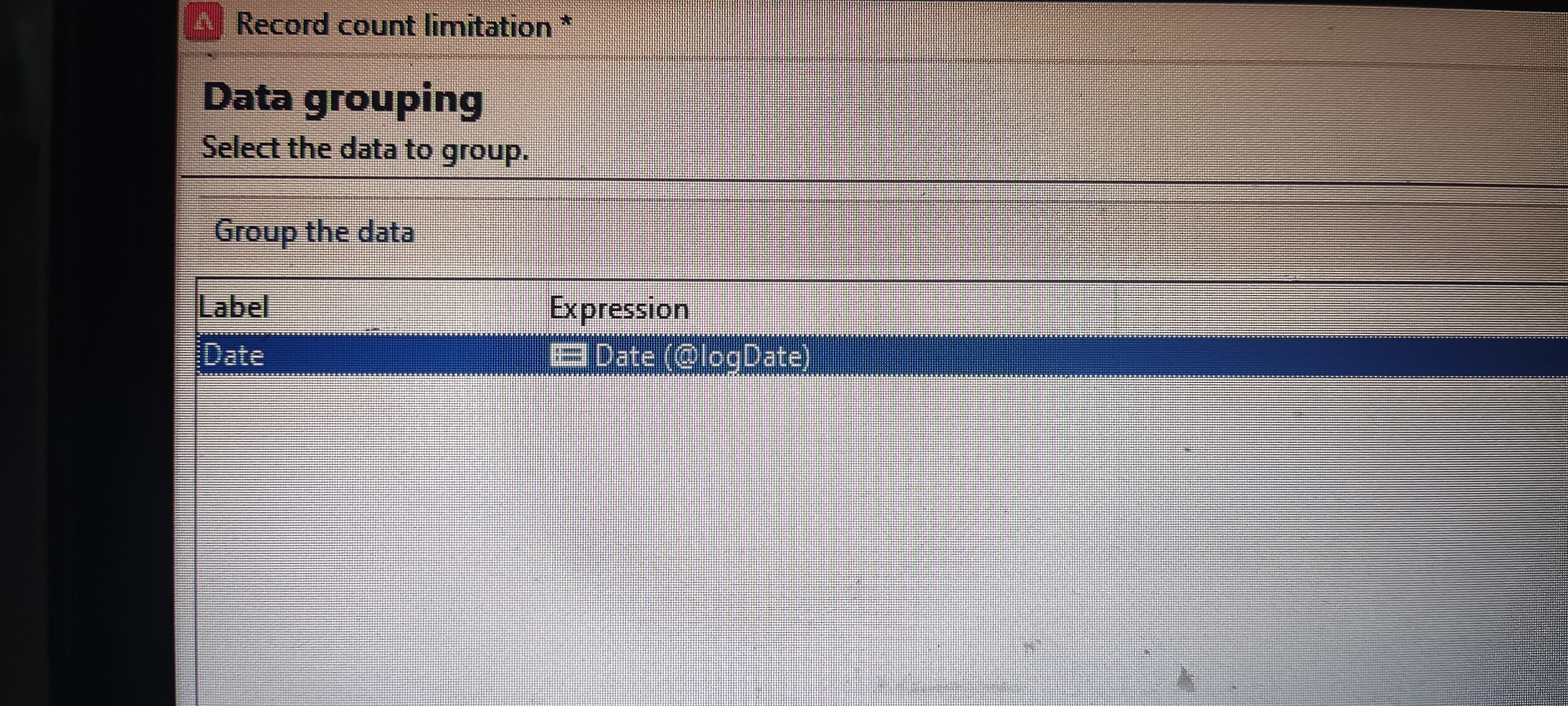
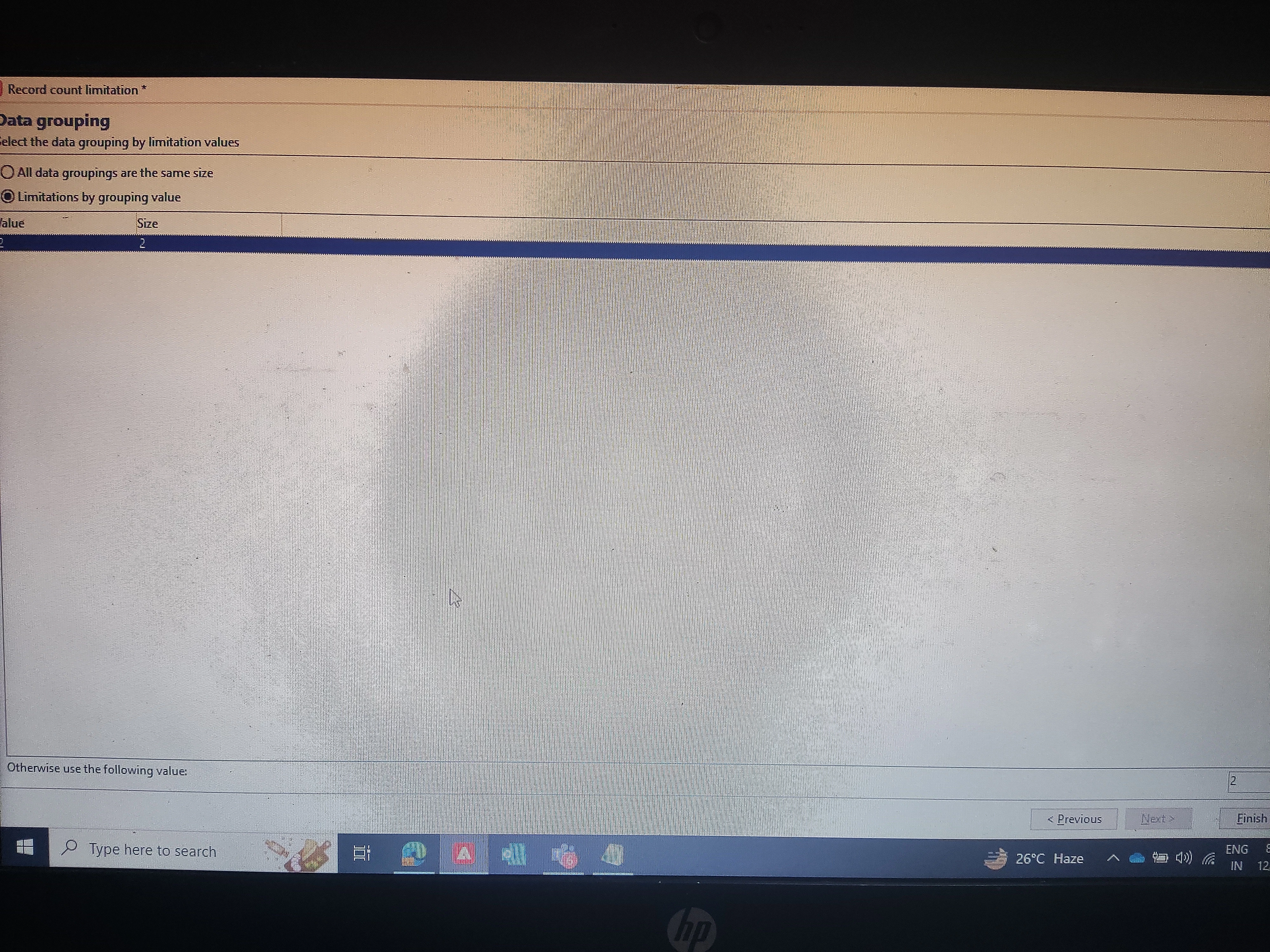
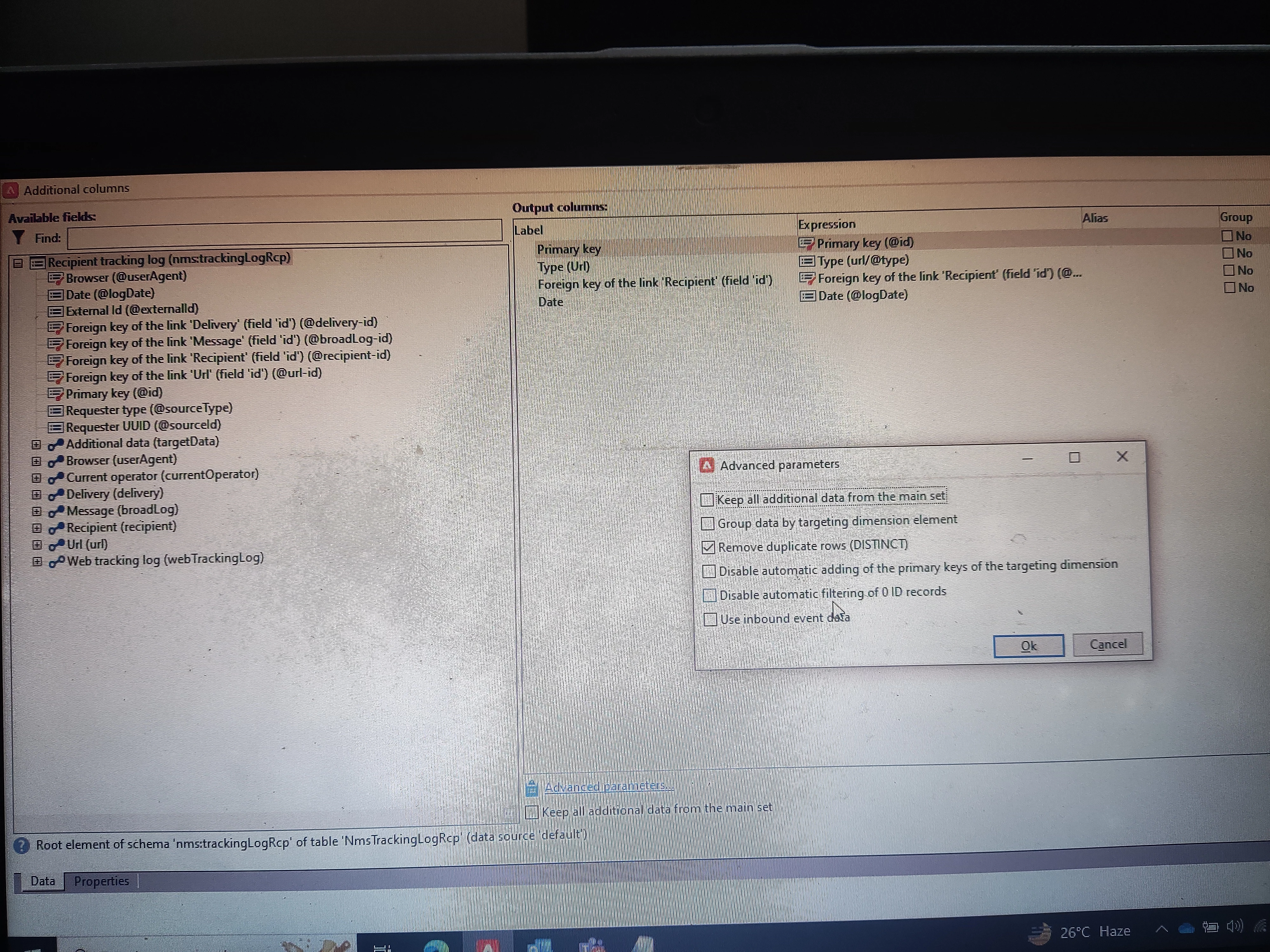
I need to retrieve only the first two records for each recipient. I am trying to use the Split activity in Adobe Campaign Classic, but I am unable to achieve the desired results. Could you please help me

with this using split activity only, as I am trying to understand how split activity work?

Best answer by ParthaSarathy

Hi @kd1-1 ,

For your use case, Deduplication activity is the right one to use.

Deduplication activity > select temporary schema > in 'identification of duplicate's window select recipient's primary key > next > in 'Deduplication method's window, select method as 'using an expression' and 'expression: ' select @logDate and select 'keep the records with largest value' radio button.

Now the result of Deduplication will be unique recipients with latest log date record.

1 reply

ParthaSarathy
Community Advisor
ParthaSarathyCommunity AdvisorAccepted solution
Community Advisor
December 28, 2024

Hi @kd1-1 ,

For your use case, Deduplication activity is the right one to use.

Deduplication activity > select temporary schema > in 'identification of duplicate's window select recipient's primary key > next > in 'Deduplication method's window, select method as 'using an expression' and 'expression: ' select @logDate and select 'keep the records with largest value' radio button.

Now the result of Deduplication will be unique recipients with latest log date record.

~  ParthaSarathy S~  Click here to join ADOBE CAMPAIGN USER GROUP for Quarterly In-person | Hybrid | Virtual Meetups
KD1-1Author
Level 3
December 28, 2024

Hi @parthasarathy 

Thank you for quick reply.

Actually I want to explore the split activity, can it be possible using the method I am trying to do?

It will be really helpful for me to understand the split activity more.

ParthaSarathy
Community Advisor
Community Advisor
December 28, 2024

@kd1-1 , for your scenario use Deduplication activity.

To explore split activity and it's functionality, refer this document to know more about split activity with example scenario.

~  ParthaSarathy S~  Click here to join ADOBE CAMPAIGN USER GROUP for Quarterly In-person | Hybrid | Virtual Meetups