Personalizing Delivery Labels in Adobe Campaign Classic
Hi everyone,
I’m working on a use case where I need to personalize the Delivery Label for a recurring email delivery. I’ve already enabled the option "Compute the label during delivery analysis" under Recurring Delivery Properties > Analysis.
The desired format for the Delivery Label is:
Company_<systemDate>_<segmentCode>_E01
Here, the system date is handled using:
<%= formatDate(new Date(), "%2Y%2M%2D") %>
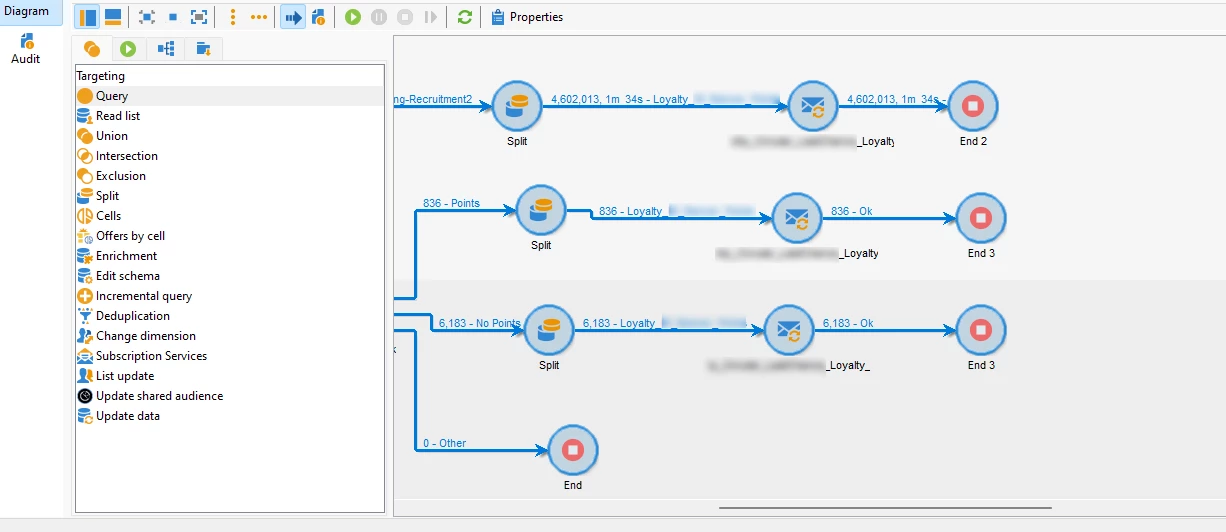
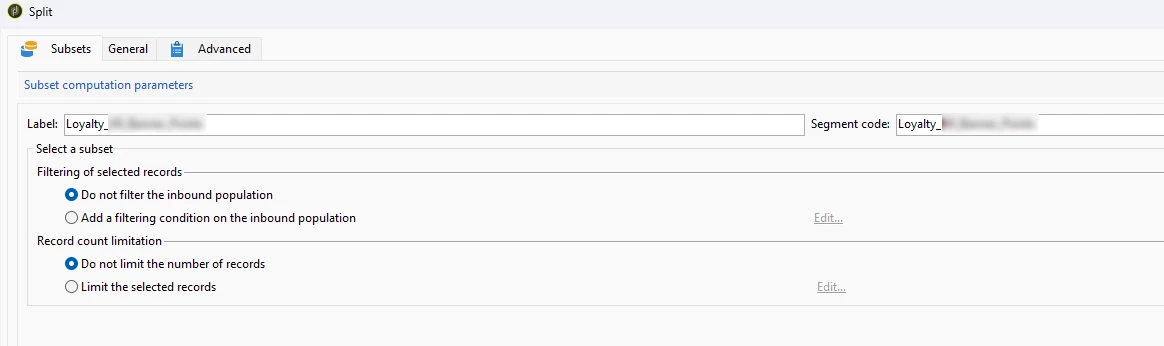
In my workflow, I’ve defined two segment codes (abc and xyz). As per the requirement, two deliveries should be created based on each segment, resulting in labels like:
- Company_241008_abc_E01
- Company_241008_xyz_E01
The issue I’m facing is with personalizing the label using the segment code. I’ve tried using the following syntax:
Company_<%= formatDate(new Date(), "%2Y%2M%2D") %>_<%= targetData.segmentCode %>_E01
However, during delivery execution, I’m encountering an error that says the targetData is not defined.
If anyone has insights on how to resolve this issue or a better approach to personalize the delivery label with the segment code, I’d really appreciate your help!
Thank you,
Komal