Solved
Opt-Out Links Not Recognized
Hi Experts,
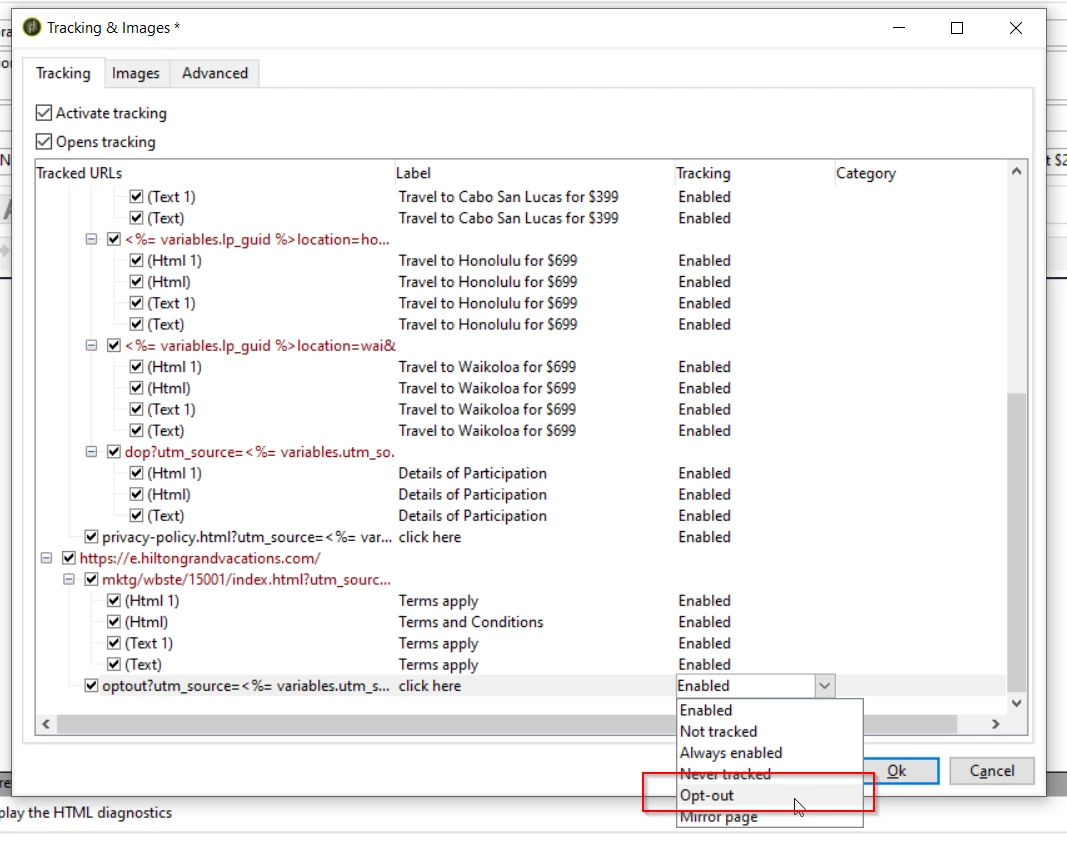
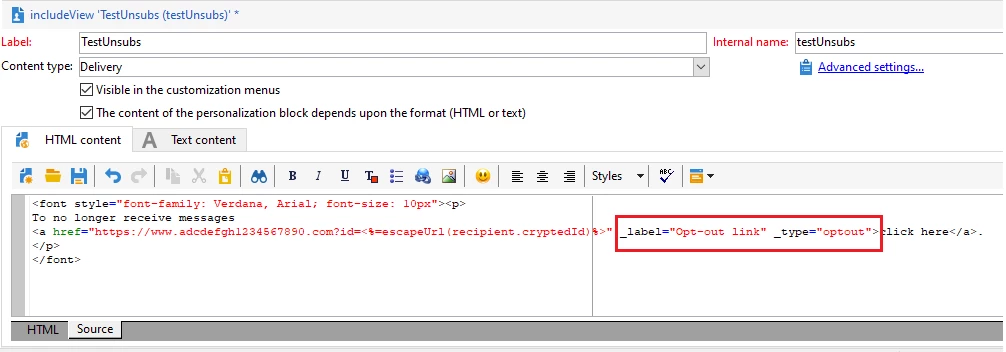
We are noticing that our Opt-Out links are not being recognized for tracking, and we are having to manually adjust the tracking capabilities within the "Tracking & images" tab within the Delivery to select the "Opt-out" tracking label instead of "Enabled".
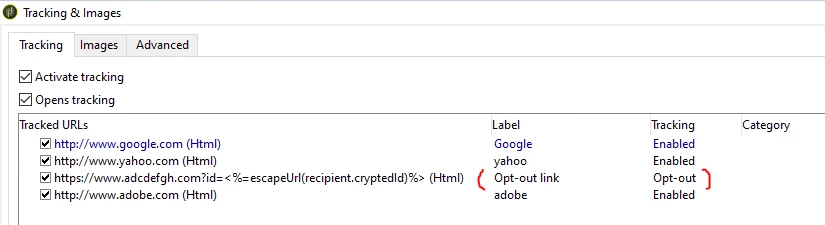
Is there a way to automate this so that whenever it recognizes our Opt-Out link, the tracking is automatically enabled for delivery reporting, and the Tracking column is always "Opt-out" for that link? See the screenshot for reference.
Thanks for the help in advance!