thibaultb473199
Level 4
Jan 18, 2022 12:43 PM UTC
Solved

Images not display in online mirror page

Hello everyone,


I send out an email successfully but when I look at my online mirror page, I notice that my images are not showing, this is the result I got right now :
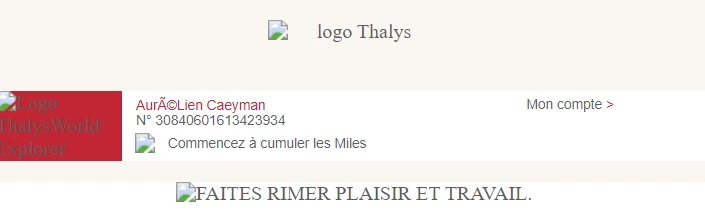
This is the HTML code I have for the mirror page :

Normally this kind of issue not happen with other deliveries but this time I don't know how to fix that, any idea ?

On the browser for the image missing, I got this error when in F12 :

It's odd because I use the same links in other HTML deliveries and I don't get this kind of problem.

Feel free to tell me where I can look to solve this problem.

Thank you in advance.

Kind regards.

This post is no longer active and is closed to new replies. Need help? Start a new post to ask your question.
Craig_Thonis
Craig_ThonisAccepted solution
Adobe Employee
Jan 18, 2022 2:23 PM UTC

Hi Thibault,


If this is only occurring with the mirror page, the SSL cert has probably not been configured for the mirror page URLs.

Typically SSL certs need to include t., m., and res.


So an example would be m.email.[subdomain].org.


If your instance is hosted, you could reach out to the Campaign Support team to confirm the configuration with the Campaign Ops team.


Regards,

Craig


2 replies

Craig_Thonis
Adobe Employee
Craig_ThonisAdobe EmployeeAccepted solution
Adobe Employee
Jan 18, 2022 2:23 PM UTC

Hi Thibault,


If this is only occurring with the mirror page, the SSL cert has probably not been configured for the mirror page URLs.

Typically SSL certs need to include t., m., and res.


So an example would be m.email.[subdomain].org.


If your instance is hosted, you could reach out to the Campaign Support team to confirm the configuration with the Campaign Ops team.


Regards,

Craig


Translate
Jyoti_Yadav
Level 8
Jan 19, 2022 5:36 AM UTC

Hi @thibaultb473199 ,


Are your images hosted on AEM asset? It could be possible that login credential for the instance might have changed.


Thanks,

Jyoti

Translate