How do I delete a report in Adobe Campaign Classic | Community
Skip to main content
Level 2
June 11, 2020
Solved

How do I delete a report in Adobe Campaign Classic

  • June 11, 2020
  • 1 reply
  • 1873 views

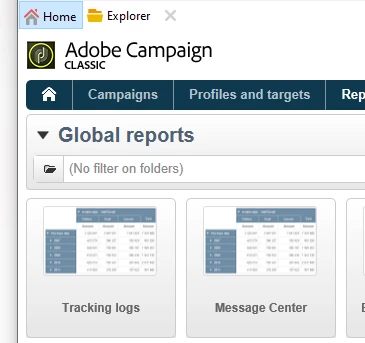
Sorry for the basic question...new to ACC. How do I delete a report from "Global" reports in ACC?
This post is no longer active and is closed to new replies. Need help? Start a new post to ask your question.
Best answer by Milan_Vucetic

Hi @dmartz 


you should navigate to this folder via Explorer /Administration/Configuration/Reports/

Identify desired report, right click/Action/Delete.


Regards,

Milan

1 reply

Milan_Vucetic
Milan_VuceticAccepted solution
Level 9
June 12, 2020

Hi @dmartz 


you should navigate to this folder via Explorer /Administration/Configuration/Reports/

Identify desired report, right click/Action/Delete.


Regards,

Milan