How do I create a calculated field using JavaScript in an Enrichment activity and use it in subsequent workflow steps?
Hi,
I am working in Adobe Campaign Classic and want to calculate a new field in an Enrichment activity using JavaScript (Initialization script), and then use this field in later workflow activities (such as Query, Split, or Export).
Specifically, I want to calculate the maximum value from a set of fields, using some logic, and store the result as a new field (for example, maxScore). I tried setting the value in the Initialization script like this:
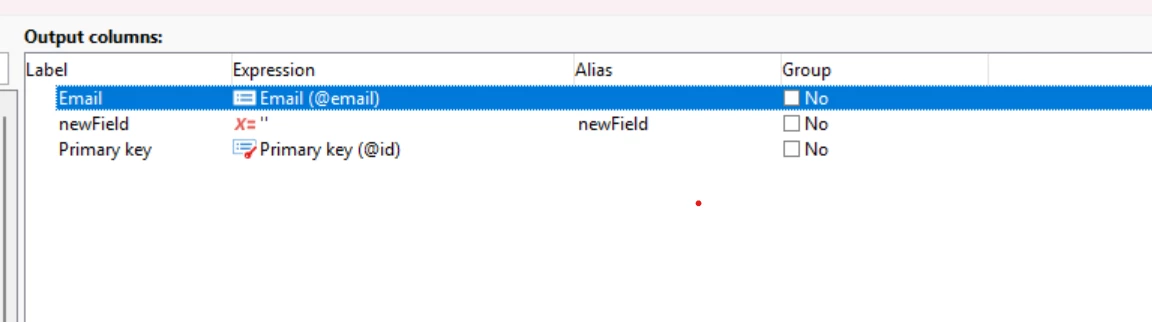
However, when I try to add this field in the "Add data" (or "Output columns") tab of the Enrichment, I am not sure what to put in the "Expression" field.
If I write maxScore or targetData.maxScore, I get an error saying the element is unknown. If I use vars.maxScore, I get an error that vars is unknown.
What is the correct way to:
- Calculate a new field using JavaScript in the Initialization script of an Enrichment activity?
- Make this field available as an output column (so I can use it in later workflow activities)?
If possible, please provide a step-by-step example.
Thank you!