Hotclicks percentages not adding up to 100% | Community
Skip to main content
January 19, 2024
Solved

Hotclicks percentages not adding up to 100%

  • January 19, 2024
  • 1 reply
  • 609 views

Hello,


Please could you advise how the percentages in the Hotclicks reports are calculated in Campaign v8?


The percentages in our reports do not total 100% and the values are considerably lower than in the URLs and click stream reports. I understand that if there is dynamic content in a delivery these will not count and therefore the percentages may not add up to 100% – however we are seeing this with deliveries without any dynamic content.


Thanks!

This post is no longer active and is closed to new replies. Need help? Start a new post to ask your question.
Best answer by Parvesh_Parmar

Hello @joannasmith-1 ,


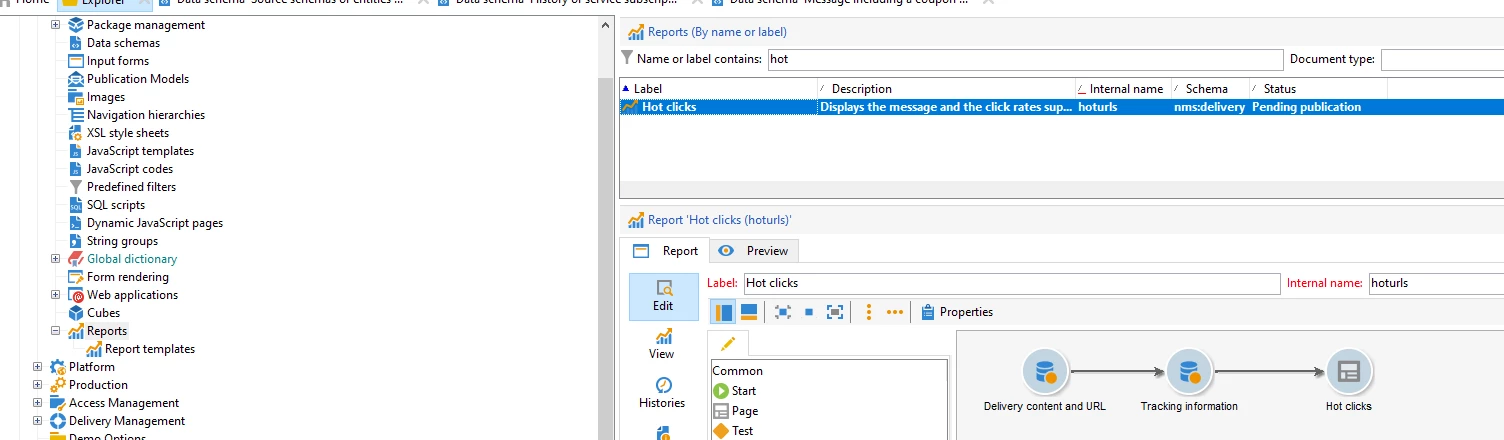
In Adobe Campaign Classic, the Hotclicks report operates based on the data from the Consolidated Tracking schema and Delivery schema. To delve into the specifics of the report's functionality, you can explore the report code, which is typically located at the following path:


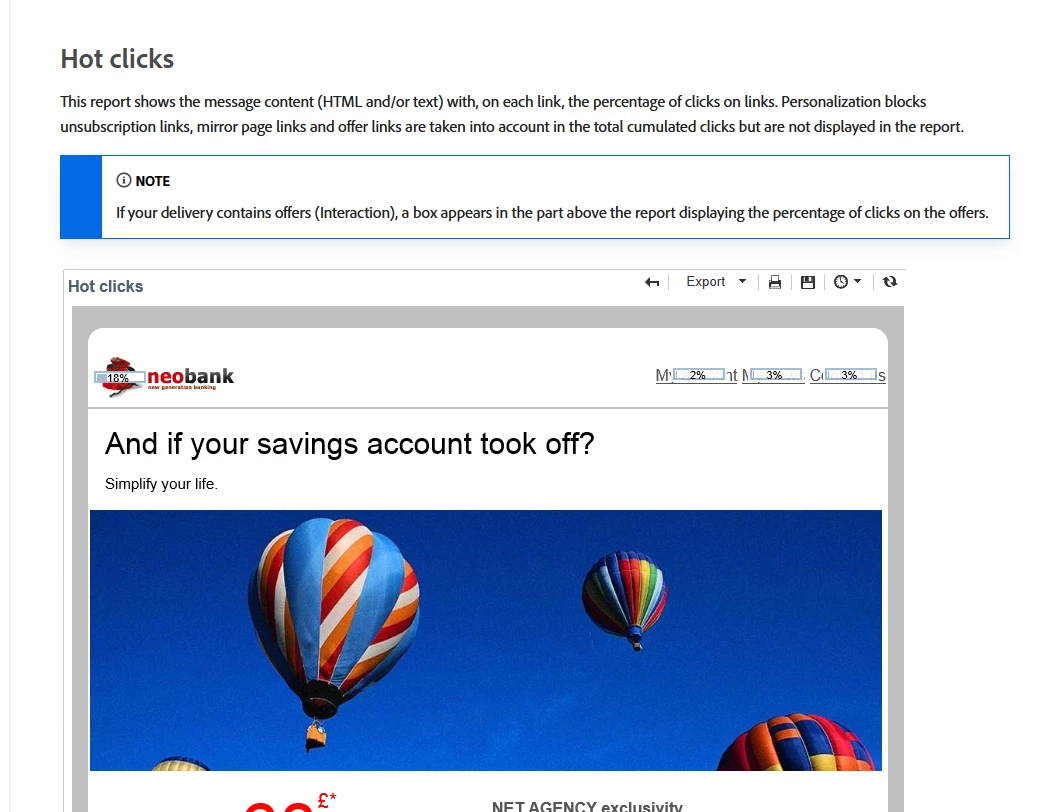
From my understanding, the calculation for the Hotclicks report is generally performed as follows: (Total clicks on a specific URL * 100) / Total sum of clicks for that particular delivery. In a standard scenario, this percentage should ideally be 100% for all clicks within the email.

However, according to the documentation, if you are utilizing any offers in your delivery, the percentage may not always reach 100%. This variance could be attributed to the inclusion of offers and their specific interactions with the tracking and reporting mechanisms.


Kr,

Parvesh


1 reply

Parvesh_Parmar
Community Advisor
Parvesh_ParmarCommunity AdvisorAccepted solution
Community Advisor
January 19, 2024

Hello @joannasmith-1 ,


In Adobe Campaign Classic, the Hotclicks report operates based on the data from the Consolidated Tracking schema and Delivery schema. To delve into the specifics of the report's functionality, you can explore the report code, which is typically located at the following path:


From my understanding, the calculation for the Hotclicks report is generally performed as follows: (Total clicks on a specific URL * 100) / Total sum of clicks for that particular delivery. In a standard scenario, this percentage should ideally be 100% for all clicks within the email.

However, according to the documentation, if you are utilizing any offers in your delivery, the percentage may not always reach 100%. This variance could be attributed to the inclusion of offers and their specific interactions with the tracking and reporting mechanisms.


Kr,

Parvesh


Parvesh Parmar – Adobe Community Advisor https://www.linkedin.com/in/parvesh-parmar/