File transfer: vars.filenames is undefined | Community
Skip to main content
Level 6
September 13, 2024
Solved

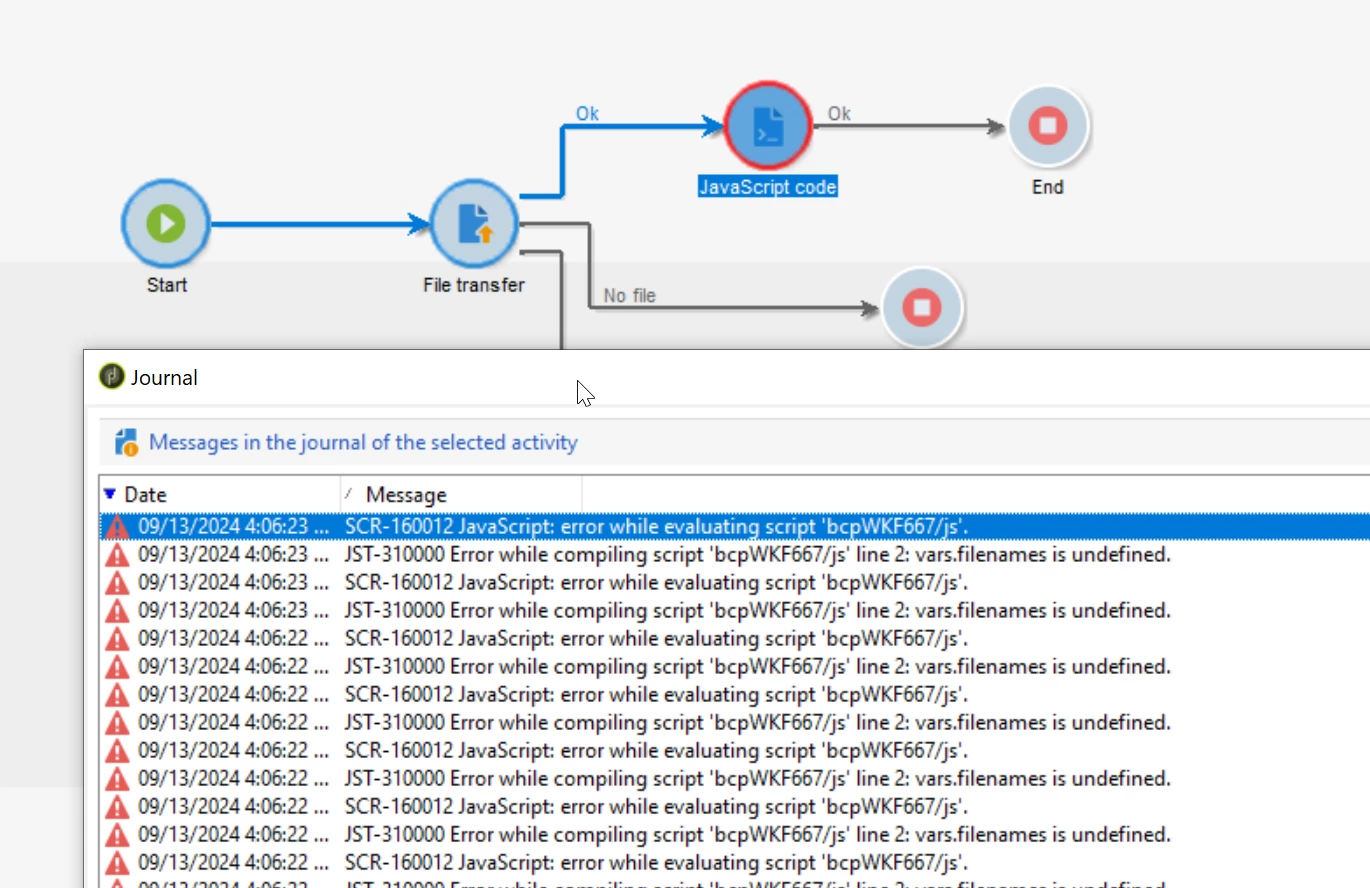
File transfer: vars.filenames is undefined

  • September 13, 2024
  • 2 replies
  • 633 views

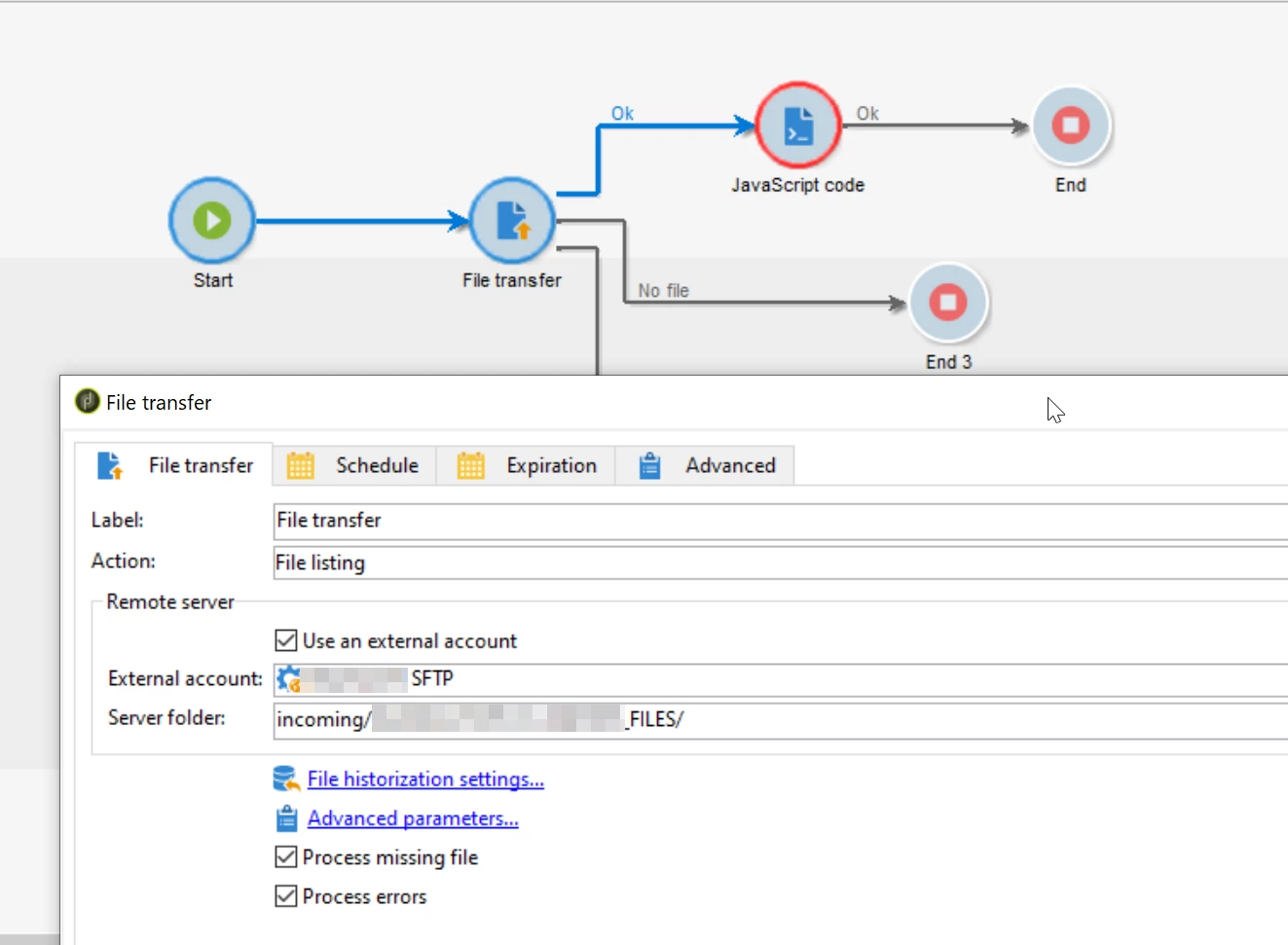
I'm using a File Transfer activity to load all csv files in SFTP. Docs say all files present on the server will be stored in vars.filenames. Why it says it is undefined? 


  1. Listing of files

    To list the files, select the File listing option from the Action field. Configuration of the remote server is the same as for receiving files. For more information, refer to this section.

    The List all files option, available when selecting the File listing action, allows you to store all files present on the server in the event variable vars.filenames wherein the file names are separated by \n characters.


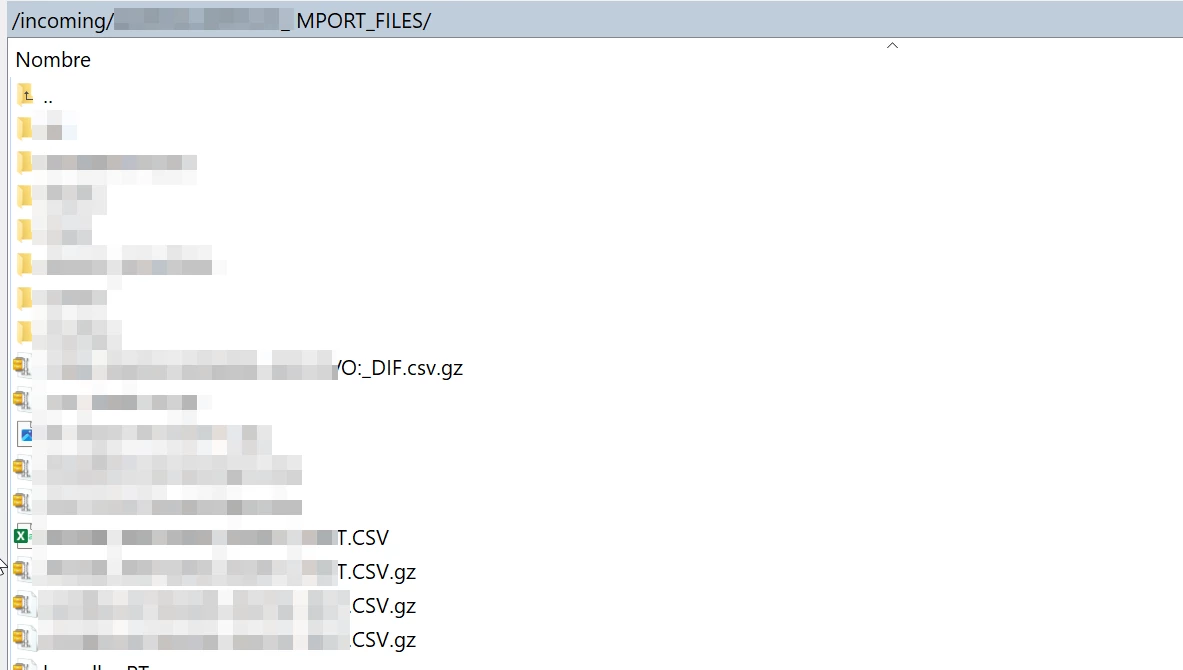
There are files in the server:


Javascript code:

var filanamesArray = vars.filenames.split('\n');

for (var i = 0; i < filenamesArray.length; i++) {
var filename = filenamesArray[i];
logInfo("file: " + filename);
}

This post is no longer active and is closed to new replies. Need help? Start a new post to ask your question.
Best answer by DavidKangni

Hi @god_prophet 


Try with var filenamesArray = vars.filename.split('\n');


Thanks,

David

2 replies

DavidKangni
Community Advisor
DavidKangniCommunity AdvisorAccepted solution
Community Advisor
September 16, 2024

Hi @god_prophet 


Try with var filenamesArray = vars.filename.split('\n');


Thanks,

David

David Kangni
vraghav
Adobe Employee
Adobe Employee
September 16, 2024

@god_prophet In the Server Folder settings of File Transfer activity, you will have to provide the file selection criteria as well to pick up the files you need


Try putting /incoming/<your folder path>/IMPORT_FILES/*.csv.gz