Hi Shrutii,
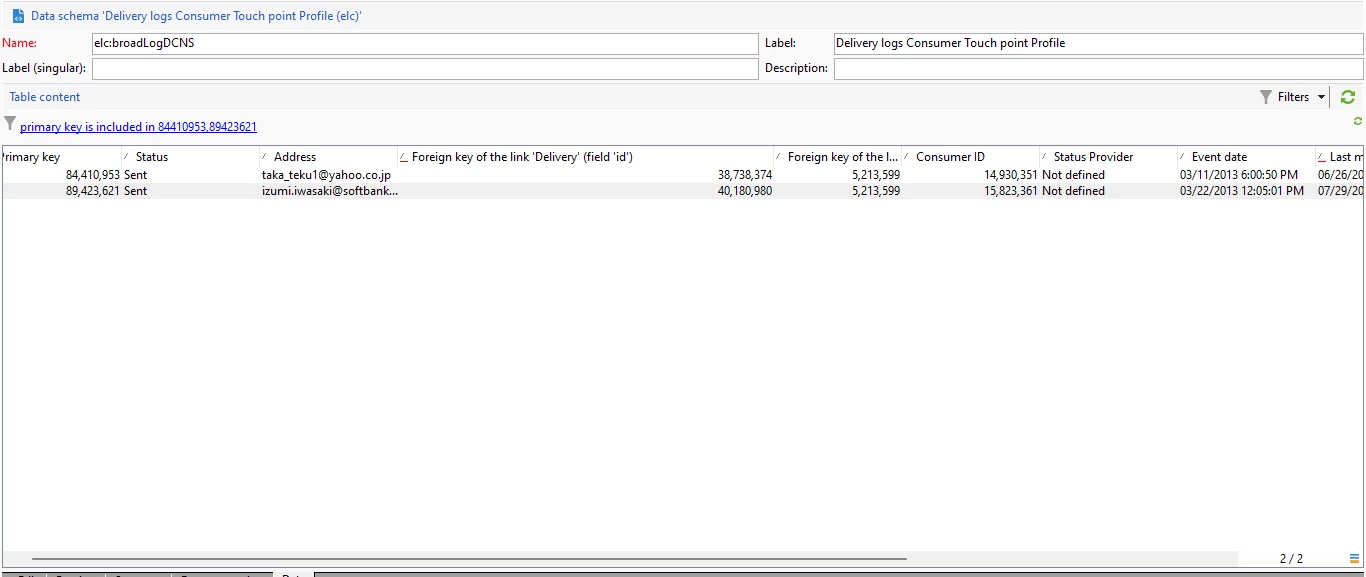
Typically duplicate keys occur when the sequence in the table is close or has run out of available IDs within its 32bit sequence. To address this, there are a few best practices:
1) Ensure that in the Deployment wizard that you are keeping only the minimum required logs (see the purge settings in deployment wizard) as long log retention uses up available IDs.
2) Ensure that the Database Cleanup workflow is running fully as that workflow is in charge of purging logs and old deliveries, etc. noted in step 1.
3) Ensure that tables are using custom sequences versus the out of the box xtkNewID. This was one of the biggest causes of this issue, as in older versions of Campaign the tables all shared the same sequence, meaning that the number of available IDs would run out very quickly.
4) If none of the above works, you can consider deploying negative IDs which effectively doubles the amount of available IDs for any given sequence.
This type of error has been covered multiple times within the forums and in Campaign Support if you need additional details and assistance. See below:
https://experienceleaguecommunities.adobe.com/t5/adobe-campaign-classic-questions/error-duplicate-key-value-violates-unique-constraint-quot/td-p/598769
Regards,
Craig