Expiration tab in Scheduler activity | Community
Skip to main content
Level 3
January 12, 2025
Solved

Expiration tab in Scheduler activity

  • January 12, 2025
  • 1 reply
  • 584 views

Hi Adobe team,

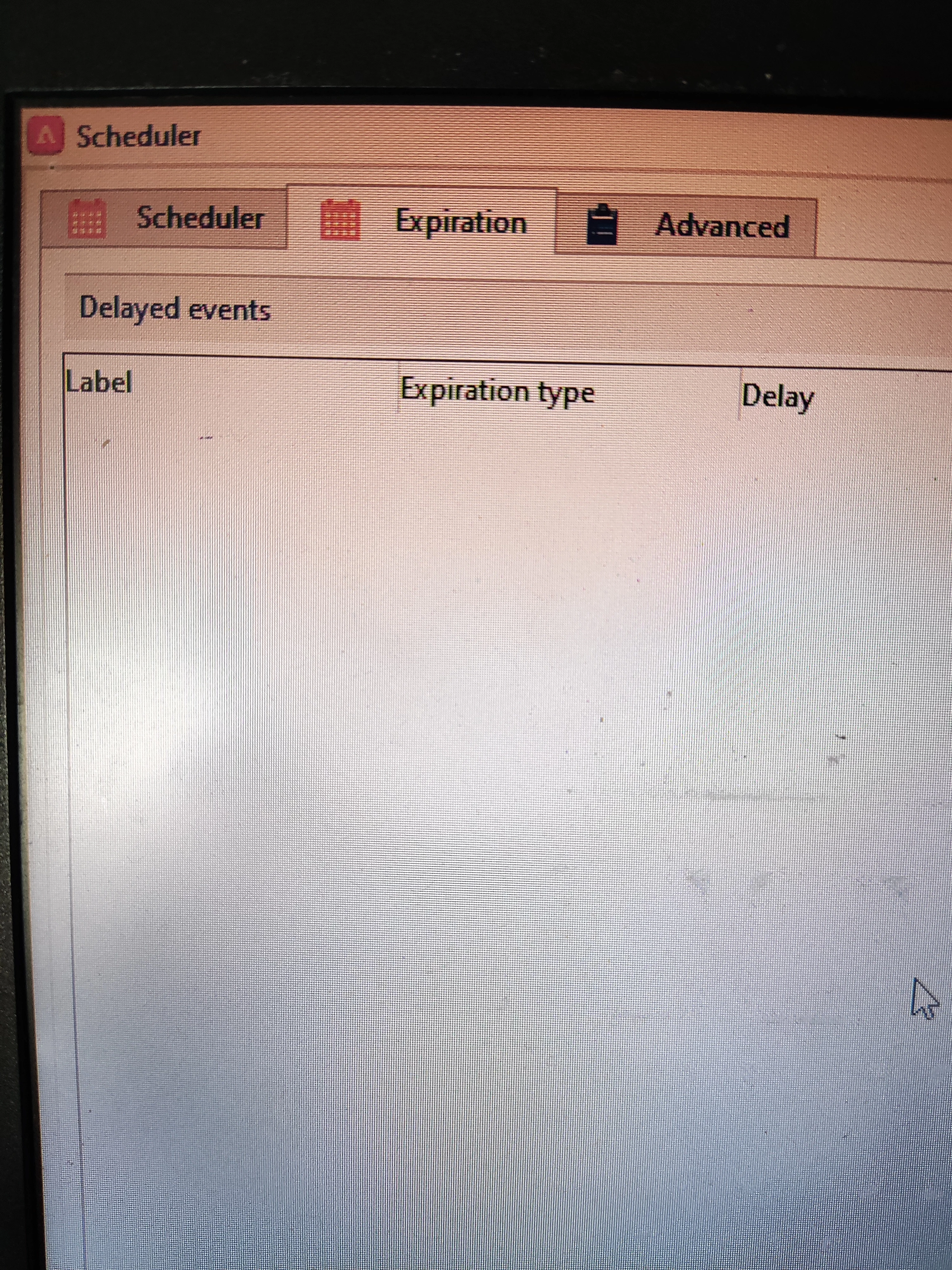
Kindly help me to understand the Expiration tab in Scheduler activity , when and how we can used it.


Thank you in advance.
 

Best answer by Craig_Thonis

Hi KD,

The expiration tab helps to add delays before or after specific dates or tasks. Here are a couple of example use cases where other users have used this functionality:

https://experienceleaguecommunities.adobe.com/t5/adobe-campaign-classic-questions/scheduler-activity-technical-implementation/td-p/584791


https://experienceleaguecommunities.adobe.com/t5/adobe-campaign-standard/expiration-date-on-the-scheduler/m-p/285653


Regards,

Craig

1 reply

Craig_Thonis
Adobe Employee
Craig_ThonisAdobe EmployeeAccepted solution
Adobe Employee
January 13, 2025

Hi KD,

The expiration tab helps to add delays before or after specific dates or tasks. Here are a couple of example use cases where other users have used this functionality:

https://experienceleaguecommunities.adobe.com/t5/adobe-campaign-classic-questions/scheduler-activity-technical-implementation/td-p/584791


https://experienceleaguecommunities.adobe.com/t5/adobe-campaign-standard/expiration-date-on-the-scheduler/m-p/285653


Regards,

Craig
