Error while Data Loading (File) | Community
Skip to main content
August 29, 2021
Solved

Error while Data Loading (File)

  • August 29, 2021
  • 2 replies
  • 4653 views

I had got error message while I am executing the Data loading (file) through an workflow. Tried changing various parameters like Name of the file to load to Pre-process the file and added <%= vars.filename %> but I had found no positive result. The error is shown as follows.


PGS-220000 PostgreSQL error: ERROR: COPY from stdin failed: BAS-010006 Unknown error; rc=57 CONTEXT: COPY wkf1188162006_5, line 1


 

This post is no longer active and is closed to new replies. Need help? Start a new post to ask your question.
Best answer by msnavin

Hi @debtr & @msnavin ,


I had upload a .csv file which does not has any decryption key or not compressed and zipped. I had tried using above commands in "Pre Process File" option, but the result is still the same with same error flagging.


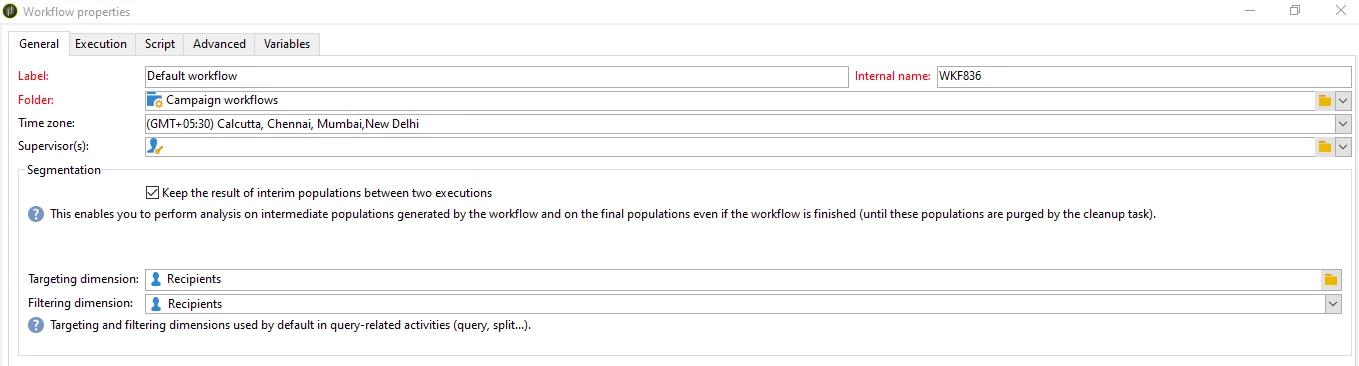
Do I need to change any settings in Workflow Properties as in below image?


Thanks in advance!


-Aks


Hi @aks333 


I see that you are trying to read the directory as shared in the code and the data loading file is unable to pick the file from the location as it is unable to reach until the file rather the location gets pointed only until the directory.

Were you able to sort this issue and if not try to give the path followed by the filename to see if you are able to read the file now.


2 replies

Adobe Employee
August 30, 2021

Hi @aks333 ,

These are the possible reasons to fail in the data load:

  • The file is open state which is configured as a sample file.
  • The headers are not matching with the sample file.
  • File may be corrupted. Check the file then try again.


- Malarrajan Sundarraj

Level 6
September 2, 2021

Hi @aks333 ,

Are you picking up the file from sftp or it is one off file from your local machine?

It will be difficult t solve the issue without looking at the config of the data loading activity.

If you are uploading a file from local make sure it is uploaded to server before running the workflow.


Cheers,

Deb

Aks333Author
September 3, 2021

Hi @debtr ,


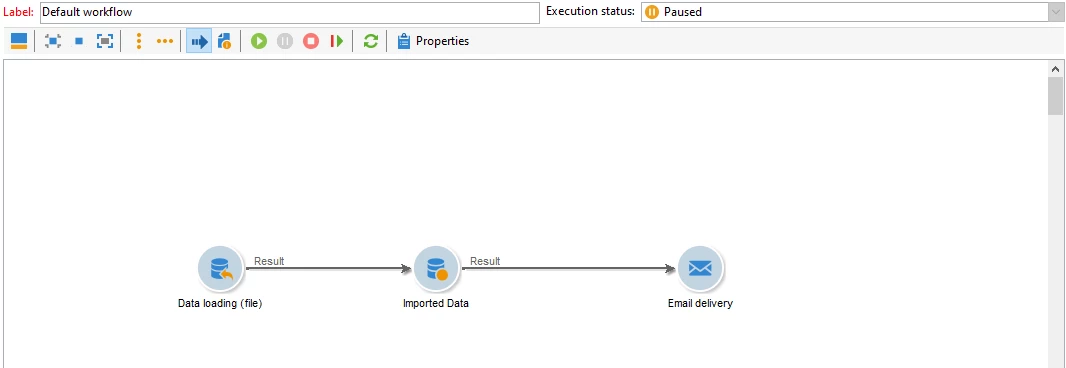
Please find the below image about the configuration. I am uploading the file from my local machine ad had uploaded to the server. Kindly guide me for next steps.


Thanks,

Botla.

Level 6
September 3, 2021

Hi @aks333 ,

Are you using and encrypted file? If so, you need to

1. select the "Pre Process File" option.

2. Use '|gpg --decrypt /x/x/xxx.pgp' command to decrypt


or 

1. use it with a file collector activity.

2. select the "Pre Process File" option.

3. set <%= vars.filename %> in the command


Cheers,

Deb