Hi @bhaskarjc ,
From uploading file from local machine, if the file size is greater than 50mb, you will be getting this error.
Alternatively you can split the file into 2 files in your local machine, use 2 data loading activity to import records.
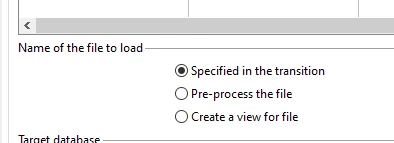
This restriction is there only you directly upload from local machine by selecting the option 'Upload the file from local machine'. So you can place the same file (of any size) in any SFPT, collect it using file transfer, followed by Data loading activity and select 'specified in the transition'. It will work.
To increase the size limit, there was a solution provided in this community thread by modifying the setting in IIS
~ ParthaSarathy S~ Click here to join ADOBE CAMPAIGN USER GROUP for Quarterly In-person | Hybrid | Virtual Meetups