"Edit" tab does not show in the delivery template. Why not? | Community
Skip to main content
Level 2
November 8, 2023
Solved

"Edit" tab does not show in the delivery template. Why not?

  • November 8, 2023
  • 1 reply
  • 928 views

Hi Sirs,


i have built a custom delivery template but when i open it the edit tab (where all form fields are stored) does not show.


If i then go to Properties and press Cancel (without making any change) the "Edit" tab appears as it should. Is there anything i am missing/not aware of?


I ll attach some pictures for better clarity. Picture 1: when i open the delivery template (tab missing).
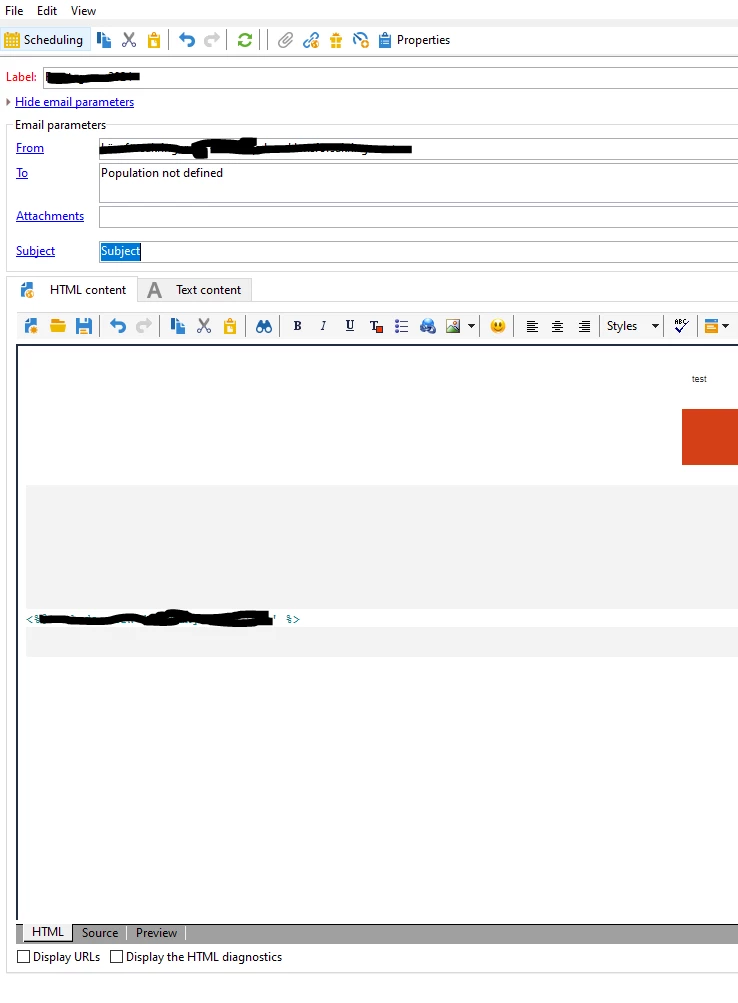


Picture 2: i go to Properties and press Cancel.
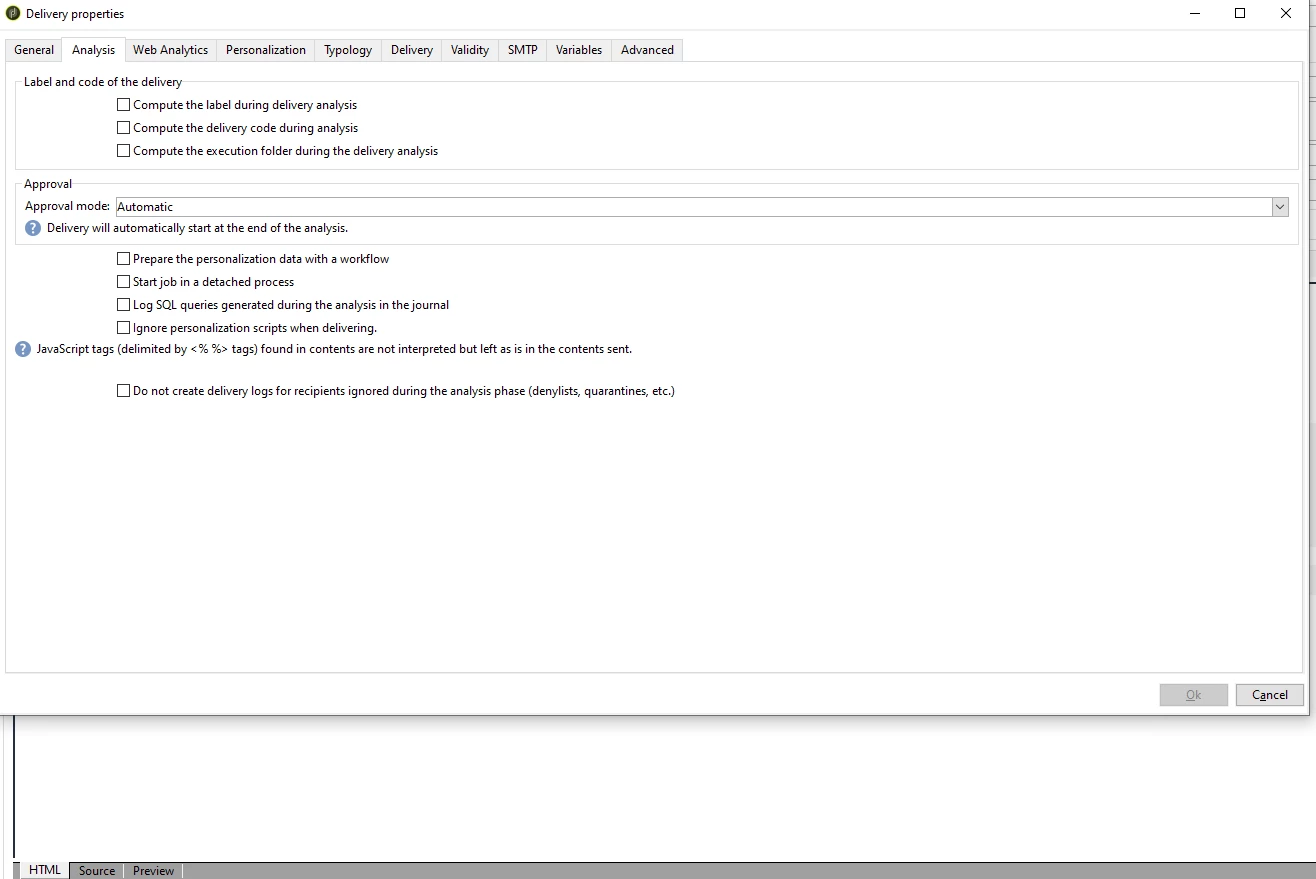
 

Picture 3: the previously missing tab is finally showing. 
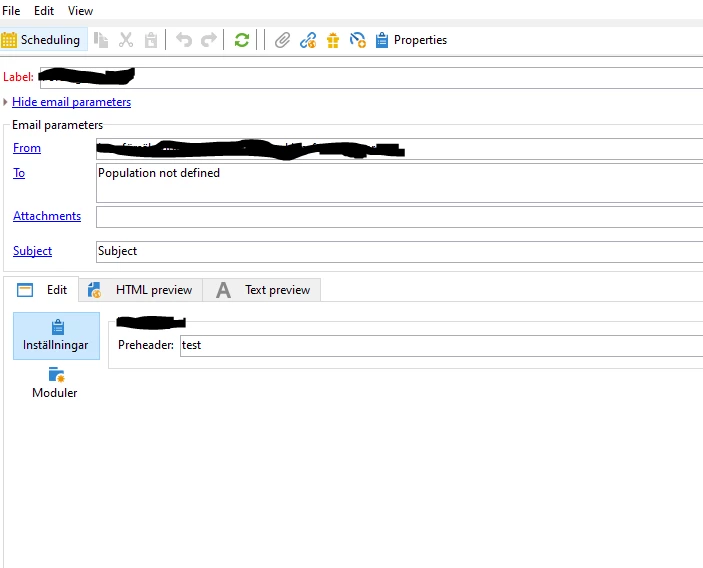
 

This post is no longer active and is closed to new replies. Need help? Start a new post to ask your question.
Best answer by Craig_Thonis

Hi Pablo,

This appears to be a bug and I would suggest reaching out to Campaign Support to have it tested and logged with R&D.

1 reply

Craig_Thonis
Adobe Employee
Craig_ThonisAdobe EmployeeAccepted solution
Adobe Employee
November 8, 2023

Hi Pablo,

This appears to be a bug and I would suggest reaching out to Campaign Support to have it tested and logged with R&D.

Level 2
November 10, 2023

Hello Craig,


Thank you for your reply, i ll then reach out to support.


Cheers