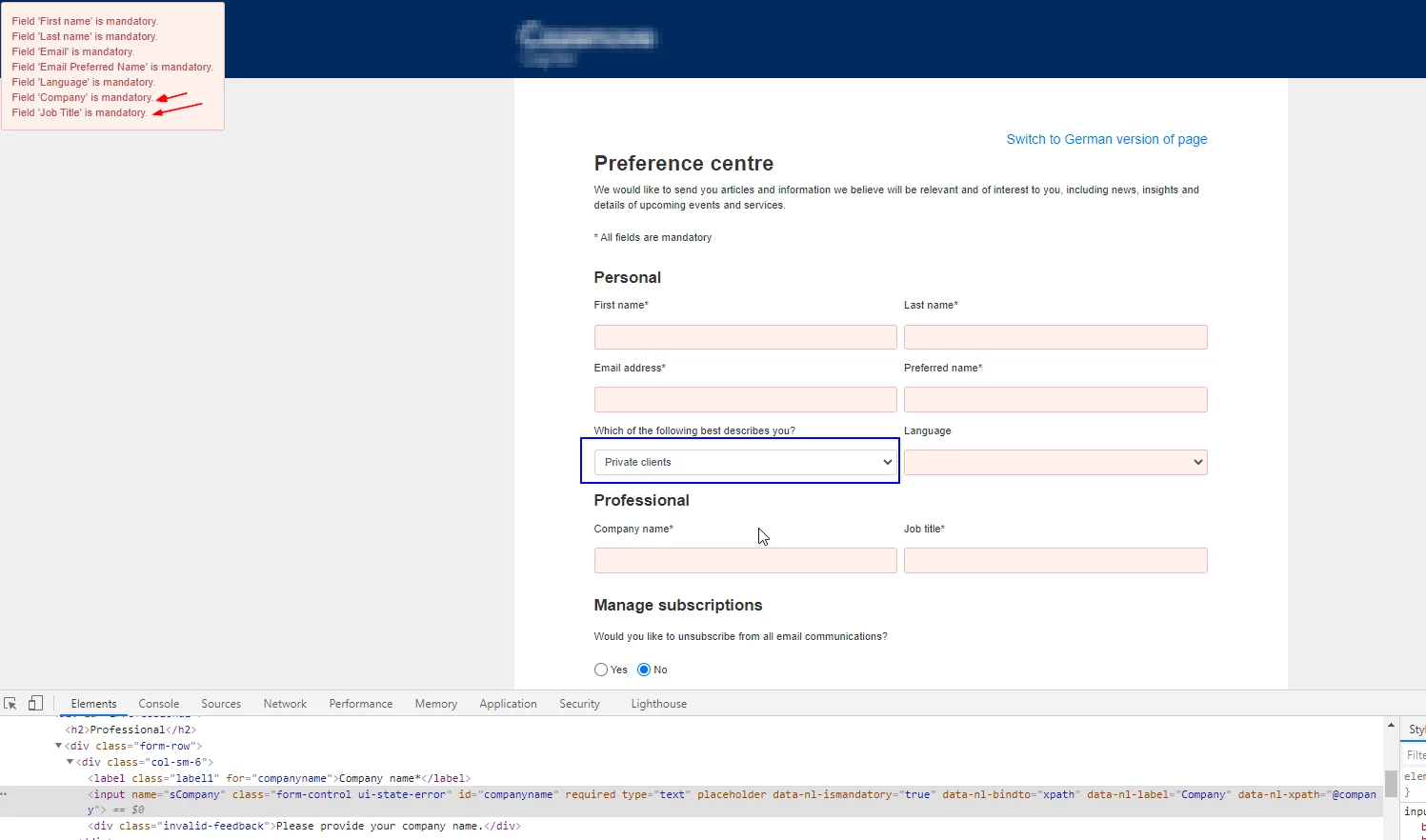
Question
Dynamic field + bootstrap validation
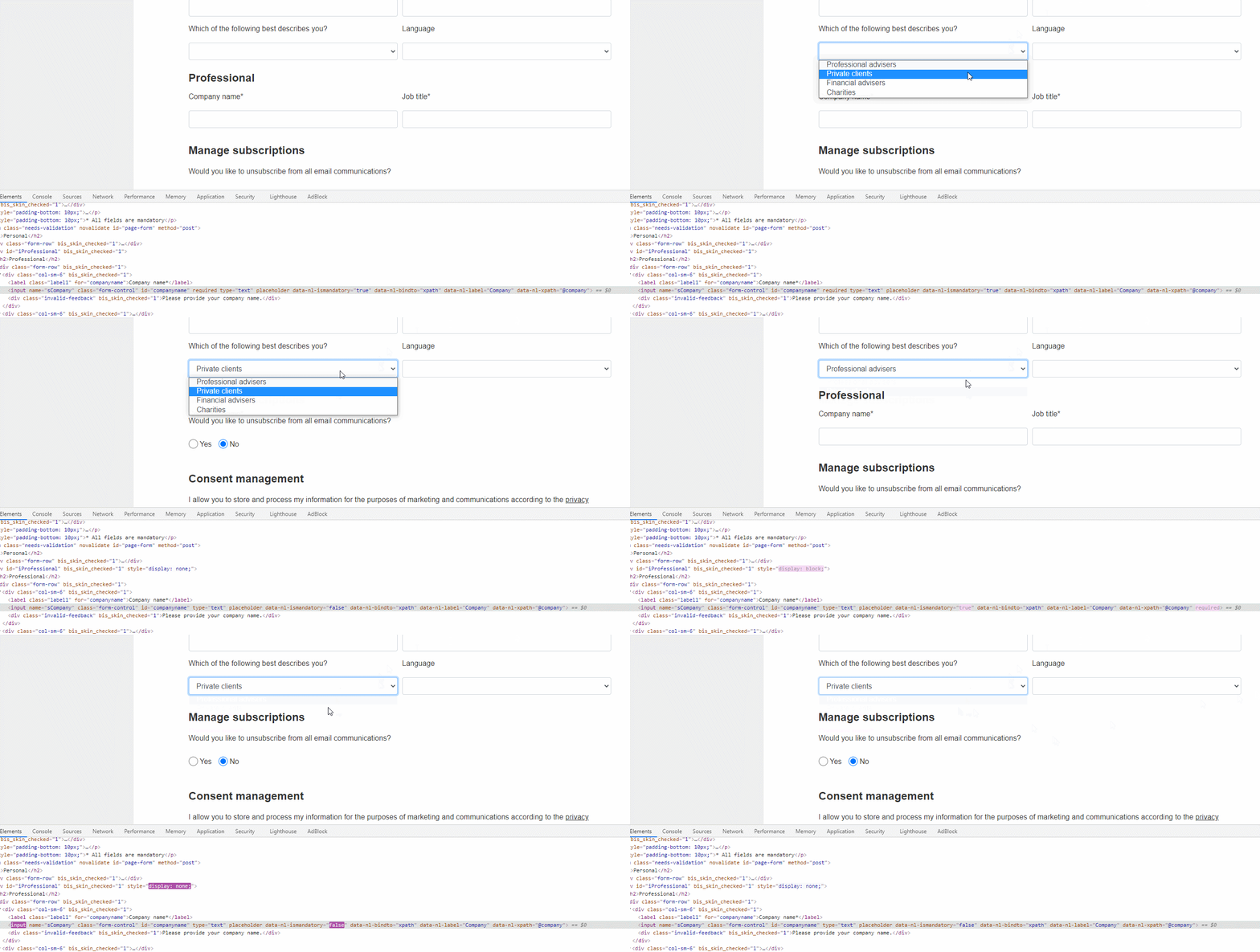
I am displaying/hiding form elements based on a user dropdown select option, the following script is meant to add/remove required attributes on the fields, however, it seems that validation is not taking this into account, could it be that validation script only runs on page load rather than on dynamic form changes? if so, how can I make it listen to changes in form required fields.
function MyOnChange(invesType){
  var x = document.getElementById("iProfessional");
  if (invesType != "privateClients") {
    x.style.display = "block";
    $("#companyname").attr("data-nl-ismandatory","true");
  $('#companyname').prop('required', true)

    $("#jobtitle").attr("data-nl-ismandatory","true");
  $('#jobtitle').prop('required', true)


    } else {
    x.style.display = "none";
     $("#companyname").attr("data-nl-ismandatory","false");
    $("#companyname").removeAttr("required");

    $("#jobtitle").attr("data-nl-ismandatory","false");
    $("#jobtitle").removeAttr("required");
    }

}
Upon submitting the form after the required and data-nl-ismandatory have been removed, Adobe Campaign is showing that these fields are mandatory.