Download all the resources available under public resource | Community
Skip to main content
Level 5
May 3, 2024
Solved

Download all the resources available under public resource

  • May 3, 2024
  • 2 replies
  • 1070 views

Hi Team, 


Could all the data within the public resources, including subfolders and individual files, be exported using a query activity & Export activity? Alternatively, is it achievable through an API call? Your suggestions would be appreciated. Thank you in advance.
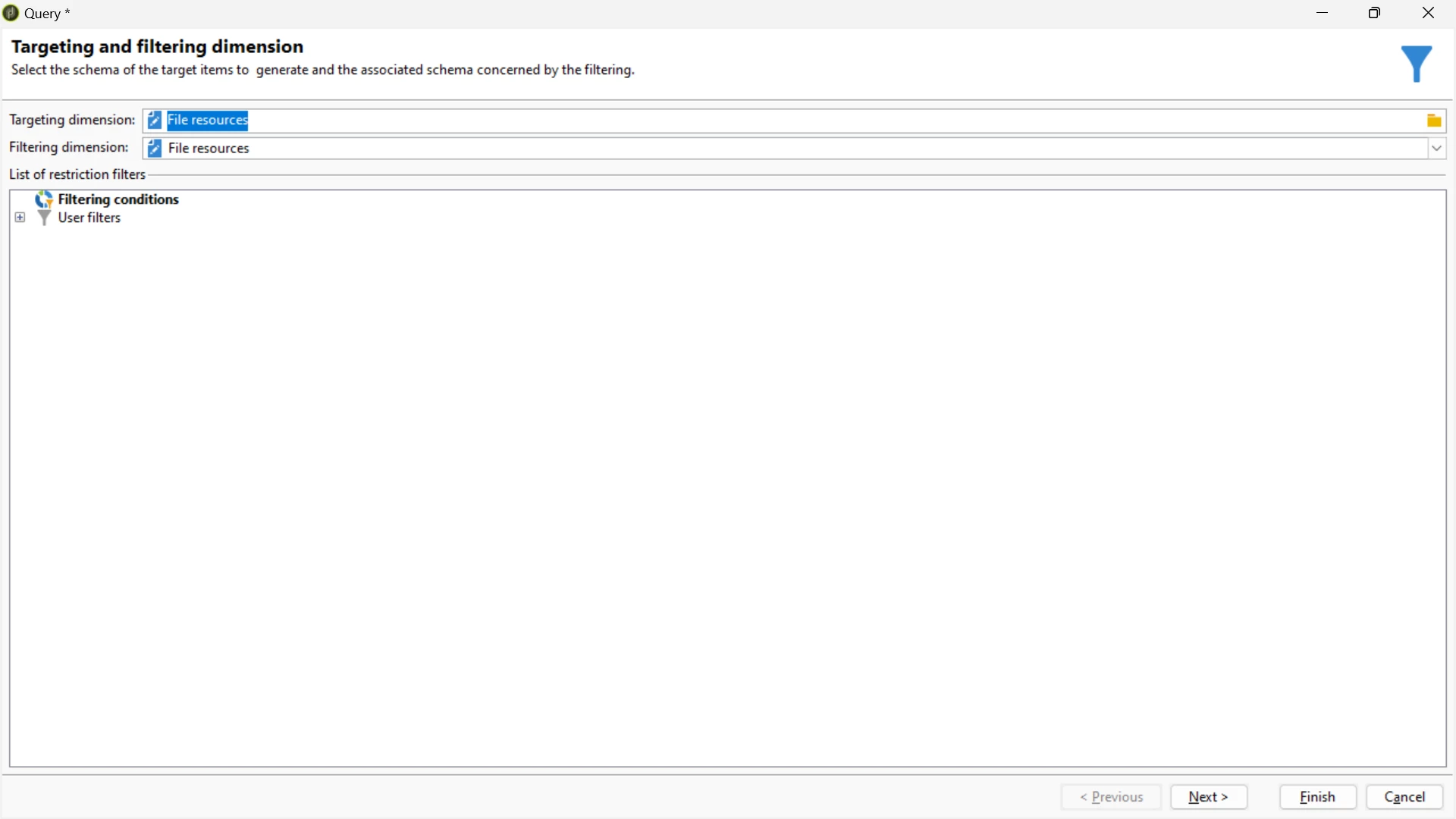
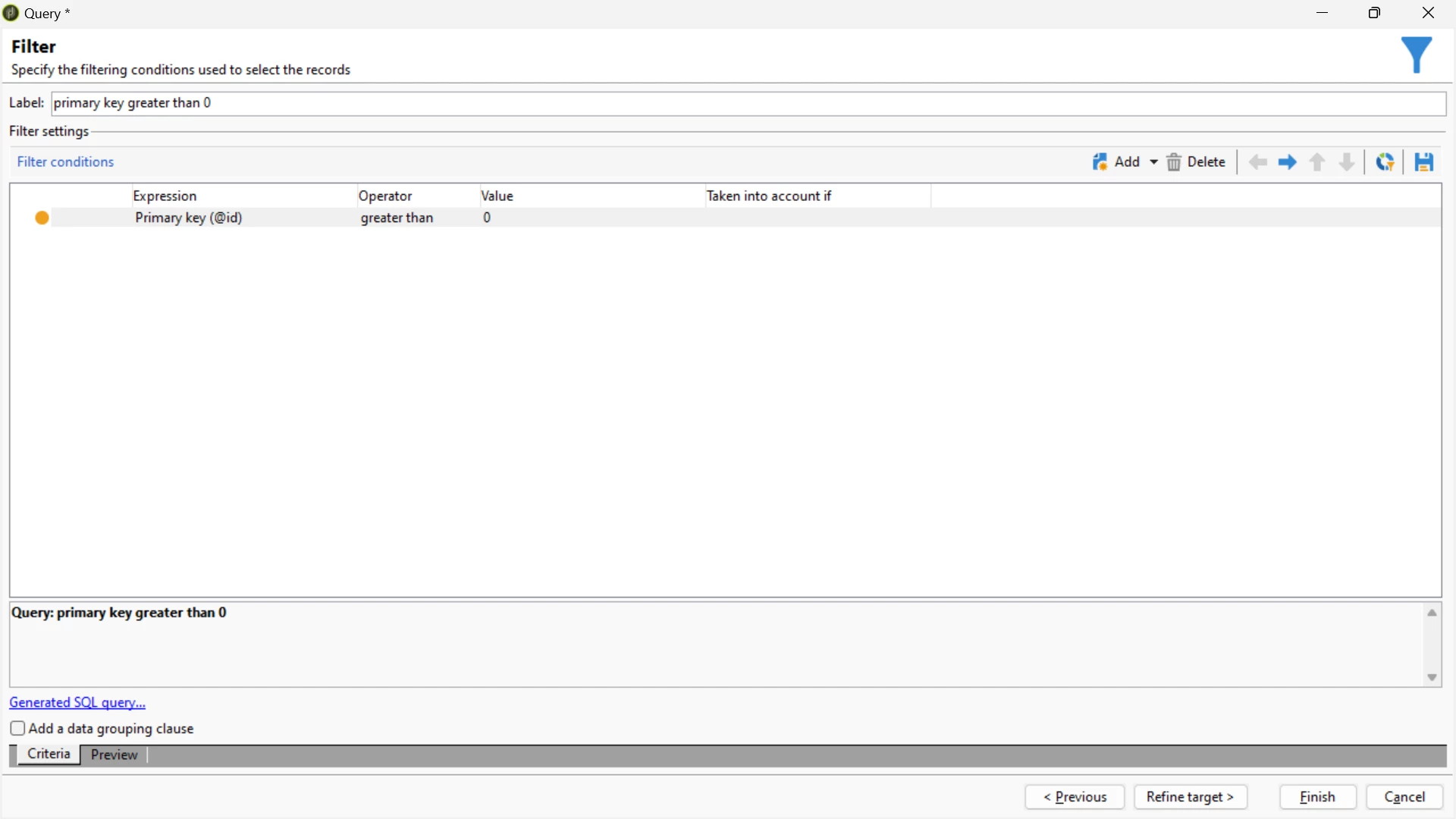


I'm observing the count, but how can I verify it when dealing with multiple subfolders? Additionally, is it feasible to retrieve the files along with their respective subfolders as column names?

Instead of downloading a CSV containing data about these files, I prefer to download all the files themselves.

This post is no longer active and is closed to new replies. Need help? Start a new post to ask your question.
Best answer by AkshayAnand

Hi @rvnth 


You can write Linux/Unix code to download the full directory. You can refer the link for more reference.

scp -r username@<public ip>:/<path to source file> /<path to destination>


Hope this helps.


Regards

Akshay

2 replies

LakshmiPravallika
Community Advisor
Community Advisor
May 3, 2024

Hi @rvnth ,


Could you Please let us know if this exercise is just to verify the Data, you can export to a .CSV File with the below mentioned column names in the mentioned Query's Additional data with below Columns:


This will give all the Information of Folders and Sub Folders and the Full URL generated after publishing the files.


You can check randomly for few records whether the "Unique File name" (URL) generated for the files is working properly in the browser.


Regards,

Pravallika.


rvnthAuthor
Level 5
May 6, 2024

Hi @lakshmipravallika ,


I'm interested in downloading all the available image files rather than just the metadata. Could you please inform me if there's a method to accomplish this via API or by importing it as a package? Thank you in advance.

AkshayAnand
Community Advisor
AkshayAnandCommunity AdvisorAccepted solution
Community Advisor
May 7, 2024

Hi @rvnth 


You can write Linux/Unix code to download the full directory. You can refer the link for more reference.

scp -r username@<public ip>:/<path to source file> /<path to destination>


Hope this helps.


Regards

Akshay