delivery form | Community
Skip to main content
This post is no longer active and is closed to new replies. Need help? Start a new post to ask your question.
Best answer by ParthaSarathy

So, you can create a new field in nms:delivery schema with data type as long/int64 etc as per your requirement.

Next, Go to /Administration/Configuration/Input forms/ and open Name: nms:delivery

Search for the keyword @deliveryCode

you will find the below,

<input xpath="@deliveryCode"/> </container> <input colspan="2" xpath="@nature"/>


After this <input colspan="2" xpath="@nature"/>,

add the below line

<input colspan="2" xpath="@yourAttribute"/>

and in starting of the input form, in the form tag <form .... you can able to see xpathsToLoad.

Here add your attribute. example, <form ............. xpathsToLoad='@yourAttribute,........'


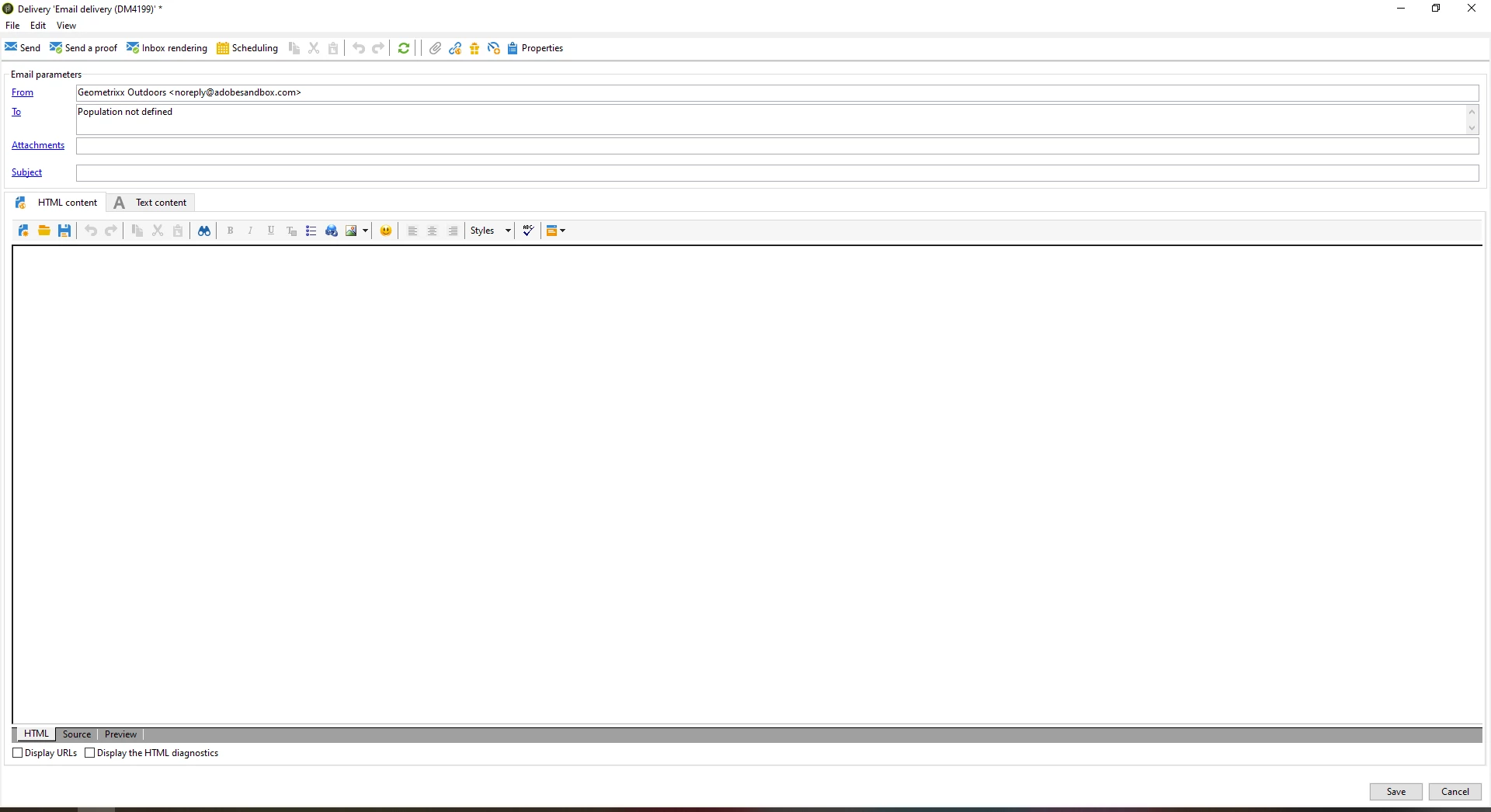
Now when you create a new delivery, you can see the new numeric field under delivery > property > general tab

2 replies

abhinav99
Level 4
July 24, 2023
ParthaSarathy
Community Advisor
Community Advisor
July 24, 2023

Hi @alnavarg ,

Do you want to add a new field in delivery property?

~  ParthaSarathy S~  Click here to join ADOBE CAMPAIGN USER GROUP for Quarterly In-person | Hybrid | Virtual Meetups

alnavarg
alnavargAuthor
Level 4
July 24, 2023

Yes i want to add a numeric field @parthasarathy 


ParthaSarathy
Community Advisor
ParthaSarathyCommunity AdvisorAccepted solution
Community Advisor
July 24, 2023

So, you can create a new field in nms:delivery schema with data type as long/int64 etc as per your requirement.

Next, Go to /Administration/Configuration/Input forms/ and open Name: nms:delivery

Search for the keyword @deliveryCode

you will find the below,

<input xpath="@deliveryCode"/> </container> <input colspan="2" xpath="@nature"/>


After this <input colspan="2" xpath="@nature"/>,

add the below line

<input colspan="2" xpath="@yourAttribute"/>

and in starting of the input form, in the form tag <form .... you can able to see xpathsToLoad.

Here add your attribute. example, <form ............. xpathsToLoad='@yourAttribute,........'


Now when you create a new delivery, you can see the new numeric field under delivery > property > general tab

~  ParthaSarathy S~  Click here to join ADOBE CAMPAIGN USER GROUP for Quarterly In-person | Hybrid | Virtual Meetups