campaign report shows empty | Community
Skip to main content
Level 2
October 17, 2025
Solved

campaign report shows empty

  • October 17, 2025
  • 1 reply
  • 295 views

Hi Team,


i need help on this below question


1) When I check the dashboard report in Adobe Campaign Classic, it appears empty—even though the delivery is correctly linked. We’re using a custom target mapping, so I’m trying to determine whether this issue is related to access permissions or a problem with the campaign configuration. Can someone help me identify the root cause? attached screenshot
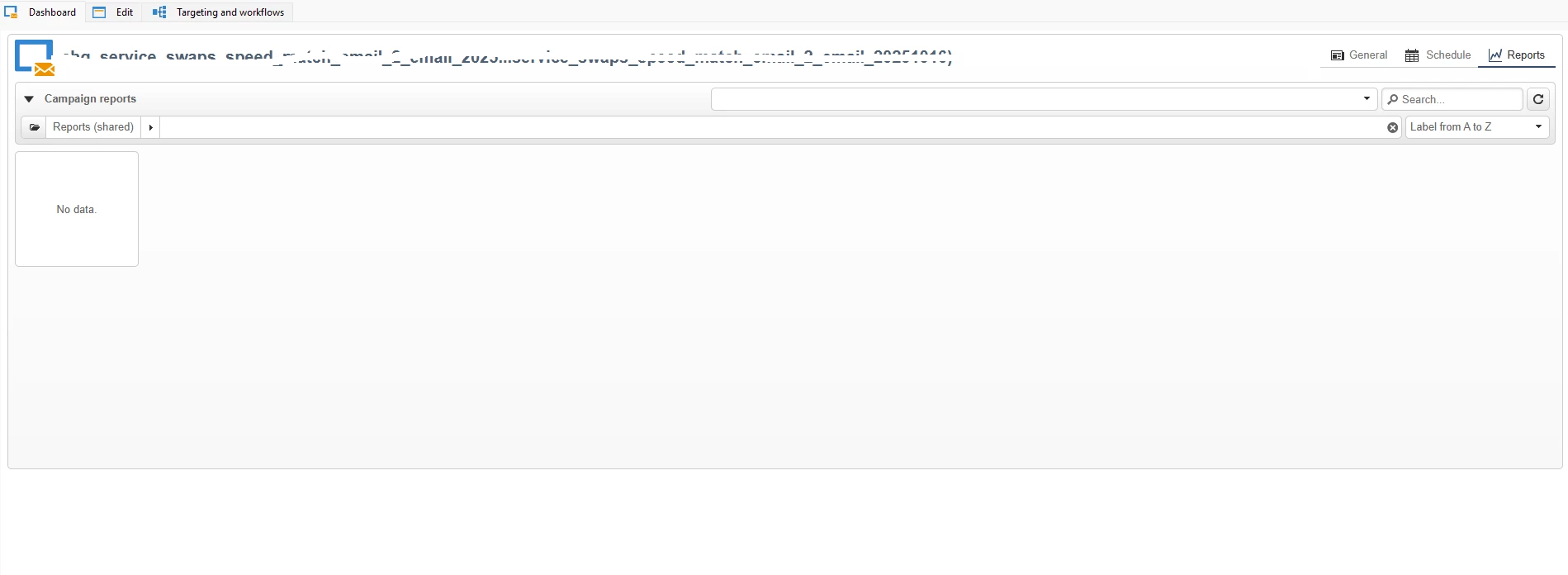
 

.


2) I send daily emails to around 10,000 customers. I want to implement a rule to exclude any profile that has already received more than 3 emails within the same week from receiving additional emails.   Note : without control from typology because i dont have admin access



Best answer by ccg1706

Hi @adobewisdomwarrior


I come back with possible solutions to your questions:


1. Check your custom target mapping and be sure that it's correctly linked to the tracking logs, if the mapping is not correctly configured properly, the delivery dashboard will appear empty. 


2. Since you don't have admin access, you can handle the exclusion directly in the workflow by the query using the broadlog table or tracking log table to filter and exclude profiles who have already received more than 3 deliveries in the past seven days. 


I attach you official documentation: Access the tracking logs 


If you need more help, just let me know. 


Best, 

Celia

1 reply

ccg1706
Community Advisor
ccg1706Community AdvisorAccepted solution
Community Advisor
October 17, 2025

Hi @adobewisdomwarrior


I come back with possible solutions to your questions:


1. Check your custom target mapping and be sure that it's correctly linked to the tracking logs, if the mapping is not correctly configured properly, the delivery dashboard will appear empty. 


2. Since you don't have admin access, you can handle the exclusion directly in the workflow by the query using the broadlog table or tracking log table to filter and exclude profiles who have already received more than 3 deliveries in the past seven days. 


I attach you official documentation: Access the tracking logs 


If you need more help, just let me know. 


Best, 

Celia