Adobe Campaign Classic: Change Content selector’s default search from Name to Label
Hi everyone,
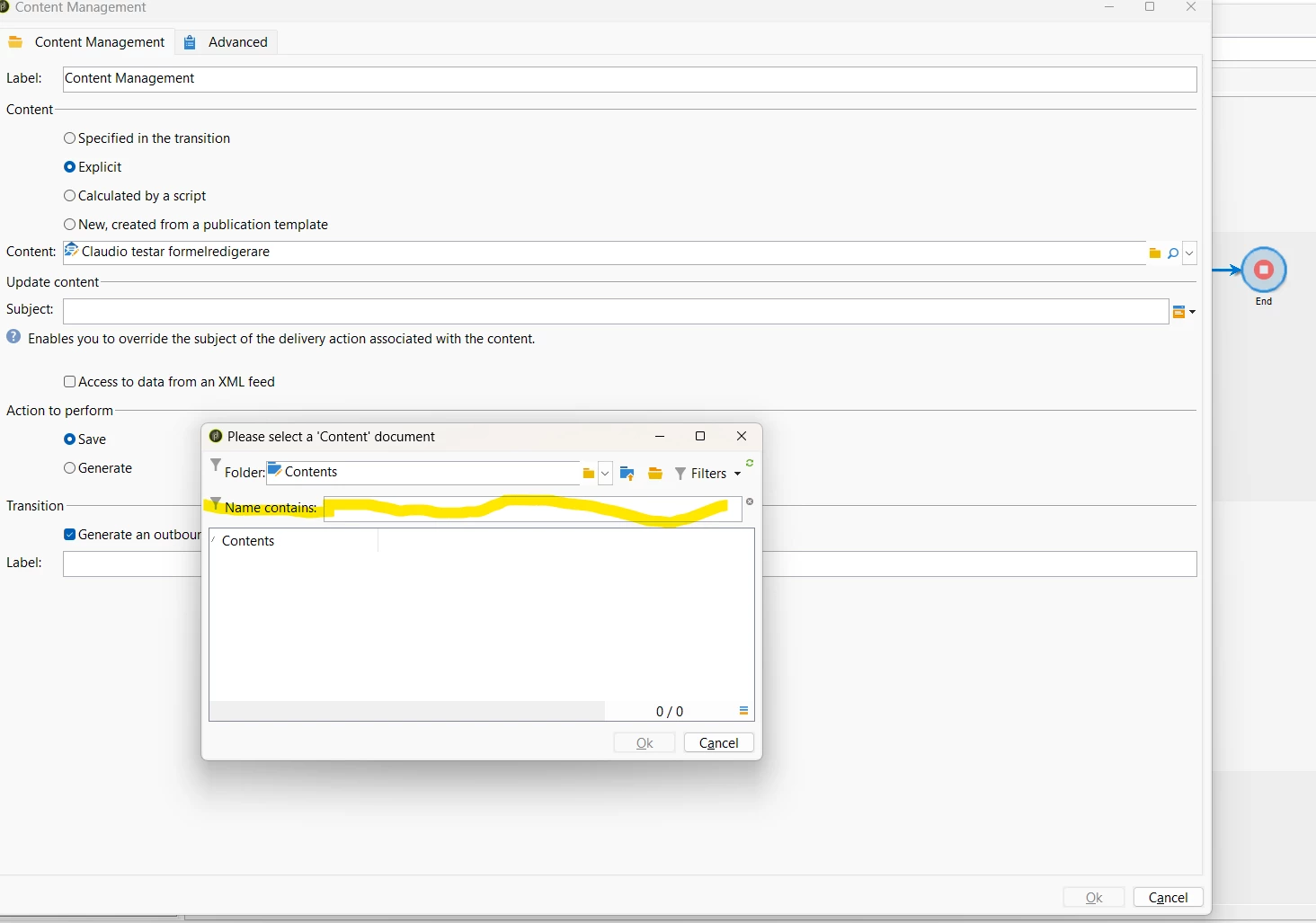
We are using Adobe Campaign Classic 7.4.2 and in a workflow’s Content Management activity, we select Explicit and open the Content selection dialog.
The dialog’s default search field is “Name contains”, which searches the content’s internal name (@name). Our users identify content by its Label (@label), rather than its automatically generated internal name. We would therefore like the default search field to be “Label contains”. Is there a supported way to configure this selector to search by Label instead of Name?
The relevant input in the xtk:workflow input form is:
<input img="ncm:content.png" xpath="content"/>
I tested adding filterEditField="@label": <input filterEditField="@label" img="ncm:content.png" xpath="content"/> but the selection dialog still displays “Name contains”.
For context: The target schema is ncm:content. Its compute string is already <compute-string expr="@label"/>. The ncm:core navigation hierarchy defines the content list under ncmChannel, with @label as the first column. Searching through Advanced filter → Label → contains works, but we would like Label to be the default quick-search field.
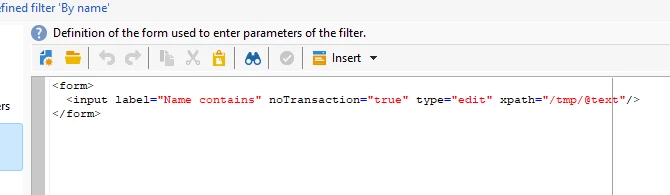
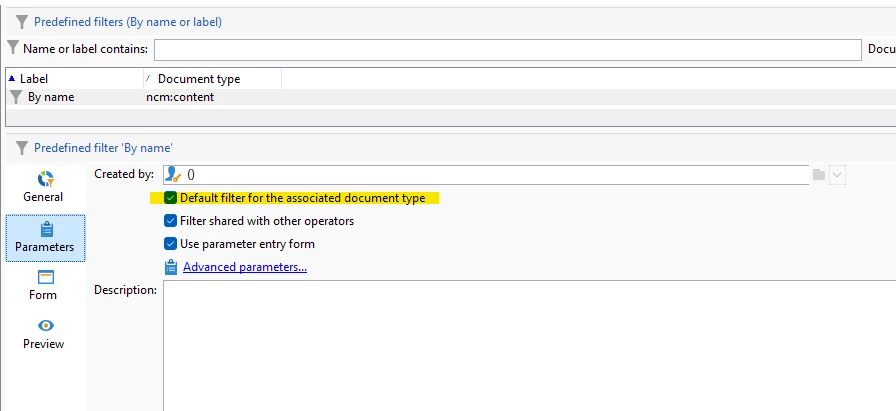
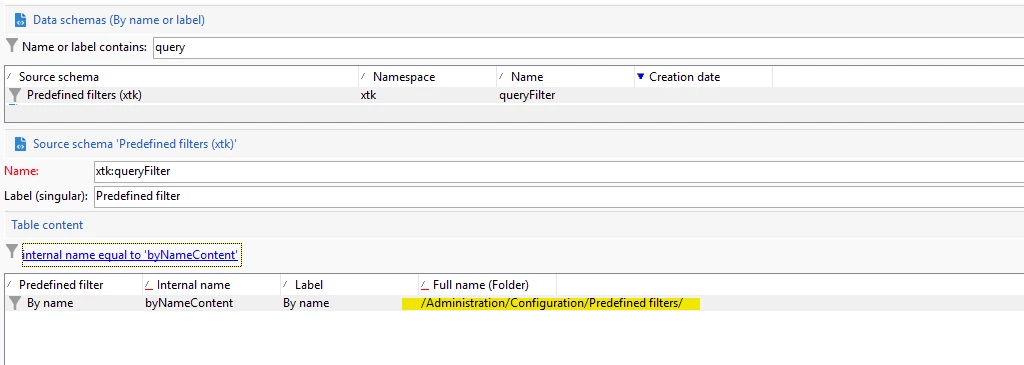
Where is this default search configured: in the input form, the target schema, a predefined filter, or elsewhere? Ideally, we would like a solution scoped to this selector and implemented in our own namespace, without directly modifying out-of-the-box objects or changing the content’s internal-name key. Any guidance or a working XML example would be greatly appreciated.
Thanks!