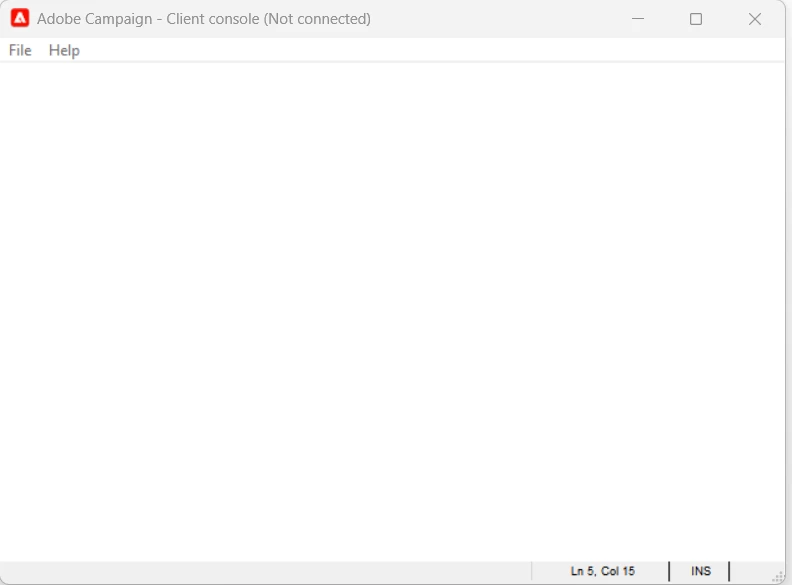
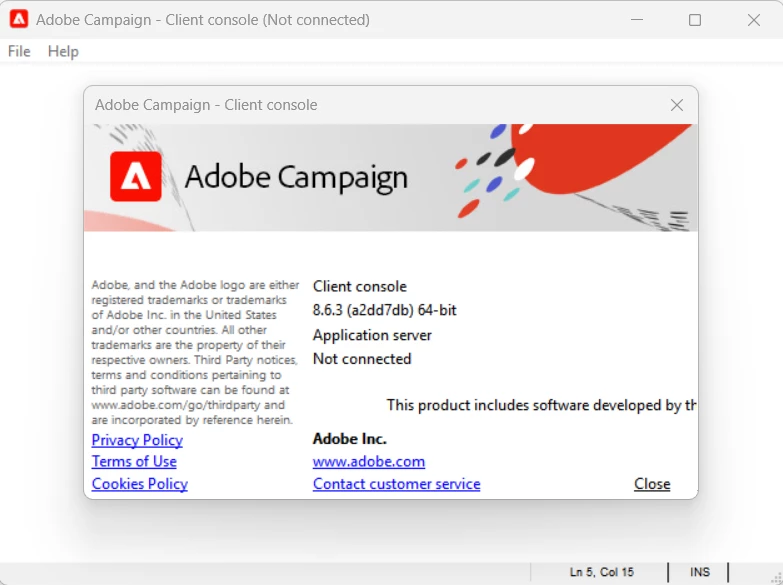
ACC Console not redirecting to IMS Login (Blank White Scree with no further response) v8.6.3.
Hi All,
We are facing an issue since long. Our IMS login is not working in ACC Client Console (8.6.3), In this version whenever we select an environment, it showing blank white screen with no further response. We tried all below suggestions, but issue persists. Could you please help for a permanent fix.
Check for Edge WebView2: Ensure that Microsoft Edge WebView2 is installed. If not, download and install the latest version from the Microsoft Developer website .
Clean Uninstall: Completely uninstall the Campaign client. Then, manually delete the following folders and registry keys:
AppData\Roaming\Neolane\NL_5
AppData\Local\Neolane
Registry: HKEY_LOCAL_MACHINE\SOFTWARE\Neolane
Re-download the Installer: Make sure you're using setup-client-8.6.4.exe and that it matches the server’s build number. Re-download it from the server's URL or Software Distribution page to rule out a corrupted installer.
Run as Administrator: Launch the Campaign Client Console by double-clicking the shortcut or by running nlclient.exe as Administrator from C:\Program Files\Adobe\Adobe Campaign v8 Client.
Check Compatibility: Confirm the machine is running a compatible OS (Windows 10/11 64-bit), and that the server is on version 8.6.4.
Regards,
Sourabh
