


Workfront Planning v2 connector now available
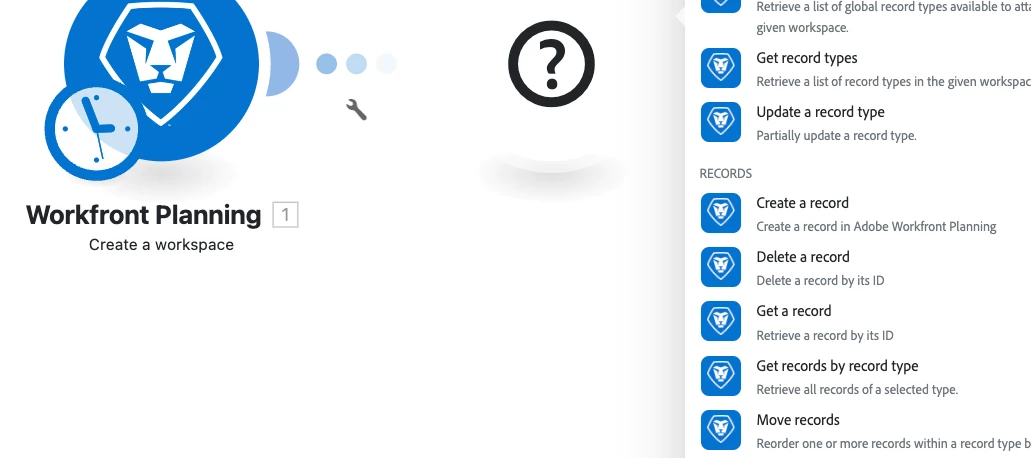
Product update: Workfront Planning v2 connector
Workfront Planning v2 connector now available
We’ve released a new connector that exposes the expanded capabilities of the Workfront Planning API version 2 so you can automate and integrate Workfront Planning resources directly from Experience League integrations and workflows.
Overview
The new Workfront Planning v2 connector adds modules that map to the Planning API v2 surface so you can programmatically manage Workfront Planning workspaces, record types, records, fields, and access workflows. The connector also includes user and permission queries and a generic custom-call module so you can call any remaining endpoints not covered by the dedicated modules.
What you can do with the Workfront Planning v2 modules
- Create, read, update, and delete workspaces, record types, records, and fields.
- Retrieve user-level info such as authorization ID and permissions.
- Request access to a resource and view pending access requests.
- Make custom API calls to any Workfront Planning v2 endpoint via the generic request module.
How to get started
- Open your integration or automation canvas and add the Workfront Planning connector.
- Select the Workfront Planning v2 modules for the operations you need (Workspace, Record Type, Record, Field, User, Access Requests, or Custom Request).
- Authenticate with your Workfront Planning credentials and grant the connector the required permissions.
- Configure the module inputs (IDs, payloads, query parameters) and map outputs into subsequent steps in your flow.
Where to find documentation
Full reference and step-by-step instructions are available on Experience League: Workfront Planning modules.
Need help or want to give feedback?
If you have questions or run into issues, post a comment below, start a thread in the Experience League Community, or contact Adobe Support through the Admin Console Support portal. Your feedback helps prioritize new modules and improvements.