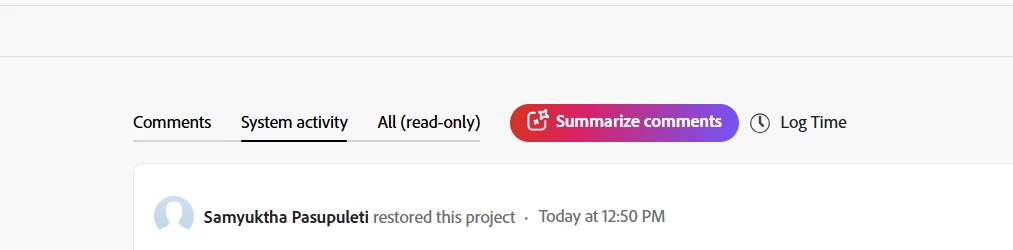
Use “Watch Events in Workfront” module
This is the general‑purpose listener for any Workfront object change.
-
Module: Workfront → Watch Events
-
Object Type: select Project
-
Event Type: choose “Updated” (since “Restored” logs as an update to the project’s status).
-
Filter (inside or after the module):
Add a condition to watch for the specific field change that occurs when a project moves from Trash (status =DEL) to an active state (for example =CUR, PLN, INP, etc.).
Example filter expression:
oldStatus = "DEL" AND status != "DEL"
This ensures the flow only fires when a deleted project is brought back.
-
Follow‑up modules:
Add any actions you want to happen post‑restore — e.g. send notifications, reset custom flags, re‑assign resources, etc.
🔗 Reference:
See Workfront Fusion | Watch Events module — it details how to detect and filter object updates.
⚙️ Quick summary
| Action you want |
What to use |
Filter logic |
| Trigger when a project is restored |
Watch Events → Project → Updated |
oldStatus="DEL" AND status!="DEL" |
🔗 Module Chain: “Project Restored Trigger”
1️⃣ Workfront > Watch Events
- Connection: your main Workfront Fusion connection
- Object Type:
Project
- Event Type:
Updated
- Output fields to include: - Project ID (
$.object.id)
- Status ($.object.status)
- Old Status ($.objectChanges.status.oldValue)
- New Status ($.objectChanges.status.newValue)
- Name ($.object.name)
💡 Note: when a project is restored from the trash, Workfront emits one update event where oldValue="DEL" and newValue!="DEL".
2️⃣ Filter: “Restored Project Only”
Add this condition right after module 1 using a Fusion filter:
Condition:
  $.objectChanges.status.oldValue = "DEL"
  AND
  $.objectChanges.status.newValue != "DEL"
This ensures your flow runs only for restoration events, not ordinary status changes.
3️⃣ Workfront > Get Record
- Connection: same as module 1
- Record Type:
Project
- Record ID:
{{1.object.id}} (use the ID output from the Watch Events module)
- Purpose: retrieves all full project fields and attached custom forms.
4️⃣ Any downstream modules (your choice)
Depending on what you want to do after restoration: - Notify team (Slack or Email module)
- Set custom form fields back to “Active”
- Update tasks or re‑activate permissions
Example notification payload:
{
  "text": "Project '{{3.name}}' was restored from trash and is now active again.",
  "projectId": "{{3.id}}",
  "status": "{{3.status}}"
}
✅ End result
Your Fusion scenario will now:
- Watch for project update events.
- Filter for status transitions from
DEL → active.
- Fetch complete project details.
- Perform any follow‑up actions automatically.