Are there ways to force a field to show up in Field Mapping? | Community
Skip to main content
Level 1
March 31, 2026
Question

Are there ways to force a field to show up in Field Mapping?

  • March 31, 2026
  • 3 replies
  • 40 views

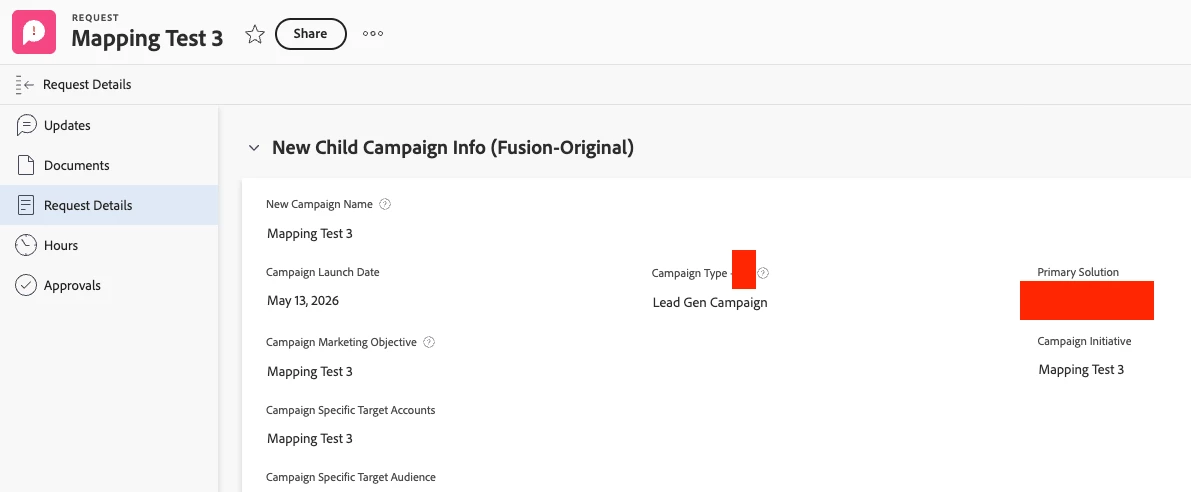
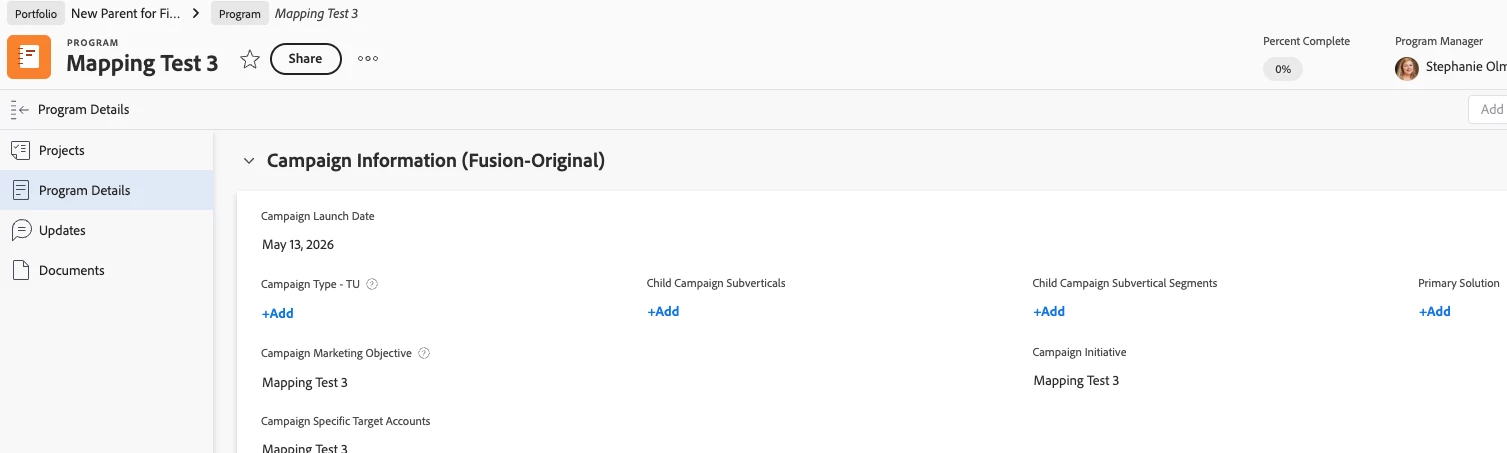
We’ve built a Fusion workflow that creates new Programs within Portfolios as Child Campaigns, storing specific custom field information on the Program object using custom forms that collect the information on the request. I’ve been able to add additional fields to the mapping, but for some reason, the fields I’ve added in the last week don’t want to appear.

I’ve checked the that the Read a Record (Fetch Request) IS pulling in the data to the correct fields:
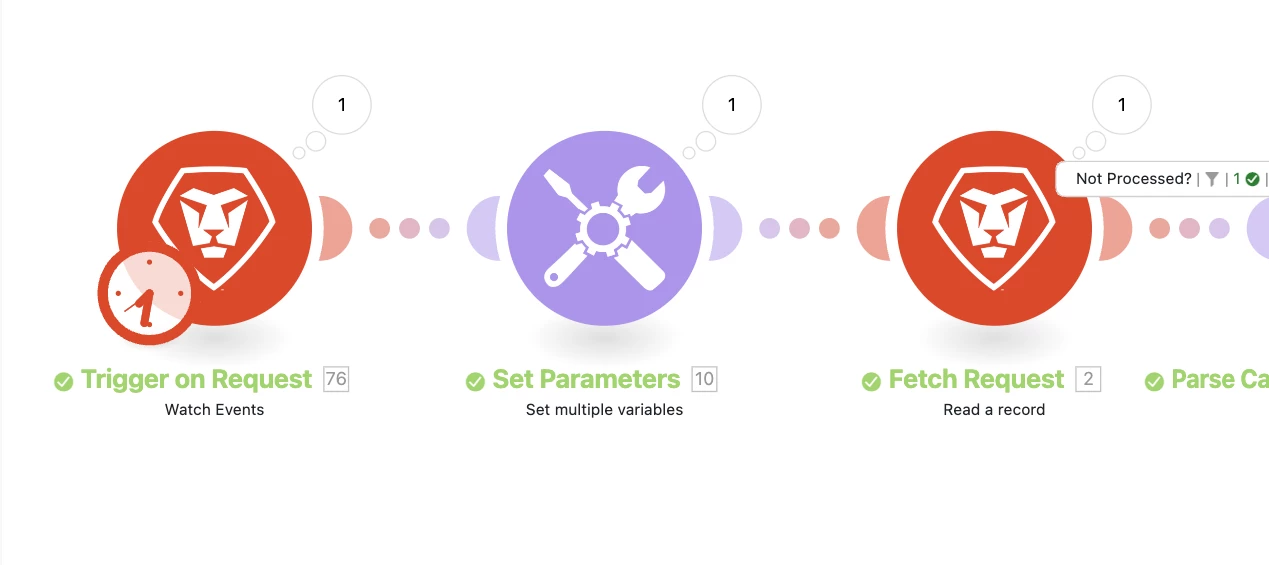
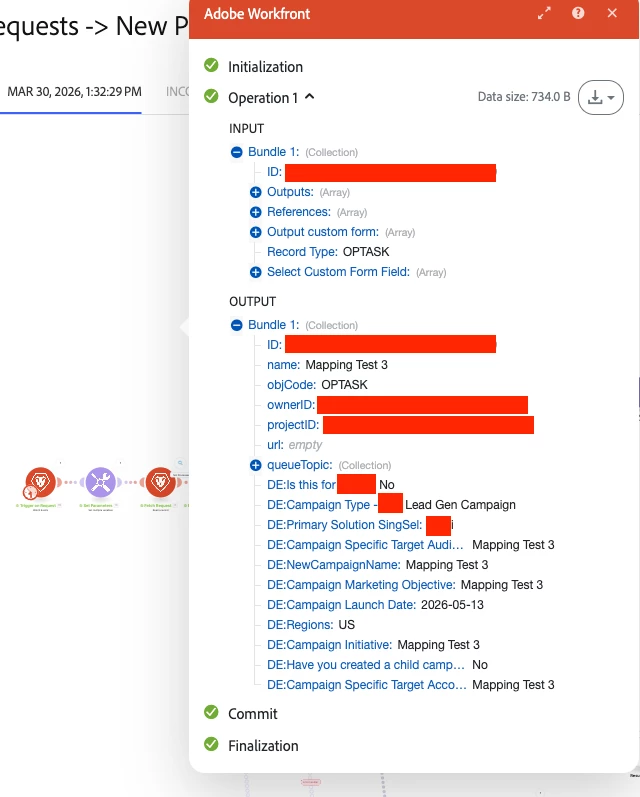
and that the Create a Record (Create Program) is showing the fields as things I can map, but it’s not showing them as fields I can pull in (similar to Regions, it should be showing 2. DE:Primary Solution SingSel as a mapping options):
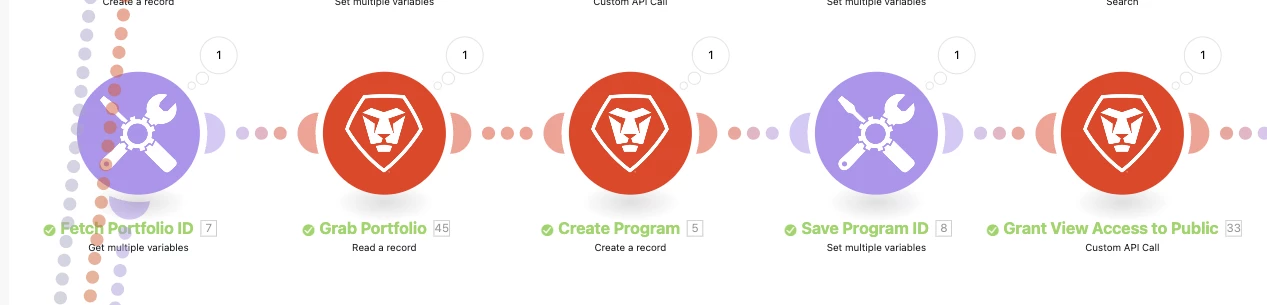
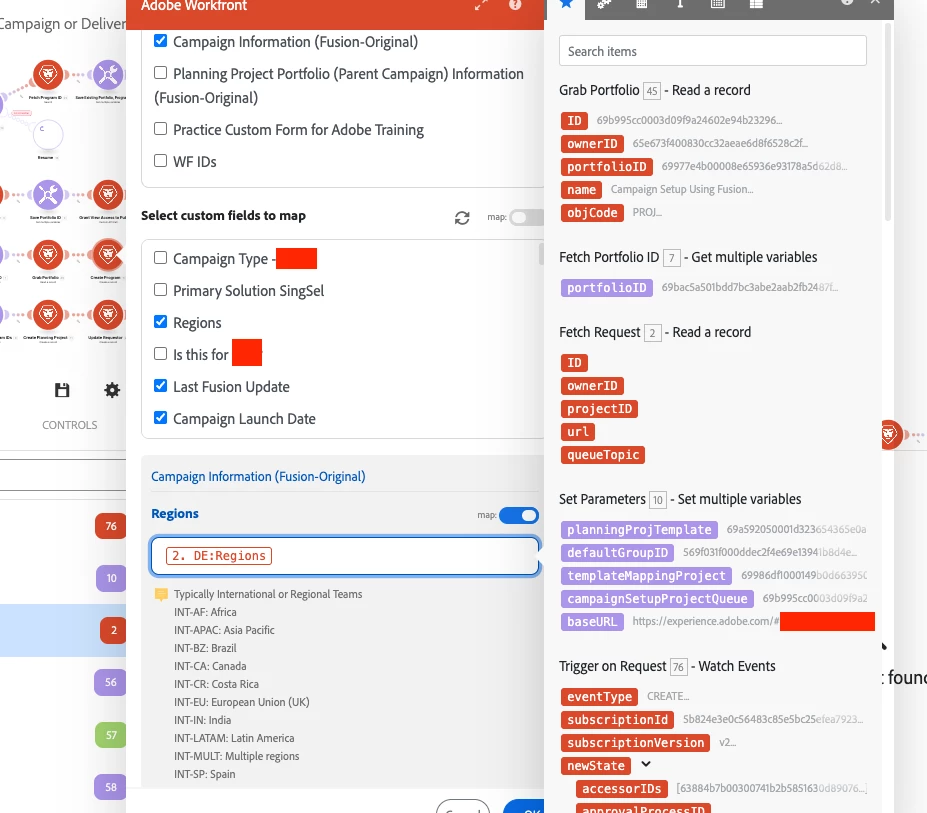
 

Underneath the Read a Record, there SHOULD be Primary Solution SingSel, Is this For, Campaign Type, etc, but they don’t show up. I’ve checked every custom form, made sure the fields are on all of them, run the workflow dozens for times, I’m at a loss for way to get Create a Record to actually give me the fields. 
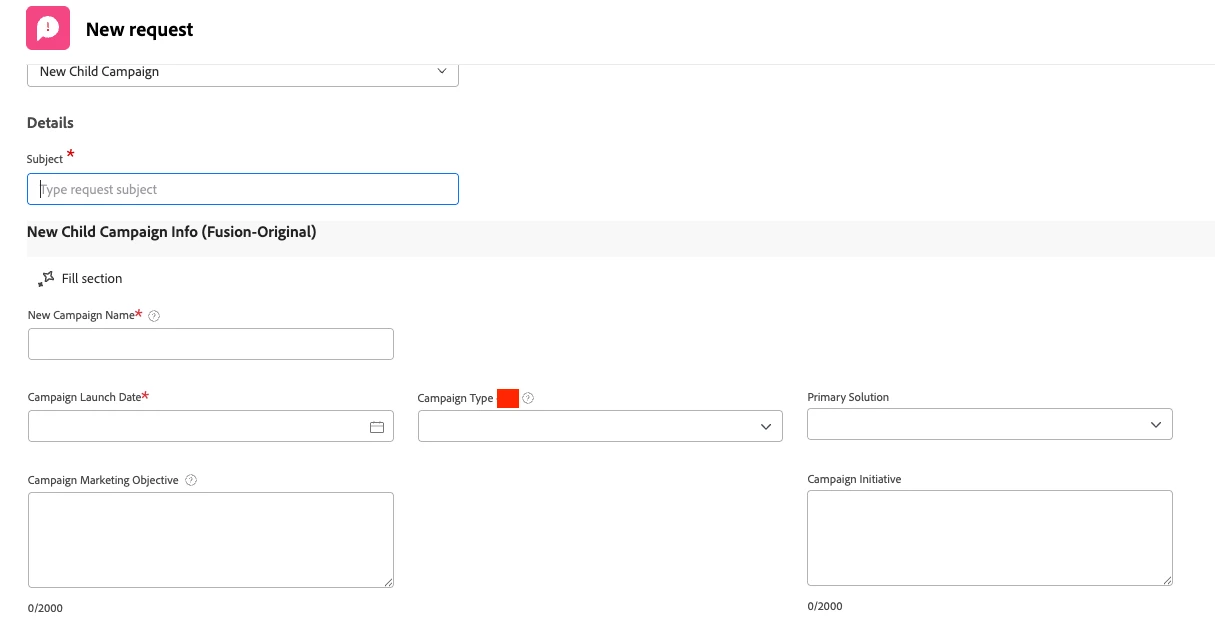
I was able to successfully add to this Mapping in the past (Regions) but I don’t think did anything particular. Can anyone think of a way to either map the fields or something that I’m missing?

3 replies

ninoskuflic
Level 4
April 9, 2026

Hi ​@StephanieOl2, just to make sure I understand - so you have created fields in Workfront and now when you try to use a Workfront Create Record module in Fusion to map those fields, they are not showing up? Have you tried to use the “map” option in the Select custom fields to map? You can click that, list the fields manually and then uncheck it. Sometimes it does bring up the fields. 😀


Let me know if that works or not, and we can try other options. 😎

If this solved your issue, please mark it as solved so others can find the solution faster.
ChrisStephens
Community Advisor
Community Advisor
April 9, 2026

Typically when I run into this issue, I have to run that module in such a way that it will pull in an object that has values for all of the fields that I’m wanting to use, and usually that means seperating the module from the rest of the flow and pulling in a specific object by ID, but once you do that and you see the values in the response you should be able to add it back into the larger code and, making sure not to re-run the code, be able to map the values back.

KatherineLa
Community Advisor
Community Advisor
April 10, 2026

Typically I only see a field available for mapping if my last run of the scenario had data in those fields. To get around that, you can also manually key the links. 

{{modulenumber.fieldname}}

So for your example:

{{2.DE:Regions}}