Solved
Workfront Dashboard that pulls in user capacity vs planned hours
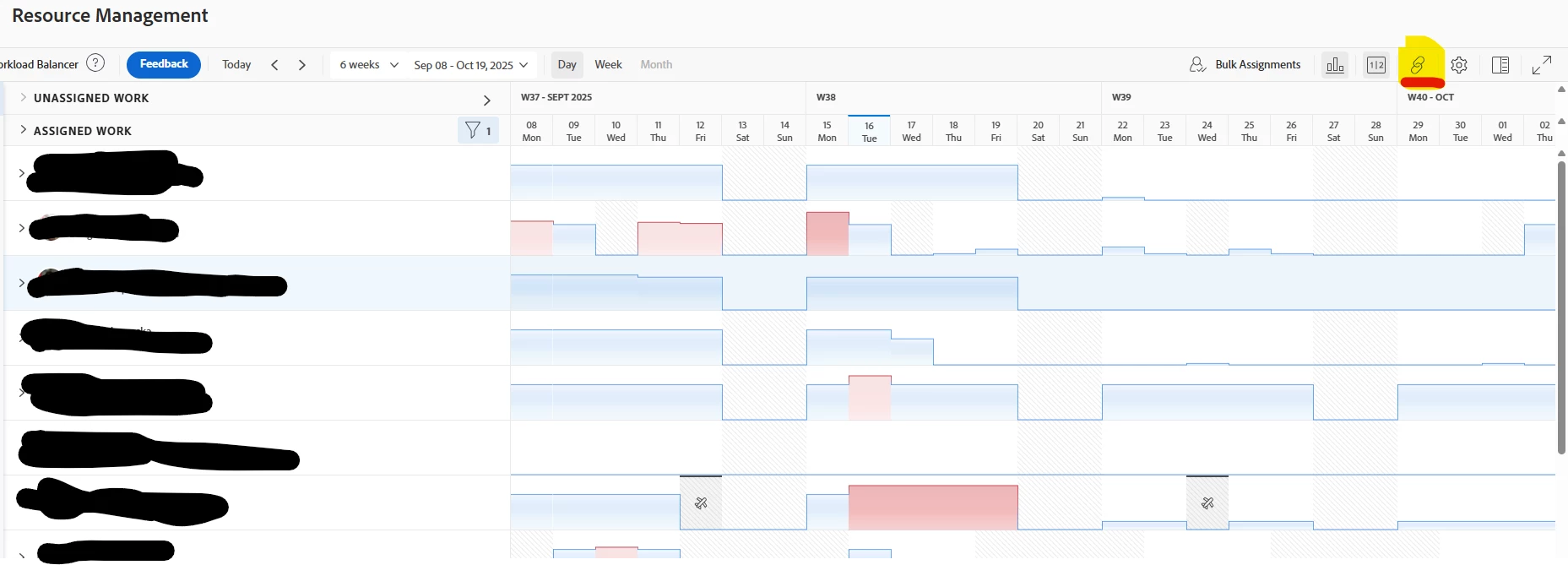
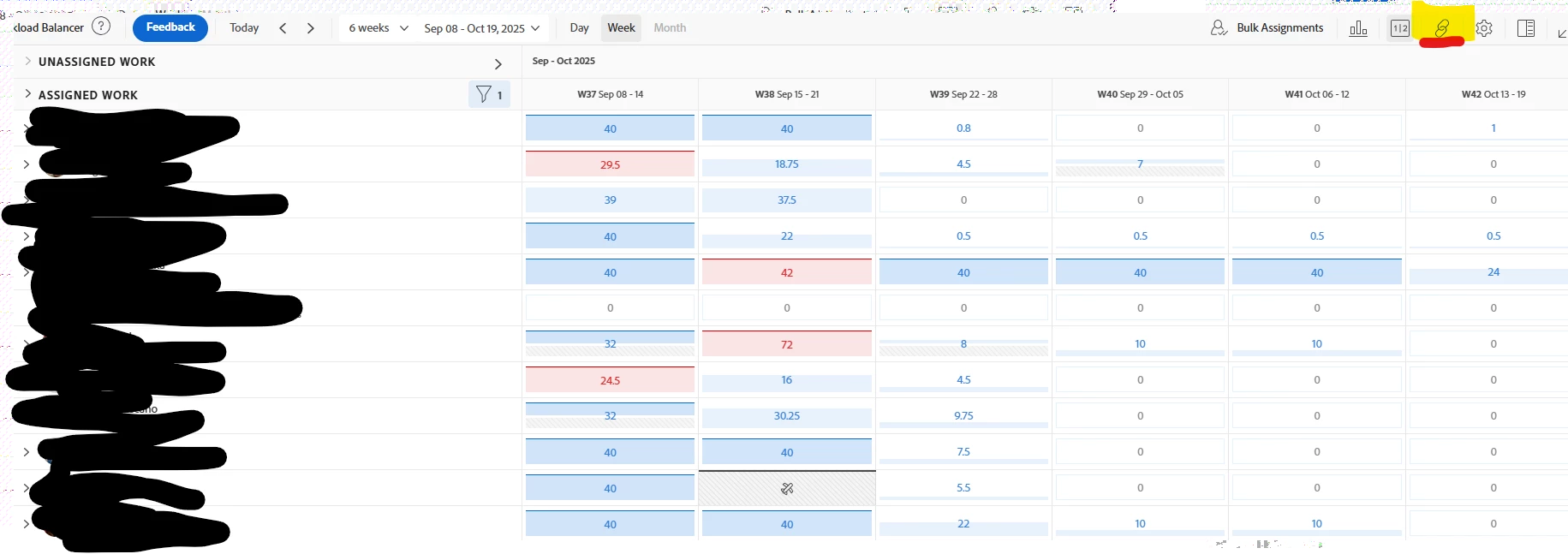
I’m trying to build a dashboard for our marketing team that includes a report showing each user's weekly capacity vs their planned hours. We want this visible alongside other team stats in a centralized dashboard.
I know this type of information is available in the Resource Planning page, but we need to expose it through a custom report (preferably a User or Task report) so we can add it to a dashboard and share with team leads.
What we’re trying to show per user:
- Weekly capacity (based on FTE × 40 hours)
- Planned hours (total assigned hours for the current or upcoming week)
- Ideally a variance or utilization %
What I am hoping someone can help with:
- Has anyone successfully built a report that compares user capacity to planned hours and displays it in a dashboard?
- Is there a workaround to calculate FTE × 40 in a report without a custom field?
- Is there a way to pull weekly capacity and planned load into a single report, even through text mode or calculated fields
I’d love to avoid building a custom solution outside of Workfront since we do not have fusion and can not export this to PowerBI.
Thanks in advance for any advice or examples!