System Admin Support | Community
Skip to main content
November 6, 2023
Solved

System Admin Support

  • November 6, 2023
  • 2 replies
  • 752 views

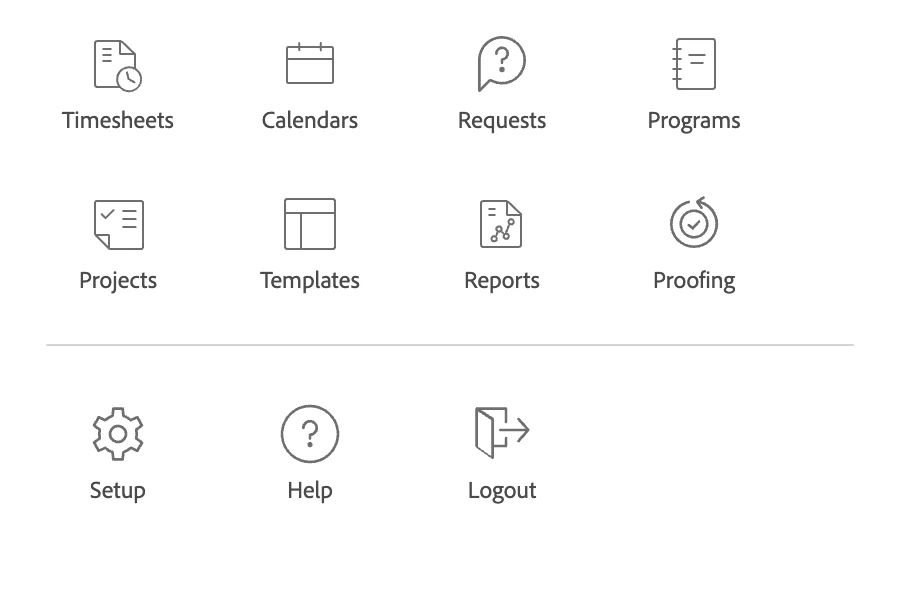
I am a system administrator within Workfront, however, I don't have all the options to add or edit users. 
This post is no longer active and is closed to new replies. Need help? Start a new post to ask your question.
Best answer by lgaertner

Hi,


you should double check the layout template assigned to your user level. There, in the top right, you can define what functions you find in your main menu.

https://yourinstance.my.workfront.com/setup/layout-templates


Regards

Lars

2 replies

KellieGardner
Community Advisor and Adobe Champion
November 6, 2023

@caitvank - you likely have a layout template applied to your profile that is hiding the menu options. I would suggest removing that or creating an admin template that has everything you need. you can access users directly by adding /users after the .com in your URL.


yourcompanyname.my.workfront.com/users

caitvankAuthor
November 6, 2023

Thank you, this was the problem.

lgaertner
lgaertnerAccepted solution
Level 9
November 6, 2023

Hi,


you should double check the layout template assigned to your user level. There, in the top right, you can define what functions you find in your main menu.

https://yourinstance.my.workfront.com/setup/layout-templates


Regards

Lars

caitvankAuthor
November 6, 2023

Yes, thank you! This was my issue and now I've corrected it.