Question
Quick Tip: Sign up to receive the Quick Tips in your inbox!
If you're looking for how to follow the Quick Tips as they come out, there are 2 ways you can do that.
First (and this is the most recommended) you could choose to get the community digest email at the frequency of your choosing. Visit the All Discussions group page and "Join" the group and select your email preference. By default, when you join the group you'll be added to the "Weekly" digest, but feel free to select daily if you'd like.

Second, you can "follow" the Quick Tip topic and get an email every time a new Quick Tip is posted. Here's how:
- Visit the Quick Tip topic page
- Click the "Follow" button on that page.
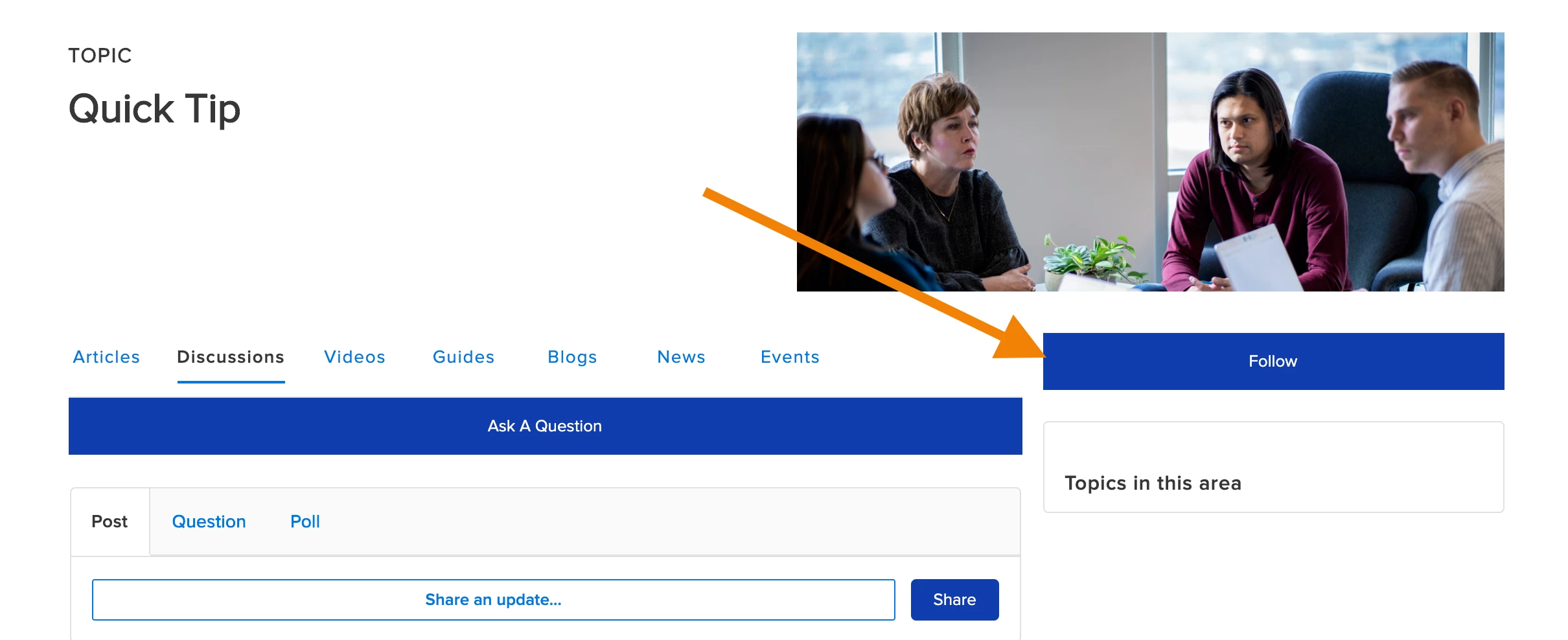
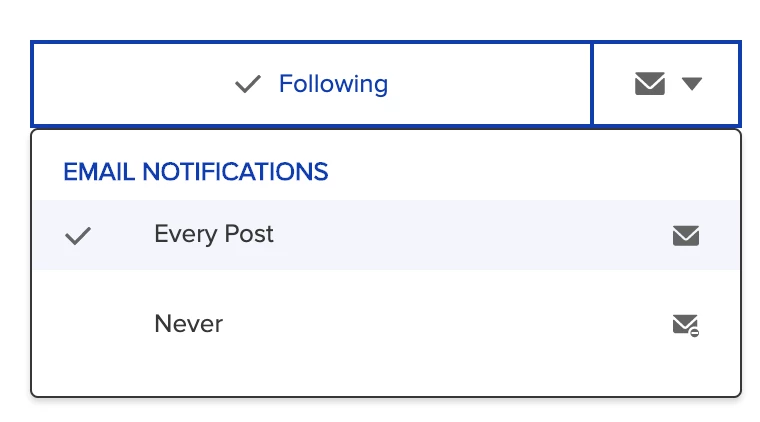
- Then click on the little envelope icon that appears after you click "Follow". Then select to receive an email notification for every post. This will send you an email when a new post is published to this topic.