@_Manish_Singh
Short answer:
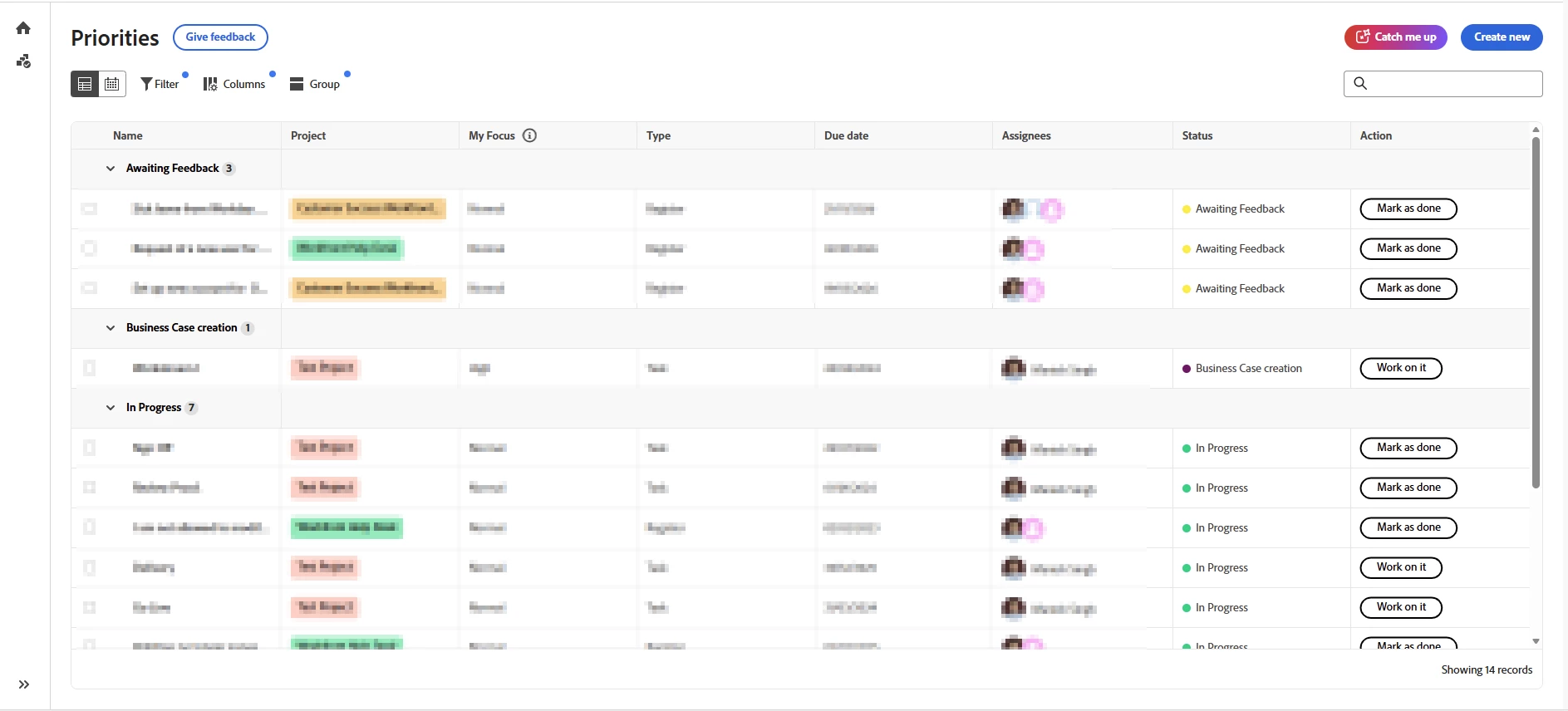
Tasks only appear in the Home → Priorities experience when the project is set to Current (or a status that equates to Current).
If a project is in Planning, its tasks do not display in the Priorities table/worklist.
Planning vs. Current project status
- Planning projects
- Tasks and issues assigned to users do NOT populate their Work List / Home.
- Only approvals and accepted requested work appear.
- Current projects
- Tasks and issues assigned to users DO populate the Work List / Home.
- Users can actively work on them and receive notifications.
This is by design and is intended to prevent “planned/future” work from showing up prematurely.