Issues with the Workfront Teams Integration.
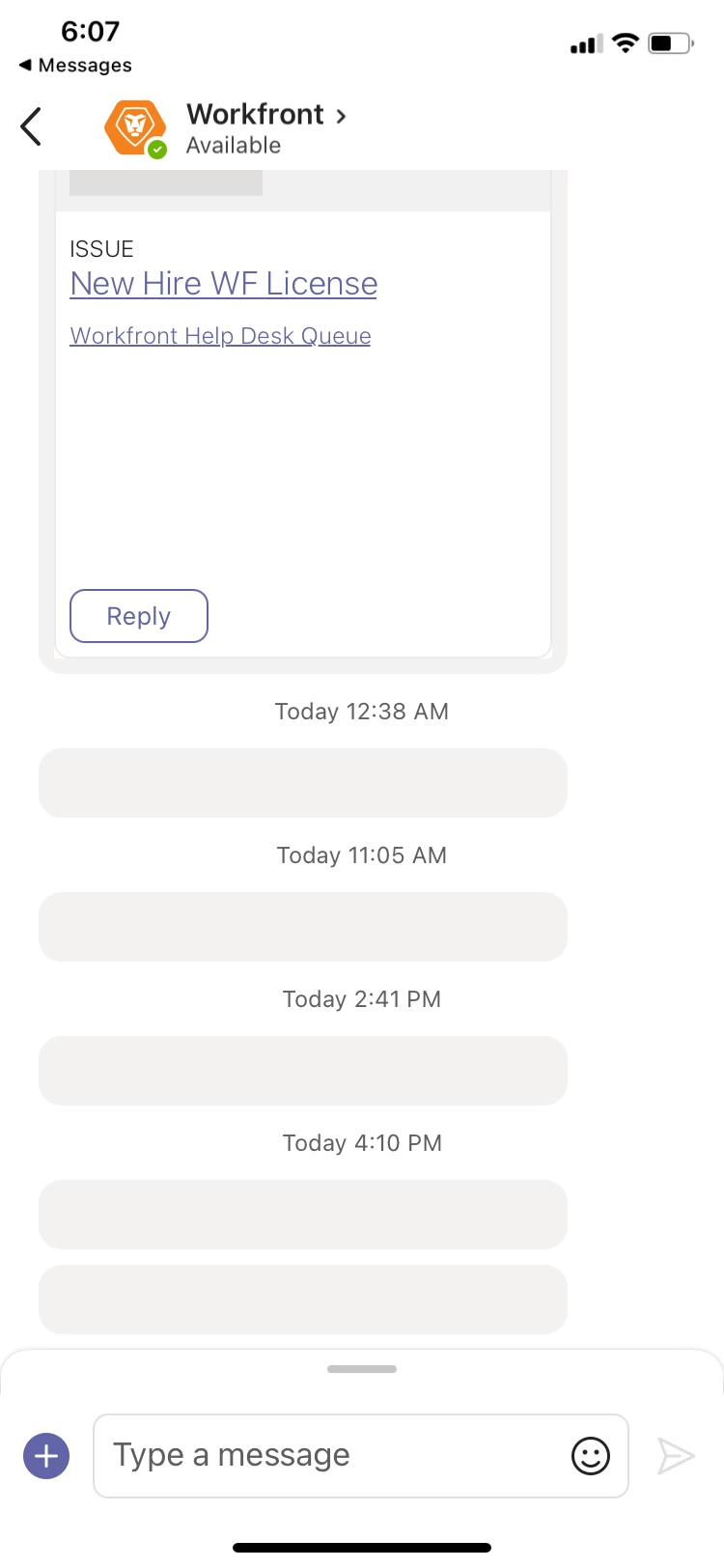 I use the Workfront Teams app integration on my laptop and phone. On my phone when requests or updates come in it is supposed to display the info like the first entry in this photo. (I hid the text for privacy) But often on my phone it just comes in a a grey rectangle (like the next 5 entries) and I am unable to see what it is without going to Workfront. Has anyone else experienced this issue and figured out a fix?
Also on the computer version of Teams, If I want to ask a question in a Teams chat with another user there is a Workfront icon that I can click and enter the name of the issue/request. It pulls up that ticket to forward along with an area for me to write what I need to. More often than not that feature won't work and it tells me the Workfront search is unable to locate the issue. If I log out of teams and re-log in it will usually work but having to do this takes away the convenience of the integration. Any ideas?