Hyperlink Text for CONCAT URL in Project Report
Hi all! I’ve looked over a variety of threads for this, but come up blank.
In a Project Report, this will successfully pull a link to the Project Details tab of any project listed:
displayname=Project Details
valueexpression=CONCAT("https://experience.adobe.com/#/@COMPANY/so:COMPANY-Production/workfront/project/",{ID},"/overview")
valueformat=HTML
The issue is that I cannot seem to shorten this CONCAT link to hyperlinked text in the way I’d be able to with a default URL field or a custom field. Examples of each:
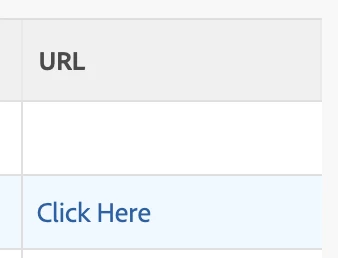
System Field URL:
displayname=URL
link.url=URL
valueexpression=IF(ISBLANK({URL}),"","🔗")
valueformat=HTML
Custom Field URL:
displayname=Dropbox
link.url=customDataLabelsAsString(Dropbox link)
valueexpression=IF(ISBLANK({DE:Dropbox link}),"","🔗")
valueformat=HTML
I’ve tried a bunch of combos of all of the code above, but nothing is working. I’m not allowed to create custom fields, so I need a text mode only solution.
———
Hoping to carry the same solution over to a Document View as well, to create links to the Details, Updates, and Proofing Workflow sections.