
NicoleM1
Level 2
May 18, 2026
Solved

Hiding document approvals

  • May 18, 2026
  • 1 reply
  • 16 views

Hello :)

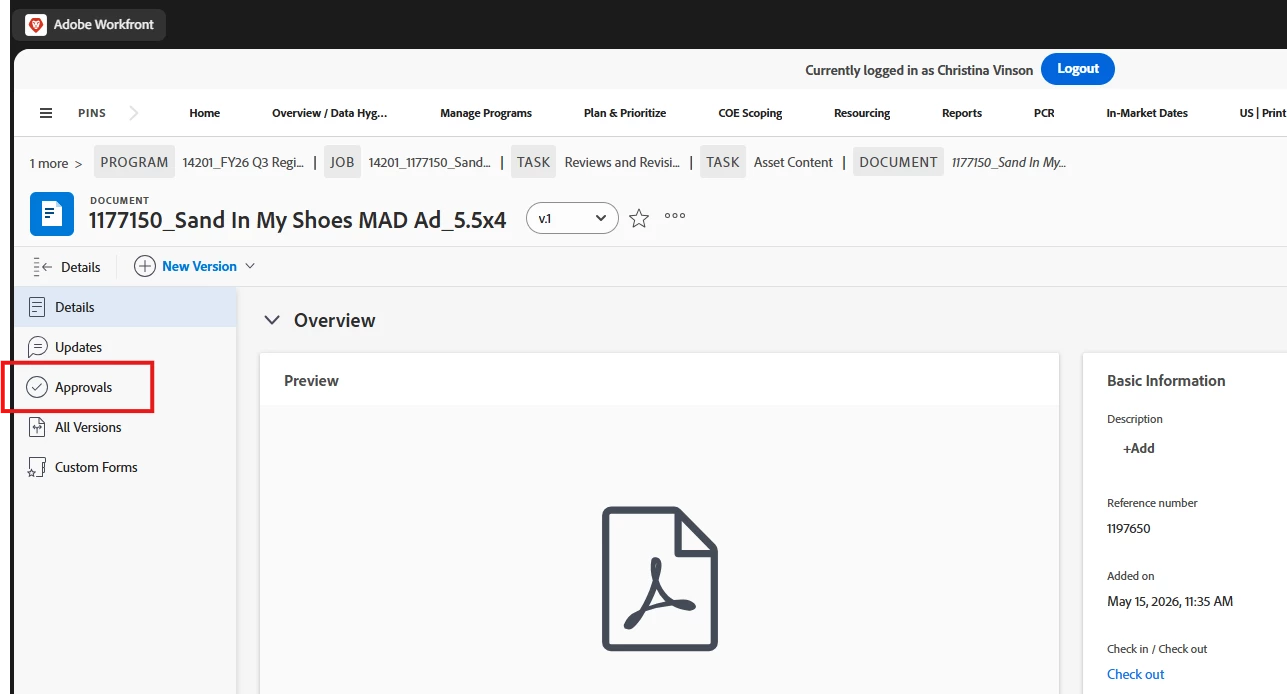
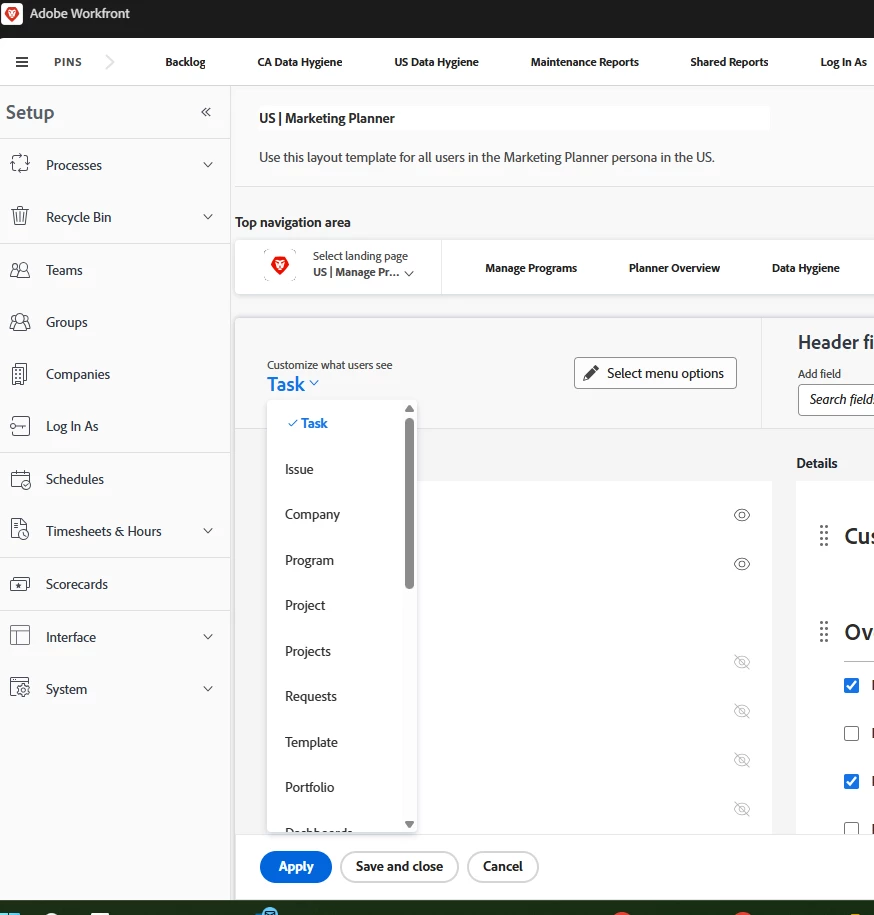
I'm trying to find this object in layout templates to turn it off - approvals tab in documents. I was able to find and hide the approvals tab in all other objects but can't find this one. I can't find document in this list to edit the side panel the way I did for the others. What am I missing?
 

Best answer by Kurt_Jones

Nicole, the Documents area is not exposed as an item to update in the layout templates, so we can’t make any adjustments. You’re not going bonkers or anything, it’s simply not available.

1 reply

Kurt_Jones
Community Advisor and Adobe Champion
Kurt_JonesCommunity Advisor and Adobe ChampionAccepted solution
Community Advisor and Adobe Champion
May 18, 2026

Nicole, the Documents area is not exposed as an item to update in the layout templates, so we can’t make any adjustments. You’re not going bonkers or anything, it’s simply not available.

If my response answered your question, please mark it answered, so others can find the answer
NicoleM1
NicoleM1Author
Level 2
May 18, 2026

🤣 Well, thanks for the validation! Strange to me that it’s not - specifically for approvals. We have all our approvals set and automated at the task template level and users should not create one-off document approvals. Sounds like I’m left to change management and educating users not to use it. Thank you!!