Exactly I need the same, can you provide me with any stuff?
Need a report detailing each user's hours spent on individual projects, to be exported as a spreadsheet.
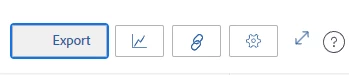
@kundanism you can export info from the Planner area. After you've set your planner with filters as you want it for users you're looking at, click Export from the top right icon area:
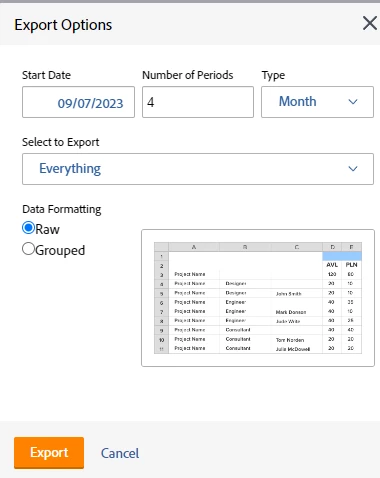
From there you can specify timeframe and other things.
OR, if you're looking for something more like a standard WF report, I actually have this text mode for an hour report where I wanted a column of the user's % of time logged of their 40hr allocation. So this isn't for planned hours but you could change the report to focus on planned instead of actual hours and the %.
My columns:

Text mode for far right column:
aggregator.displayformat=doubleAsString
aggregator.function=SUM
aggregator.valueexpression=CONCAT(({hours}/40)*100,"%")
aggregator.valueformat=val
displayname=% of Time Tracked
textmode=true
valueexpression=CONCAT(({hours}/40)*100,"%")
valueformat=compound
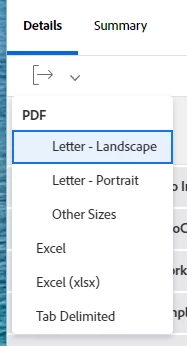
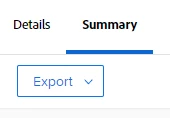
@navanyama what you're looking for is different. You can simply create an hour report either grouped by user (hour owner name) then project or vice versa with a column for logged (actual) hours. Include filters for a timeframe and teams/groups/etc. to help whittle your report down to what you need. From there, you can export it (you can export just about any report) from the icon under the details tab, or it shows as 'Export' from the summary tab.
If you found this helpful, please mark correct to help others : )