


Feature Request — Friendly Display Name When Copying Workfront Links
When a user copies a URL from within Workfront (e.g., via 'Copy URL' in the Documents folder menu), it pastes as a raw URL with no display name — exposing a long string of alphanumeric IDs that is hard to read and unprofessional when shared in tools like Slack, Outlook, or Teams.
Current Behavior:
Pasting a copied Workfront URL displays the full raw URL. Example:
https://companynamehere.my.workfront.adobe.com/issue/11aa11a0001123456df123dfcc1e1234/documents?initialFolderID=11b01cbf00010123bb12345ac12d123d
Additionally, there is no 'Copy URL' option on project or task pages, so users have no native way to share a direct link to those objects, other than copying the raw links from the browser address bar.
Desired Behavior:
1. Copied Workfront URLs should carry a friendly display name on paste — such as the document name, object name + ID, or folder path + document name — similar to how Microsoft Teams handles copied links.
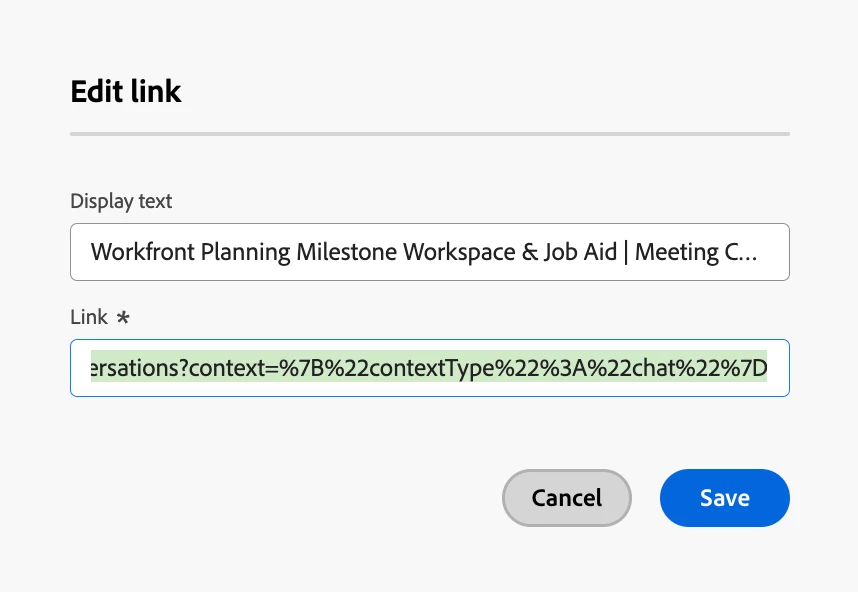
2. A 'Copy URL' option should be added to the ellipses menu on project and task pages, consistent with what's already available in Documents — and ideally with the same friendly display name behavior.
This would make shared links easier to read across tools, and give makes Workfront a more approachable for new users.