
Explaining the request types with a text or an image instead of the standard Bobsleigh image. | Community
Skip to main content
sebastiendesautel
Level 2
January 20, 2022
Question

Explaining the request types with a text or an image instead of the standard Bobsleigh image.

  • January 20, 2022
  • 2 replies
  • 804 views

Hello,

we are currently thinking of explaining how to choose the right request type to help the users to make their "right" choice. We have the possibility to enter a description for each request type, which can be seen after having chosen one of the option in the drop-down list, but it's not ideal.

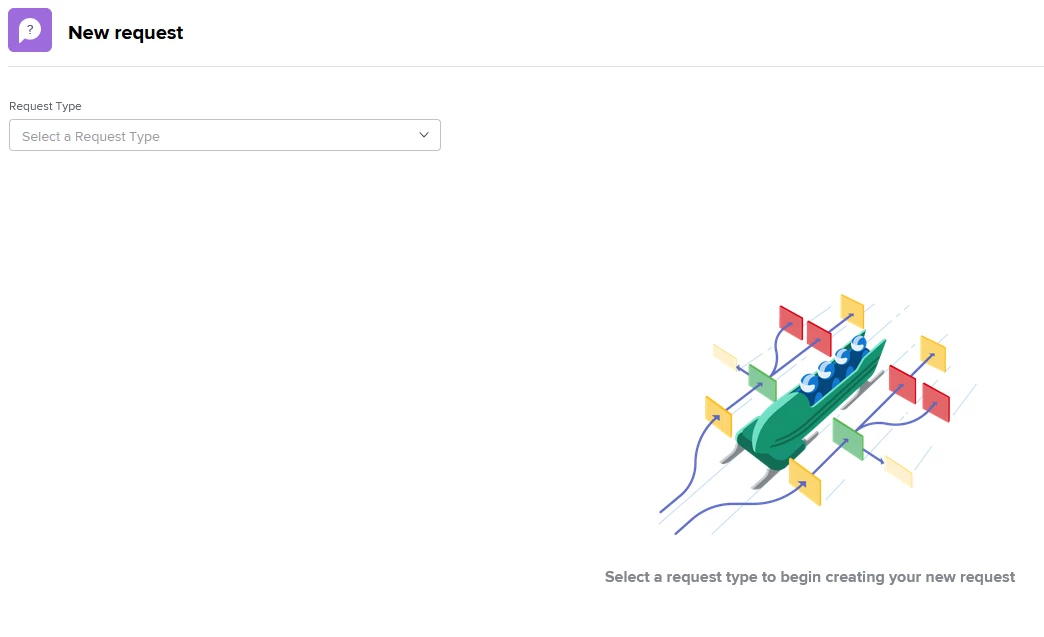
Is there any possibility to replace the bobsleigh image (see screenshot) by a text or an own image?

This would be very helpful. Any idea?

Sébastien
This post is no longer active and is closed to new replies. Need help? Start a new post to ask your question.

2 replies

skyehansen
Community Advisor and Adobe Champion
January 20, 2022

Workfront provides the ability to place a custom dashboard as a "custom section". Have you considered making a dashboard of instructions or helpful links and placing them at the /requests level (same page as the New Request button) instead of on this page?

Doug_Den_Hoed_AtAppStore
Community Advisor
Community Advisor
January 20, 2022

Oooh! Best answer, Skye!

I was going to suggest Sébastien create a Project with one Task per such request queue (indented, if he likes, to mimic the Queue Topics and help folks find them) with an meaningful image in the URL of each such Task and a calculated URL that would then open the correct Request submission, then assemble it all in a Task Report he could share on a top-level dashboard as a landing page....

....but that seemed kinda complicated. I prefer your suggestion.

Regards,

Doug

sebastiendesautel
Level 2
January 21, 2022

Many thanks for your Input Skye and Doug. Both contributions are very helpful. I will investigate these possibilities and actually, I also understand that I can have a completely separated landing page outside workfront, let's say in Sharepoint for example, where I can describe the requests type the way I want and put the direct link that I can grab with the "Share Path" button. Right? This enlarges the scope of possibilities.

Thanks again

Sébastien

skyehansen
Community Advisor and Adobe Champion
January 21, 2022

yes correct. Although please test the link functionality in your external page before putting a lot of effort into it. Good luck!