Custom Layout Template - Name Change | Community
Skip to main content
Level 2
September 8, 2023
Solved

Custom Layout Template - Name Change

  • September 8, 2023
  • 1 reply
  • 661 views

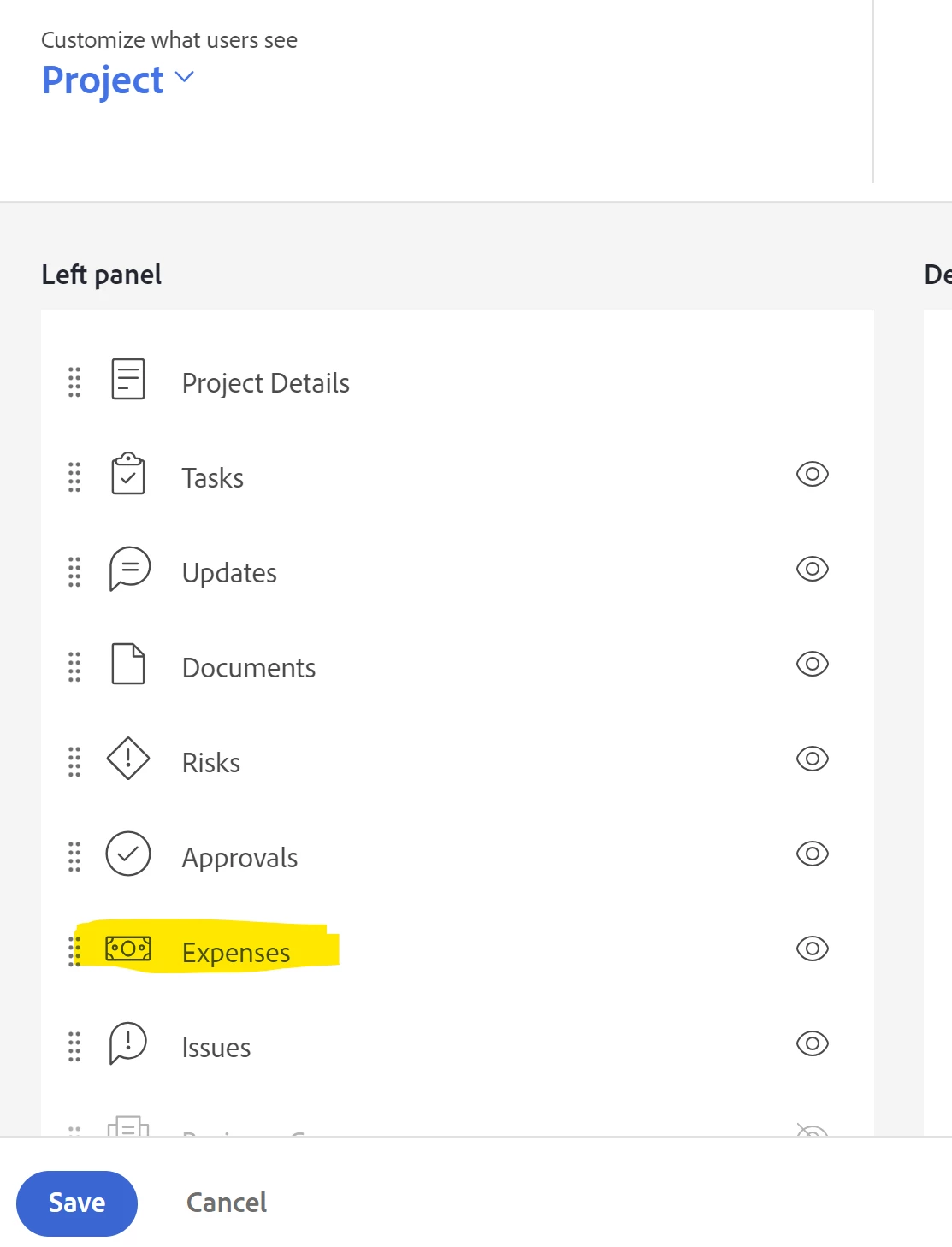
Is there a way I can change the name of the default tabs within a project?  I want expenses to be changed to elements for further customization for a client. 


The set terminology on the right side of the area doesn't allow me to edit the columns beside tasks and issues. 
 

This post is no longer active and is closed to new replies. Need help? Start a new post to ask your question.
Best answer by NicholeVargas

@jessicaramirez Unfortunately, only specific objects in Workfront can have a custom name (Portfolio, Program, Project, Task and Issue). This article provides additional information regarding the list of objects where customization is possible. 

It looks as if there is already an idea for additional customizations of terminology, so I'd recommend you up-like that and post a comment for your specific use case. I'm also happy to re-surface this to the Workfront Product team for additional consideration! 

1 reply

NicholeVargas
Adobe Employee
NicholeVargasAdobe EmployeeAccepted solution
Adobe Employee
September 14, 2023

@jessicaramirez Unfortunately, only specific objects in Workfront can have a custom name (Portfolio, Program, Project, Task and Issue). This article provides additional information regarding the list of objects where customization is possible. 

It looks as if there is already an idea for additional customizations of terminology, so I'd recommend you up-like that and post a comment for your specific use case. I'm also happy to re-surface this to the Workfront Product team for additional consideration!