


Create Date Range Setting in Report Filters to Ignore Weekends
My idea is to offer a date range filter in reports that ignores weekends. We use date ranges in many of our reports. When using a date range filter, including relative date ranges such as between $$TODAY-2D and $$TODAY, weekends are included in the calculation. As a result, when a report with the above relative date range is run on a Monday, tasks due on Thursday and Friday may not appear because the weekend days are counted in the range. We have used a Report Prompt, allowing users to manually enter the appropriate dates based on the day they are running the report. But we would like the ability to tell the system to ignore weekends when setting a date range filter in reports.
Currently, Workfront offers the ability to ignore weekends in Schedules, Repeating Deliveries of reports, and creating Recurring Tasks.
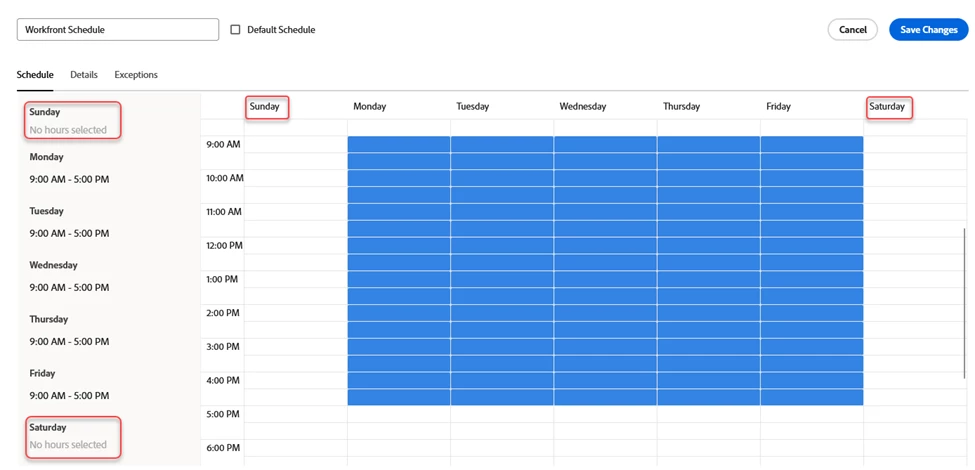
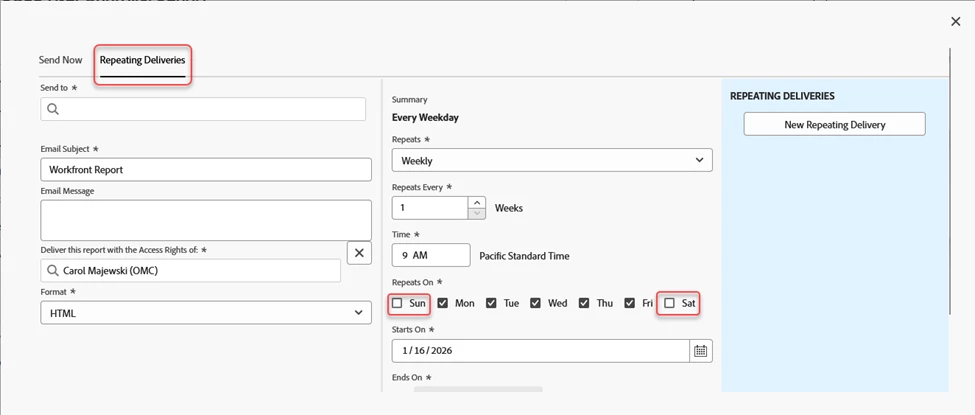
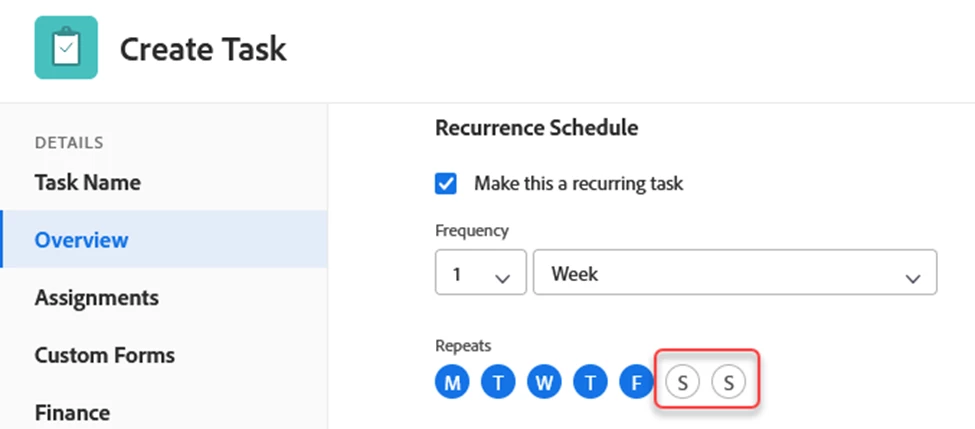
I would love to see a similar functionality built into report filters to tell the system to ignore weekends for date ranges. Thanks!