Not able to load Adobe Target using Chrome | Community
Skip to main content
March 15, 2023
Solved

Not able to load Adobe Target using Chrome

  • March 15, 2023
  • 1 reply
  • 4298 views

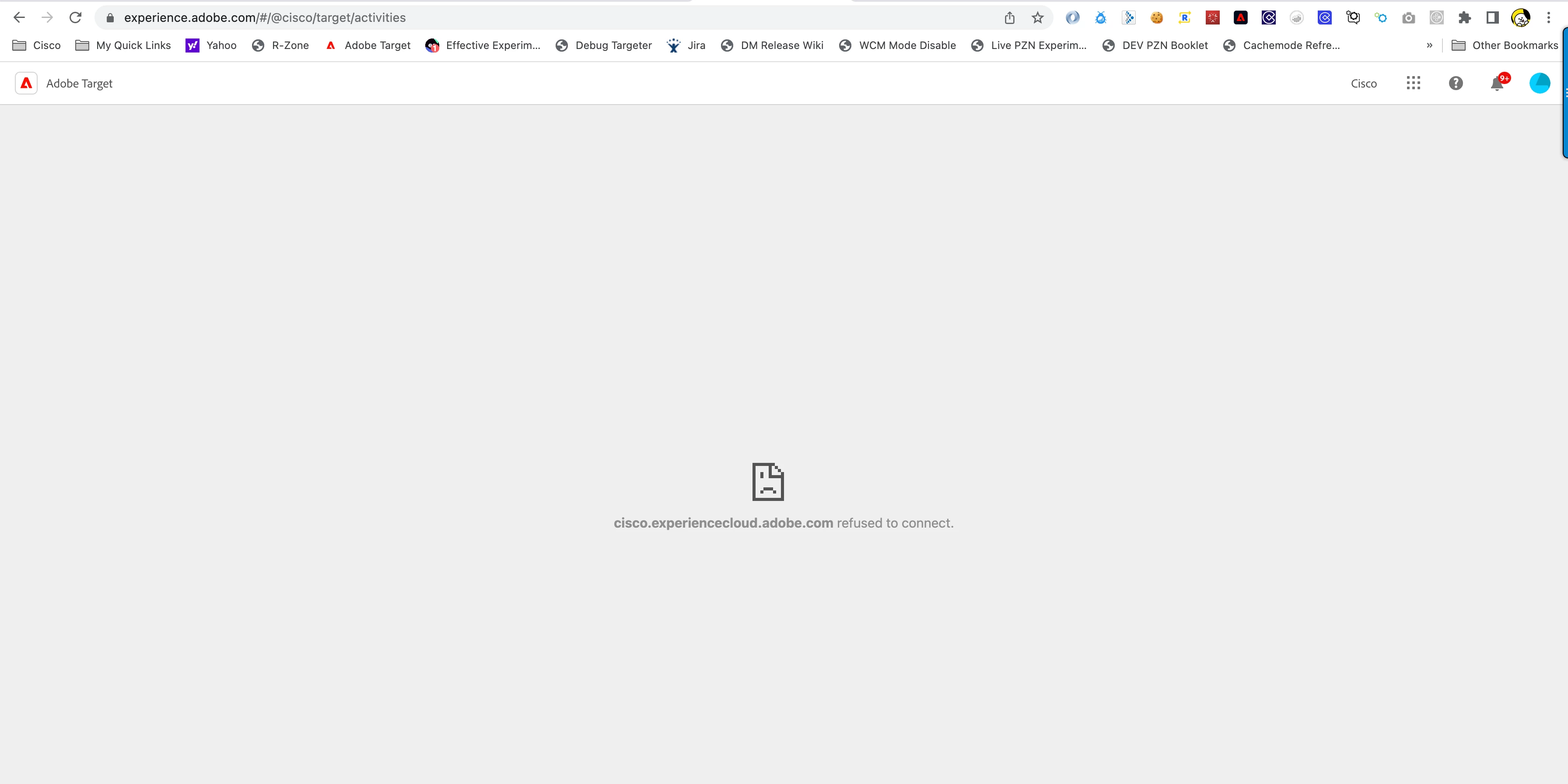
Hello, recently I am no longer able to use Chrome to run Adobe Target. I tried to update Chrome regularly without any success.  My current version of Chrome is (110.0.5481.177). I was able to go through the authenticated process to load Adobe Target without any issue but when it tries to load Target, I get an error "cisco.experiencecloud.adobe.com refused to connect".  It loads fine in Chrome > Incognito, but I ran into another issue where I cannot load the VEC due to insecure/secure mix content.  I followed the instruction to "Allow" insecure content but it doesn't seem to do anything when reload the page.  Any help to get pass these issues would be greatly appreciated.
This post is no longer active and is closed to new replies. Need help? Start a new post to ask your question.
Best answer by Perrin_Ennen

Hi Matthew, sorry I wasn't clear on my initial statement.  I am not able to see Activity or other tabs that you usually see when you are able to load Target.  My main issue is Target is not loading at all.  Attaching screen shot.  This is the screen I see after authenticated.  As you can see, I am not able to access Activity list or any other tabs/setting.


Hi @khaidtra,

You should be able to see this Activities page even without extensions. However, it works in incognito mode. I could imagine that maybe another browser extension is causing problems here. If necessary, deactivate all other extensions for testing - if this is the reason. What you could also check - whether you have accidentally overrides in the Developer Tools on.

1 reply

Matthew_Ravlich_ACG
Community Advisor
Community Advisor
March 15, 2023

Hi @khaidtra,


Adobe recently released a new version of the VEC helper extension. I would suggest trying to add this to Chrome and see if it works for you:

https://chrome.google.com/webstore/detail/adobe-experience-cloud-vi/kgmjjkfjacffaebgpkpcllakjifppnca?hl=en


If you still have issues, try clearing all cache as well.


I hope this helps.


Matthew Ravlich | ACG Digital | albertacg.com

khaidtraAuthor
March 15, 2023

Hi Matthew, thank you so much for your quick response.  Unfortunately I tried to install and reinstall the new VEC helper plugin you suggested and clear cache and cookies but it still refused to load Target interface.  I still got the same error.

khaidtraAuthor
March 16, 2023

Hi @khaidtra,

You should be able to see this Activities page even without extensions. However, it works in incognito mode. I could imagine that maybe another browser extension is causing problems here. If necessary, deactivate all other extensions for testing - if this is the reason. What you could also check - whether you have accidentally overrides in the Developer Tools on.


Hi Perrin, thank you so much for this suggestion.  I followed your suggestion and turned off all browser extensions and Target loads as normal.  The culprit was "Content Square On-Page Assistant" extension.  Really appreciated your and everyone on this forum's help on this topic.