Adobe target reports A/B experiences and reports are not generating | Adobe Higher Education
Skip to main content
December 5, 2024
解決済み

Adobe target reports A/B experiences and reports are not generating

  • December 5, 2024
  • 2 の返信
  • 705 ビュー

Hi All,


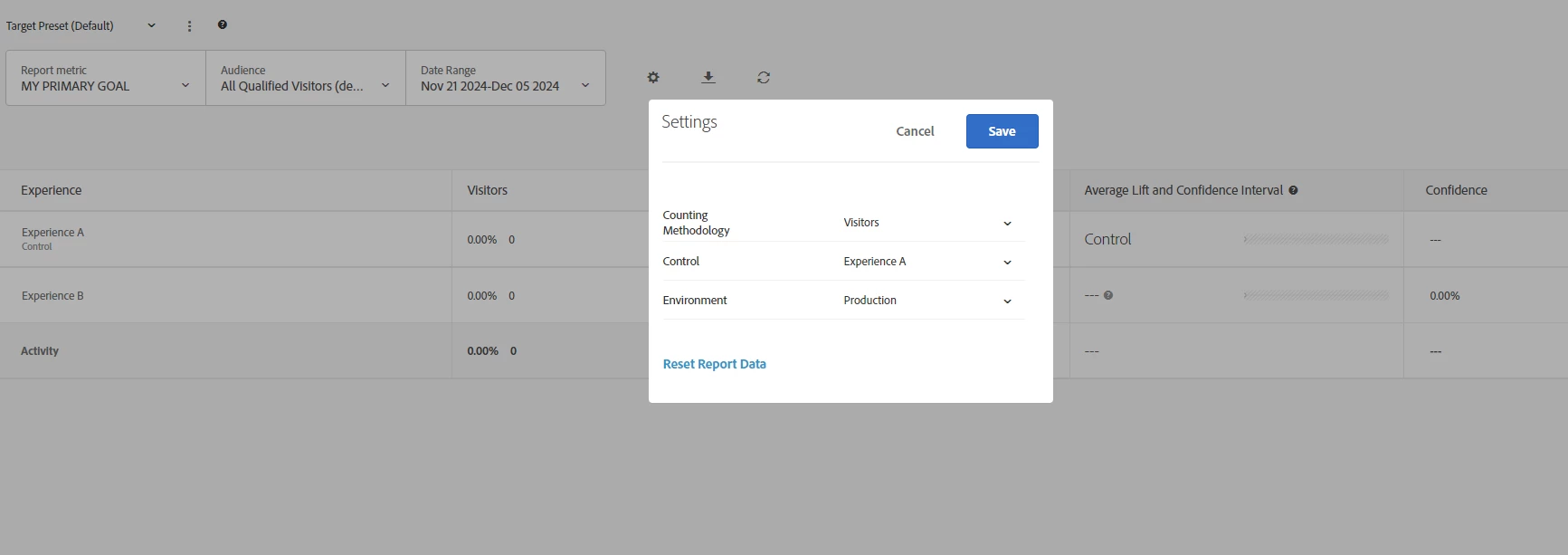
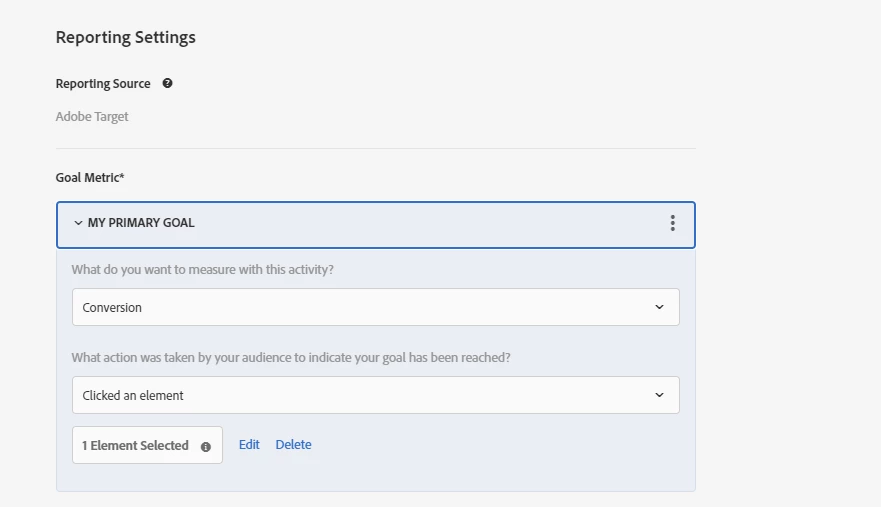
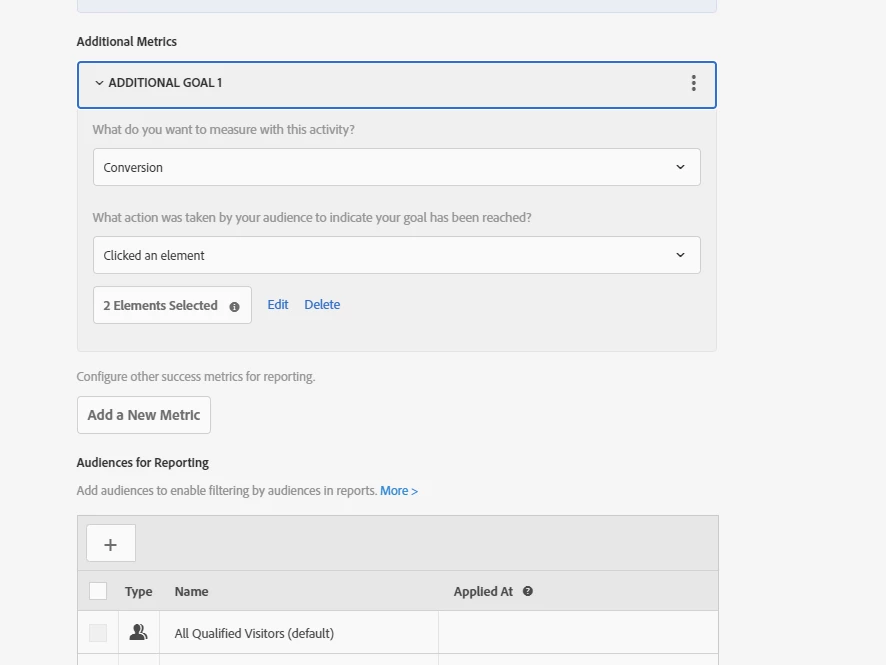
After creating the activity in A/B experience i have given the following goals and settings


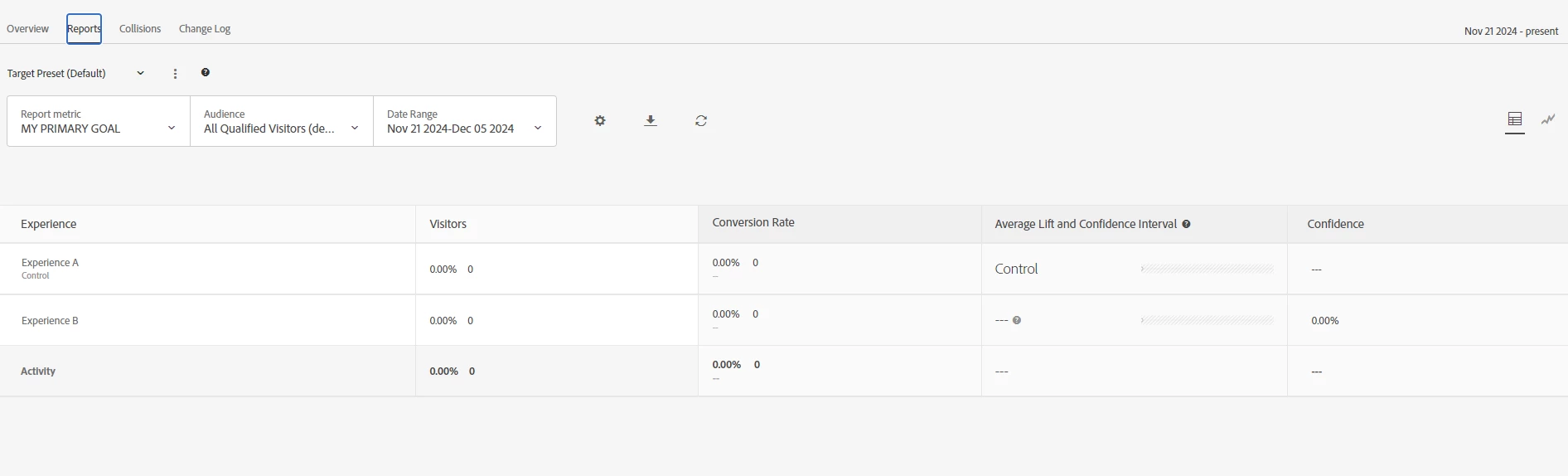
when i give above settings in A/B experience activity still reports are not shown even i am waiting for 24 hrs after as well. Below is the reports screenshot:


このトピックへの返信は締め切られました。
ベストアンサー Gokul_Agiwal

Hi @sesha_saicharanma 

Lets debug this with with some basic checks 

1) Are you able to see the your A/B test on the page, are you qualifying for the test? You can verify in browser network tab based on which method you've used for Target implementation. 

- if you're using at.js then, in browser network tab filter with "delivey" calls and check if you're seeing the response. 

- if you're using web sdk then in browser network tab filter with "interact" calls and check the response and validate. 

2) If so, is this activity running on Production environment or any lower environment? Please select right environment and right experience ( from your last screenshot)

Also check if there is no error / issues for the selector you select based on the your goal - clicked an element. 


Please check and confirm.
2 の返信

Gokul_Agiwal
Community Advisor
Community Advisor
December 5, 2024

Hi @sesha_saicharanma 

Lets debug this with with some basic checks 

1) Are you able to see the your A/B test on the page, are you qualifying for the test? You can verify in browser network tab based on which method you've used for Target implementation. 

- if you're using at.js then, in browser network tab filter with "delivey" calls and check if you're seeing the response. 

- if you're using web sdk then in browser network tab filter with "interact" calls and check the response and validate. 

2) If so, is this activity running on Production environment or any lower environment? Please select right environment and right experience ( from your last screenshot)

Also check if there is no error / issues for the selector you select based on the your goal - clicked an element. 


Please check and confirm.
Gokul_Agiwal
Community Advisor
Community Advisor
December 6, 2024

Hi @sesha_saicharanma  Did you get a chance to check your activity? are you still facing issues or is it resolve? 


pradnya_balvir
Community Advisor
Community Advisor
December 5, 2024

Hi @sesha_saicharanma , I agree with @gokul_agiwal . 

You need to first debug your activity.


You can follow the steps given by Gokul.

Also you can debug using AEP debugger.

https://experienceleague.adobe.com/en/docs/experience-platform/debugger/solutions/target


Please check your default environment.