
Legacy Rich Text Editor and Form Editor 1.0 are Being Deprecated August 1st | Community
Skip to main content
Mike_Reynolds2
Level 10
February 21, 2017

Legacy Rich Text Editor and Form Editor 1.0 are Being Deprecated August 1st

  • February 21, 2017
  • 24 replies
  • 28006 views

Included in this article:

Overview

To provide world class product support, Marketo occasionally disables old areas of the product that have been replaced by newer, improved versions. As previously announced with the Winter ’17 release, we’re updating the way you’ll edit text and create new forms in Marketo. After August 1st, our legacy text editor will be retired and we’re deprecating the Form Editor 1.0. Here’s what you’ll see in your Marketo Engagement Platform:

  • New Rich Text Editor: Enjoy a more modern experience and even more capabilities when editing text in Marketo. We’re retiring the Legacy Text Editor and transitioning all Marketo customers to the new editor – no action is required and your existing assets will not be impacted.
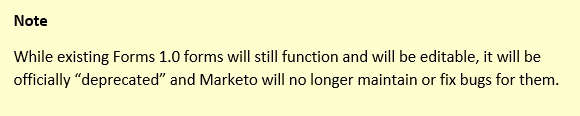
  • Form Editor 2.0: Create all your new web forms with the Form Editor 2.0, giving you an improved WYSISYG editor, the ability to create draft forms and more. We’re deprecating the older Form Editor 1.0, making Form Editor 2.0 the way you’ll create all new forms in Marketo. Any forms previously created in Form Editor 1.0 will remain functional and editable, however these v1.0 Forms will no longer be officially supported by Marketo. To continue receiving support for your Marketo forms, we encourage you to create new forms in Form Editor 2.0 to replace your v1.0 forms.
  • Email Editor: There are no changes to the Email Editor experience. The changes above do not impact the Email Editors. Rest assured, both Email Editor 1.0 and Email Editor 2.0 remain available for your use.

For more information, please see our Innovations Update: New Text Editor & Form Editor 2.0 recorded session.

Note: This change is not tied to a Marketo Release.

Legacy Rich Text Editor

On August 1, 2017, we’re switching all subscriptions to the new text editor. This change won’t have any impact on your day-to-day work. The new editor can do everything the old one can—and more. See Using the Rich Text Editor for details. After the change, nothing will happen to your existing assets, but you’ll see the new editor whenever you edit text in Marketo.

How do I know which text editor I’m using?

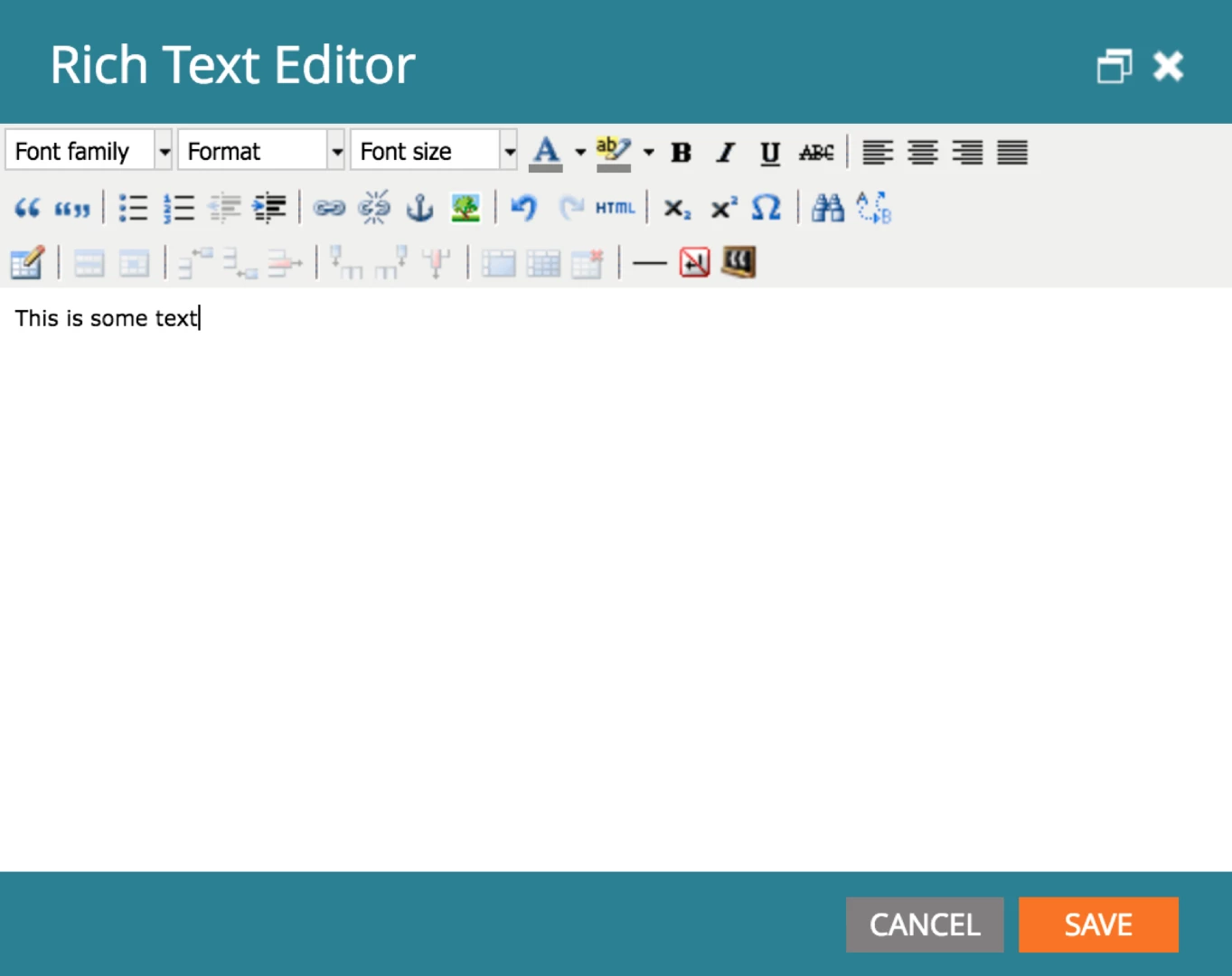
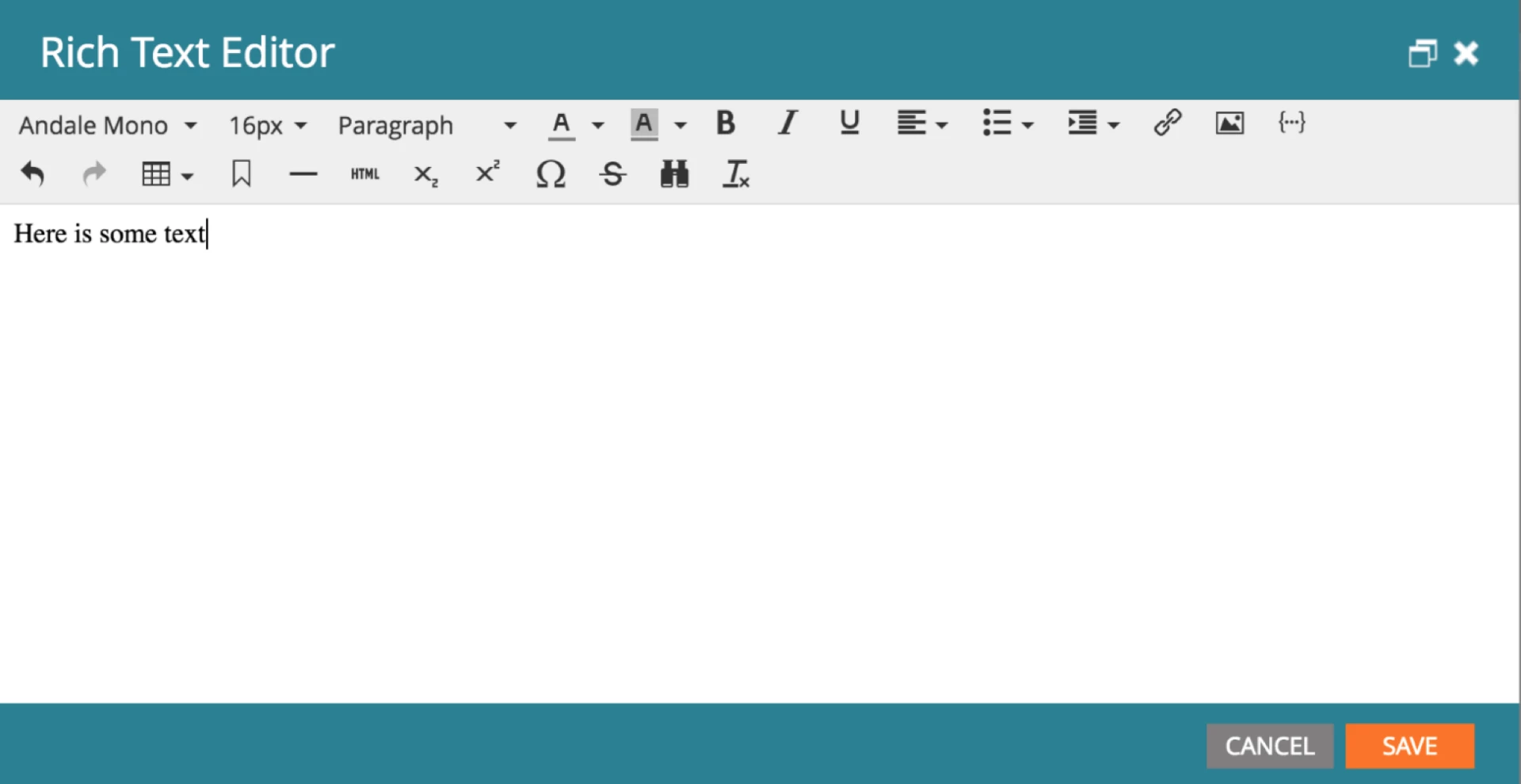
Open an editable text section in any Marketo editor to see which one you’re currently using.

Here’s the old editor:
Here’s the new one:
Note: The legacy text editor used default root block settings of <p> for email/snippets and <div> for landing pages. If you’re upgrading for the first time to the new text editor, it will continue to have those settings. Click here to learn more about the root block setting.

Form Editor 1.0

When creating a new form, some older Marketo customers have a choice of using the original Form Editor 1.0 or the newer Form Editor 2.0, which is the default selection. After August 1, all customers will only be able to create new forms using Form Editor 2.0, which contains additional functionality.

After the change, any forms you created in Form Editor 1.0 will remain in your subscription and still function. However, you won’t be able to create any new forms with Form Editor 1.0.
Recommendation

We recommend that before the sunset date (August 1, 2017), you make sure that your team is up to speed on the newest text editor and form editor, to be sure they’re comfortable continuing to build new assets in Marketo.

This post is no longer active and is closed to new replies. Need help? Start a new post to ask your question.

24 replies

Josh_Hill9
Level 2
May 1, 2017

Does this mean that I can no longer Edit Form 1.0? Should I move all Form 1.0 to 2.0 before August 1?

Mike_Reynolds2
Level 10
May 1, 2017

Existing Forms 1.0 forms can still be edited. It's just that no new ones will be able to be created.

June 15, 2017

If I remember correctly, when the new editor first launched, the "legacy" option wasn't even there. Then, to address issues caused by the "new" WYSIWYG editor, the "legacy" option was provided. (Please correct me if I'm wrong here. Maybe the "legacy" option was already there when the "new" option launched. This is just how I remember it.)

Either way, the issue, for us, was that the "new" WYSIWYG tool was "cleaning-up" our code. Removing tags it saw as being non-compliant, or closing tags, so that templates we had spent time building and testing on Litmus were being altered and no longer rendered as expected on different e-mail clients.

Is that still the case? Does the "new" WYSIWYG do any sort of "clean-up" on the code?

June 19, 2017

@Mike Reynolds, is there anything to my above comment, or all code "clean-up" functions disabled on the new editor?

Mike_Reynolds2
Level 10
June 19, 2017

@Osman​,

I've reached out to one of our Product managers to ask about this. I don't know it myself..​

June 19, 2017

Great! Thanks, @Mike Reynolds​! Much appreciated!

Mike_Reynolds2
Level 10
June 19, 2017

Got clarification on this one. The doc here is referring to the old editor and how to tell which one you're using. When we launched the new text editor we definitely allowed for people to continue using the old. The text editor only changes code within an element of rich text you're editing. The old text editor would be much more restrictive and not allow for much. In the new text editor you can basically have whatever you want, especially if you've set the "root block" to none. That should be what you're looking for. Check out the doc here that shows how to set it to none: Using the Rich Text Editor - Marketo Docs - Product Docs

Hope that helps!

Mike

June 19, 2017

Thanks, @Mike Reynolds! That helps a bit, but what I really want to know is whether the WYSIWYG editor (TinyMCE?) cleans up code that it considers to be incomplete or invalid.

If I dump a heap of "invalid" code into the editor, does it clean it up in any way? That was the stumbling block for us when the new rich text editor was launched. It deemed certain code in our templates invalid and tidied that code up — but that code was necessary in order for our e-mails to render across the broadest set of e-mail clients. Our only option was to turn on the legacy editor, which doesn't alter our code.

Haven't heard anything further about the issue since that time.

I logged a case for it when we experienced the issue (00459747) if that helps.

Mike_Reynolds2
Level 10
June 20, 2017

Good to hear that you logged a case for it. That's going to be your best bet for those details unless someone else here in the community knows the answer for that one.

June 21, 2017

@Mike Reynolds​, that was an old case that's since been closed. I was actually hoping you or another representative from Marketo might know the answer.