How Workspaces & Partitions work with reports in Analytics area
Applies to: Email Performance Report, Email Link Performance Report, Engagement Stream Performance Report, Landing Page Performance Report, Program Performance Report, Sales Insight Performance Report
When you create a report in the Analytics area, by default the report will only show reporting for the current workspace.
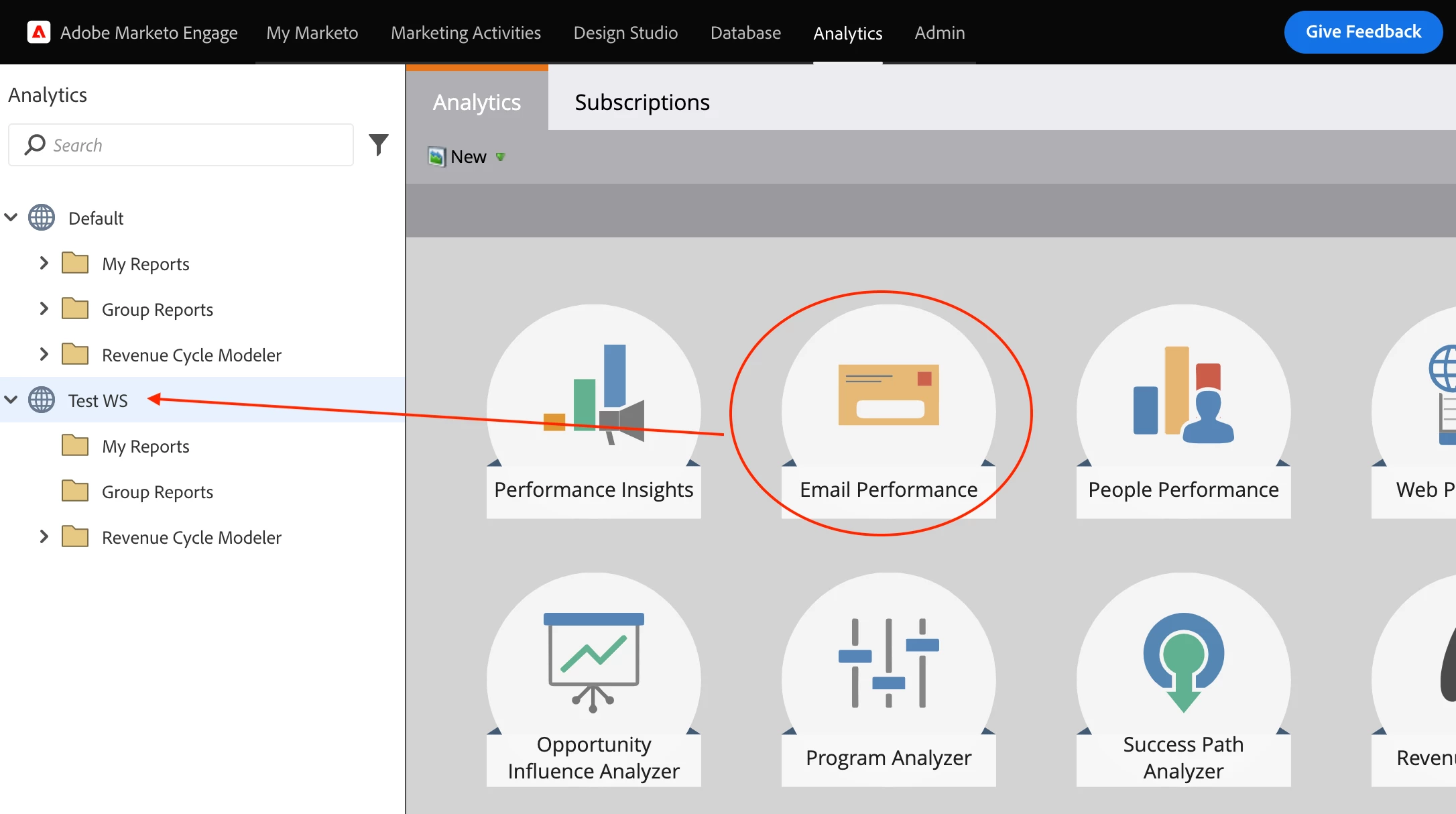
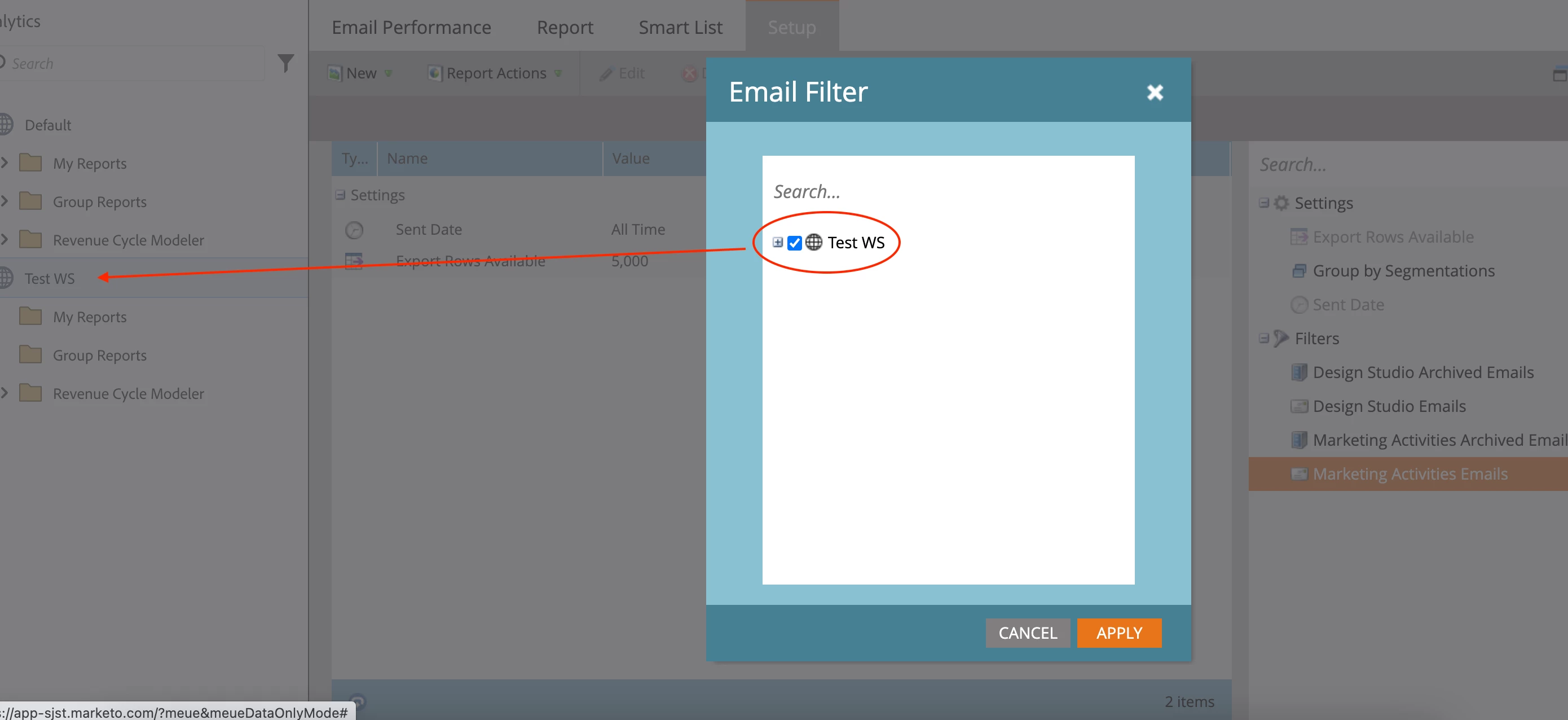
Once the report is created, under the Setup tab, you can add filters to filter by asset. For example, Filter Assets in an Email Report. If you filter for the workspace, it will show reporting for all assets in the workspace, similar to the default view without a filter:
To add reporting across all workspaces, use Enable Global Reporting in the report settings within the Setup tab.
Note: Global Reporting is only available in your instance's default workspace.
When you create a report in the Analytics area, by default the report will only show reporting for the current workspace.
Once the report is created, under the Setup tab, you can add filters to filter by asset. For example, Filter Assets in an Email Report. If you filter for the workspace, it will show reporting for all assets in the workspace, similar to the default view without a filter:
To add reporting across all workspaces, use Enable Global Reporting in the report settings within the Setup tab.
Note: Global Reporting is only available in your instance's default workspace.