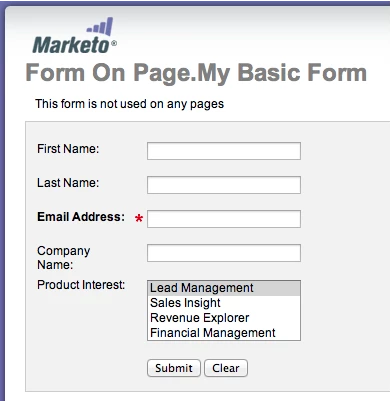
FORMS 1.0 - Add a Multi-Select Field to Your Form
You may want to allow the user to select multiple values for a single field when filling out a form.
Here is how:
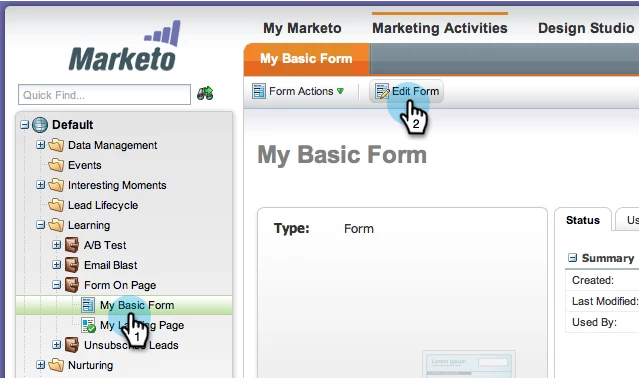
1. Find the form you want to add the multi-select field to, select it and click Edit Form.
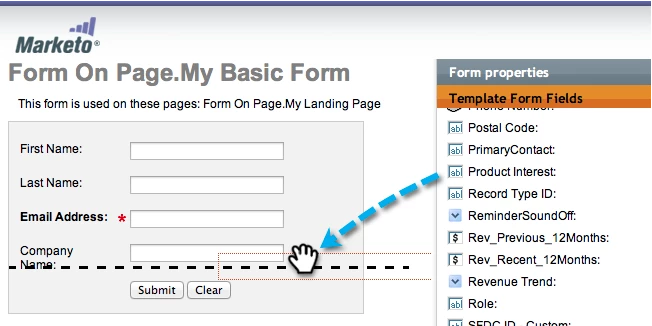
2. Under Template Form Fields, find the field and drag it into the canvas.
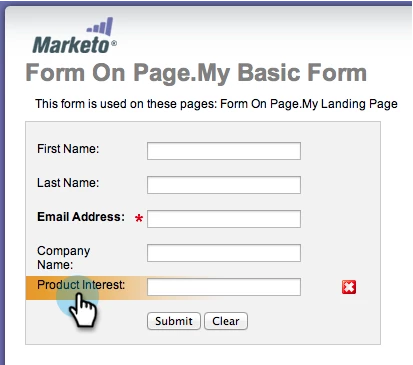
3. Select the field you just dragged in.
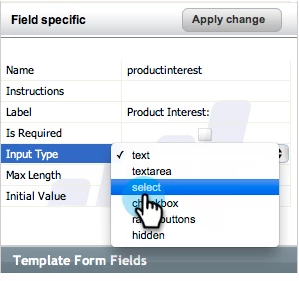
4. Under Form Properties, change the Input Type to select and click into the canvas to apply changes.
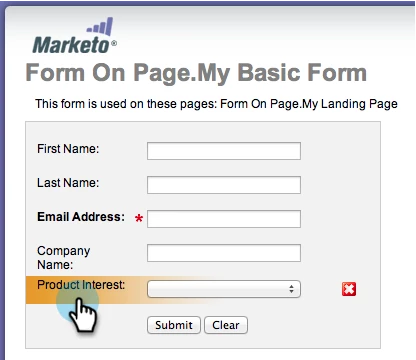
5. Select the field again.
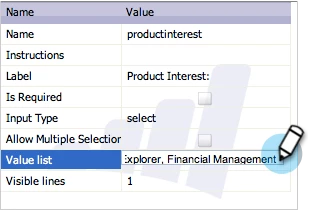
6. Add the list of options in the following format to Value List:
Lead Management, Sales Insight, Revenue Explorer, Financial Management
7. Check Allow Multiple Sections.
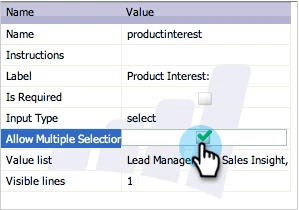
8. Click in the canvas to apply changes.